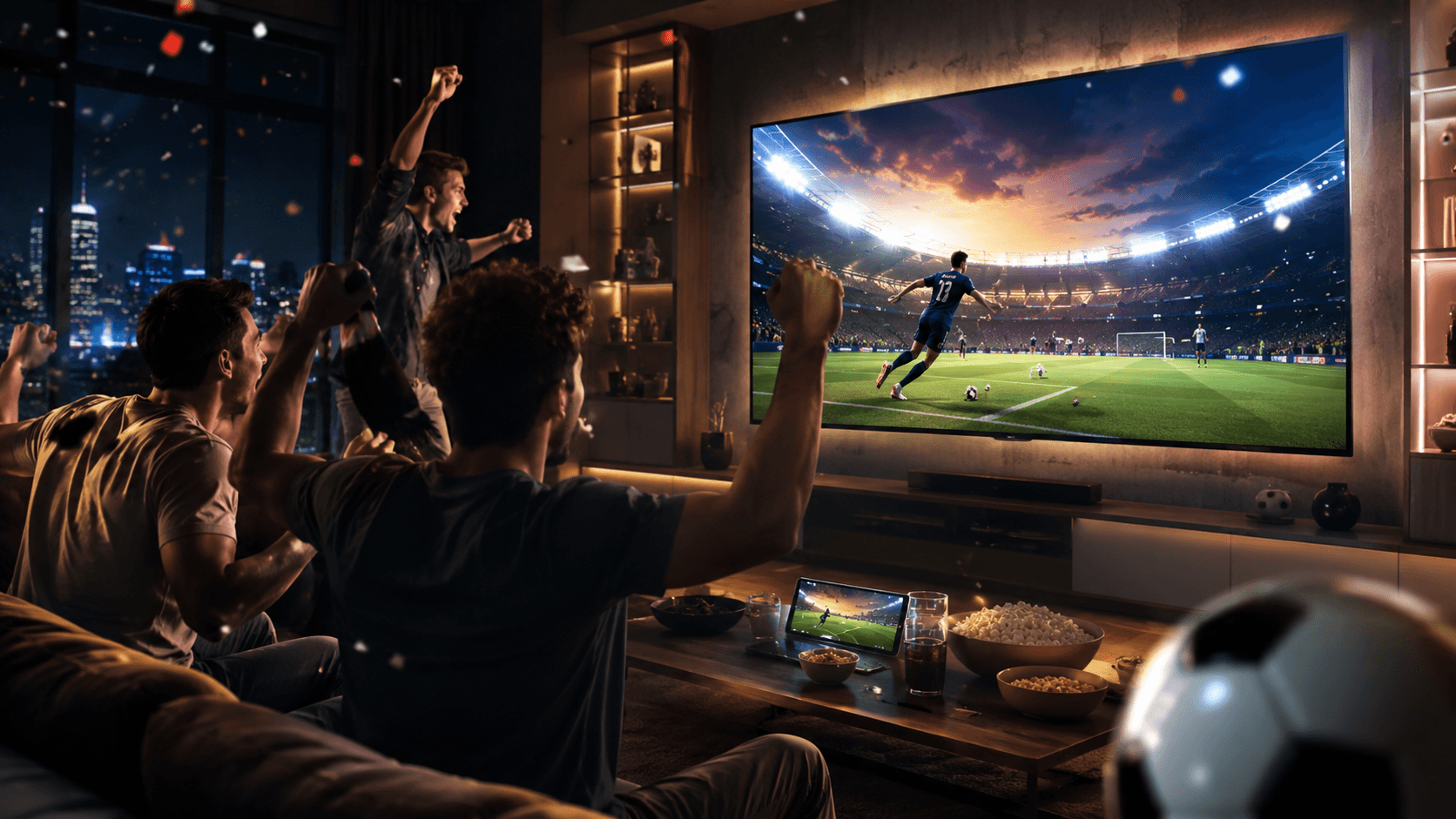
2026 FIFA World Cup Watch Hub
2026 FIFA World Cup Watch Hub
Watch, Cast & Mirror Every Match
on a Bigger Screen
Watch, Cast & Mirror Every Match
on a Bigger Screen
Where to Watch World Cup 2026
Where to Watch World Cup 2026
Fans around the world will watch through different TV channels, streaming platforms, mobile devices, laptops, and browsers depending on their region, subscription, and broadcast rights.
Fans around the world will watch through different TV channels, streaming platforms, mobile devices, laptops, and browsers depending on their region, subscription, and broadcast rights.
United States
FOX, FS1, FOX One, FOX Sports App
FOX, FS1, FOX One, FOX Sports App
United Kingdom
BBC, ITV, BBC iPlayer, ITVX
BBC, ITV, BBC iPlayer, ITVX
Canada
TSN, CTV, RDS, Crave
TSN, CTV, RDS, Crave
Mexico
TelevisaUnivision, ViX, TV Azteca
TelevisaUnivision, ViX, TV Azteca
Australia
SBS, SBS On Demand
SBS, SBS On Demand
Brazil
CazéTV, Grupo Globo
CazéTV, Grupo Globo
Where You Watch Is Only Half the Problem
Where You Watch Is Only Half the Problem
Where You Watch Is Only
Half the Problem
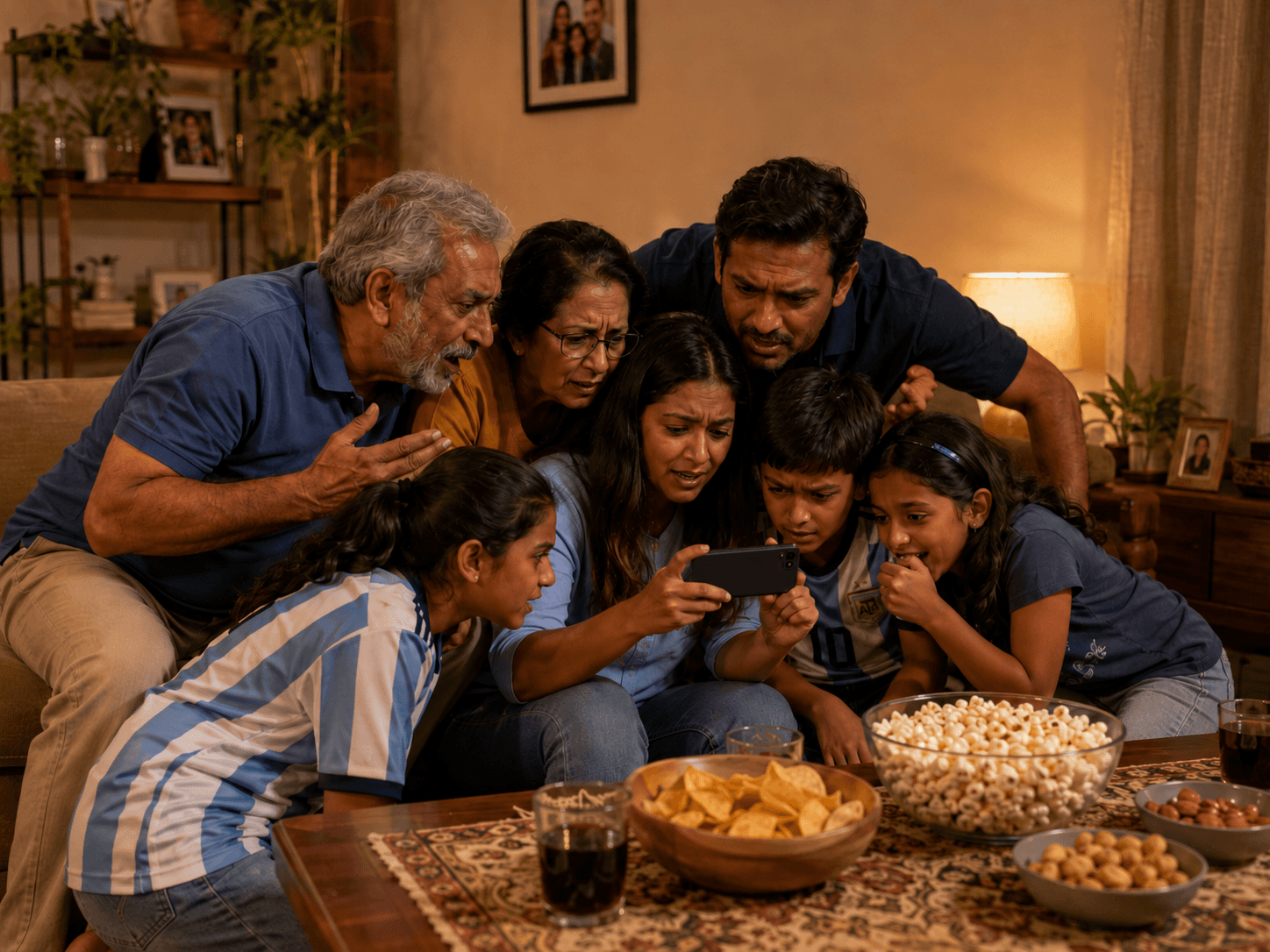
Watch World Cup
at Home with Family
A phone or tablet screen is too small for everyone. Mirror the match to TV for a shared big-screen experience.
Watch World Cup
at Home with Family
A phone or tablet screen is too small for everyone. Mirror the match to TV for a shared big-screen experience.
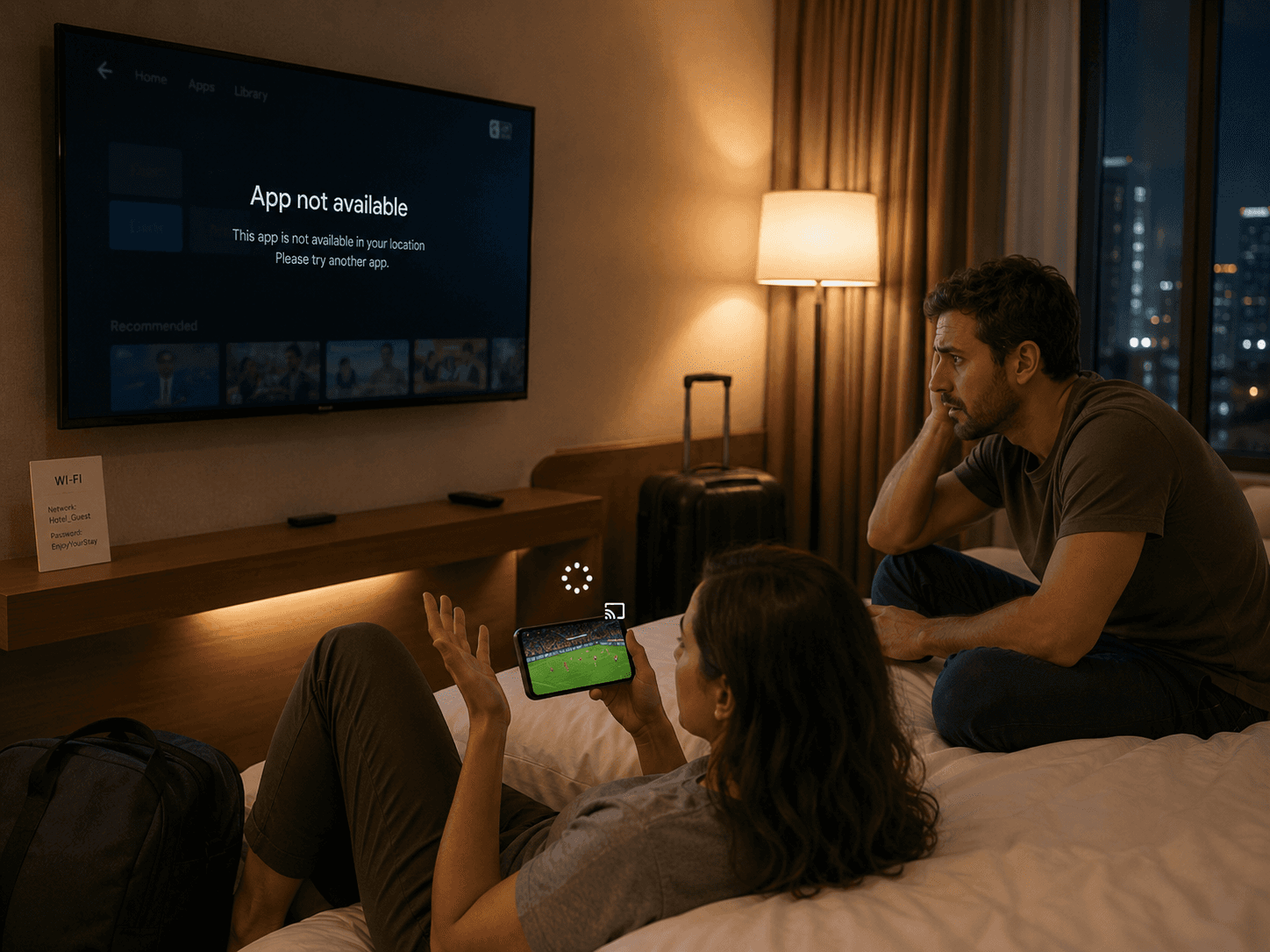
Watch World Cup
in a Hotel Room
Hotel TVs may not have your streaming app. Use your own device as the source and mirror it when the network allows.
Watch World Cup
in a Hotel Room
Hotel TVs may not have your streaming app. Use your own device as the source and mirror it when the network allows.
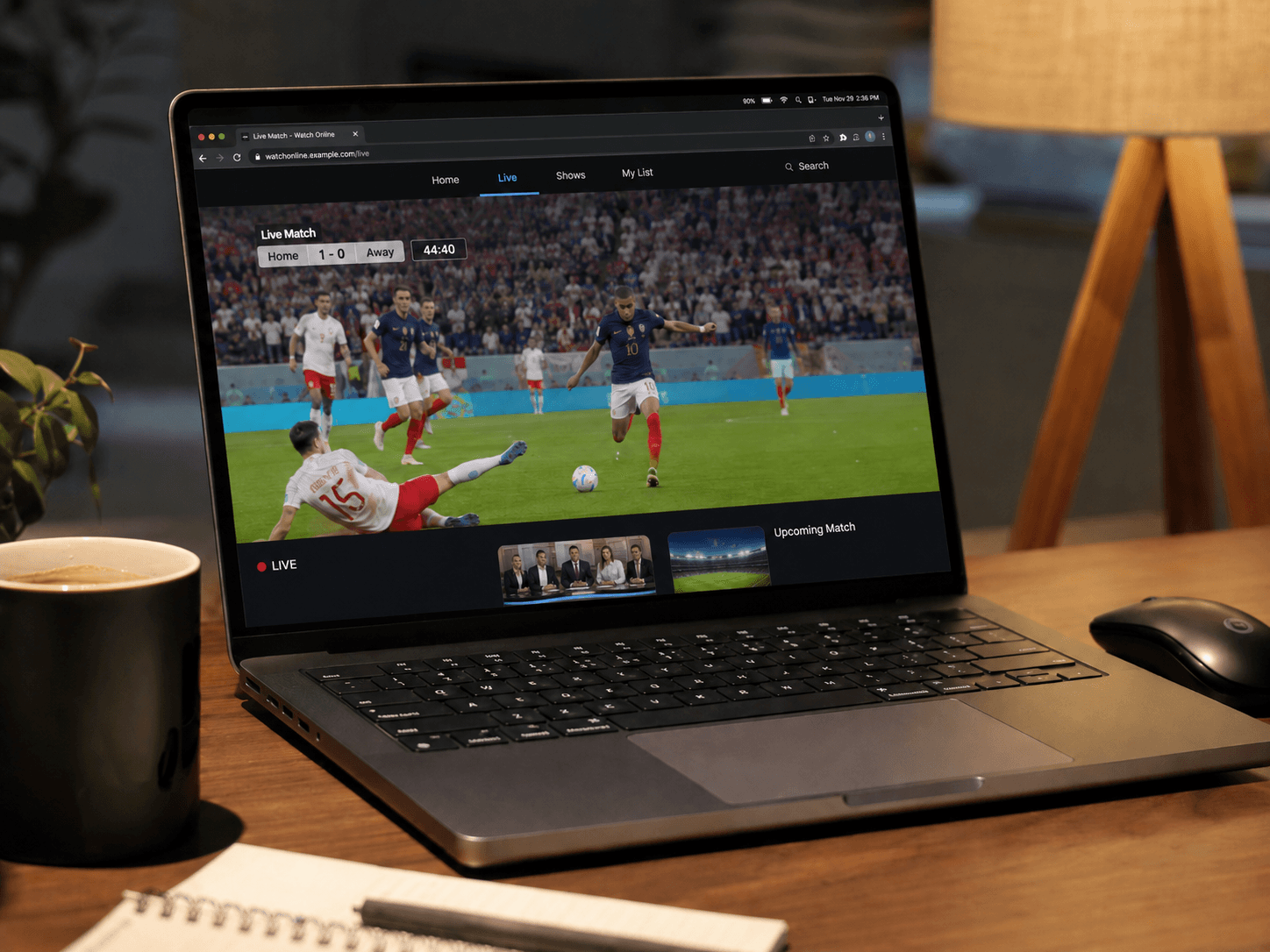
Watch World Cup
from a Laptop Browser
Some streams are easier to open in a browser. Mirror your laptop screen or match window to a bigger display.
Some streams are easier to open in a browser. Mirror your laptop screen or match window to a bigger display.
Watch World Cup
from a Laptop Browser
Some streams are easier to open in a browser. Mirror your laptop screen or match window to a bigger display.
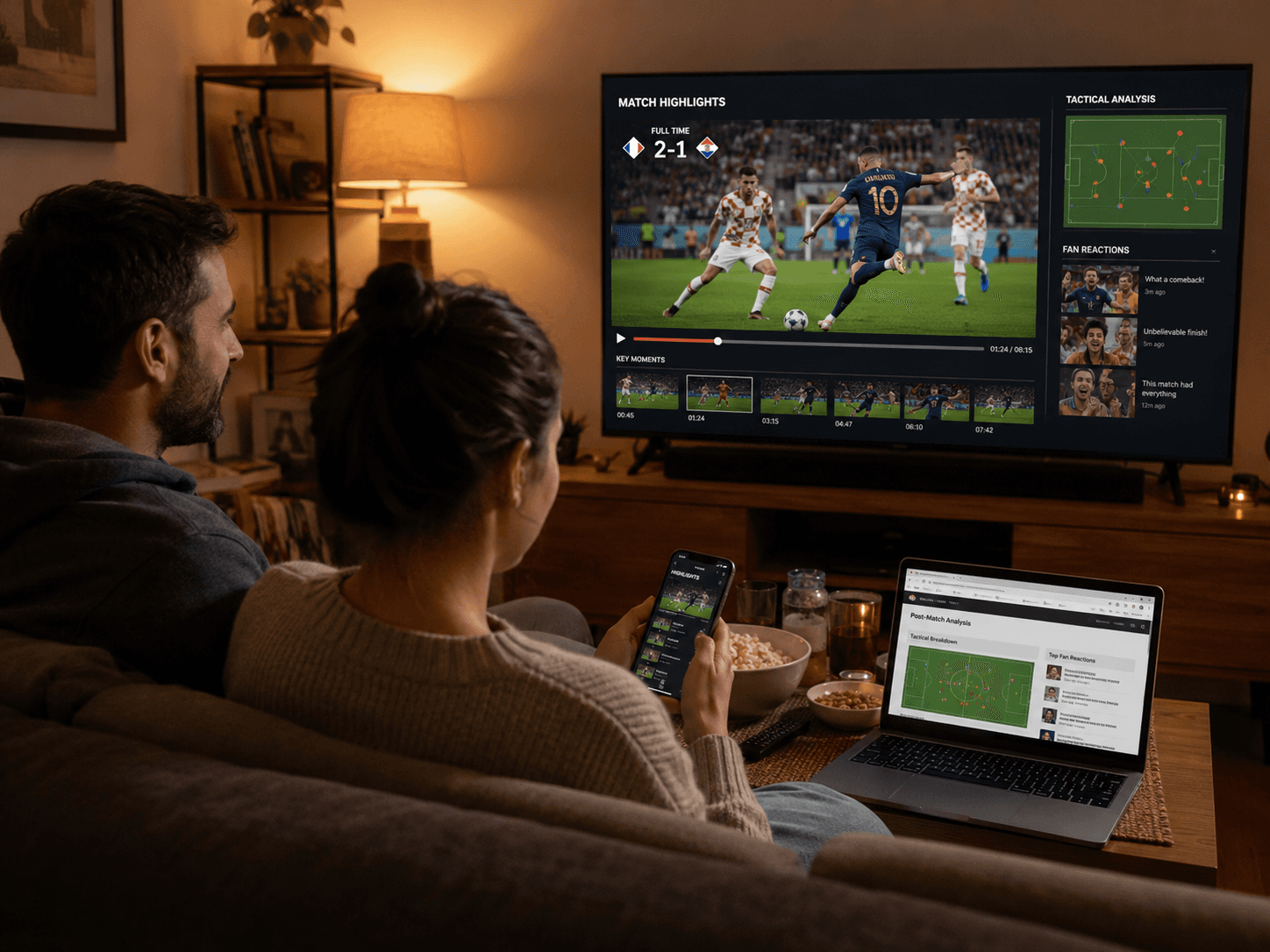
Watch World Cup Highlights and Replays on TV
Watch World Cup
Highlights and Replays on TV
After the match, highlights and reactions often live on social platforms. Bring them to TV for easier viewing.
Watch World Cup Highlights and Replays on TV
After the match, highlights and reactions often live on social platforms. Bring them to TV for easier viewing.
Why 1001 TVs Works for
World Cup 2026 Viewing
Why 1001 TVs Works for
World Cup 2026 Viewing
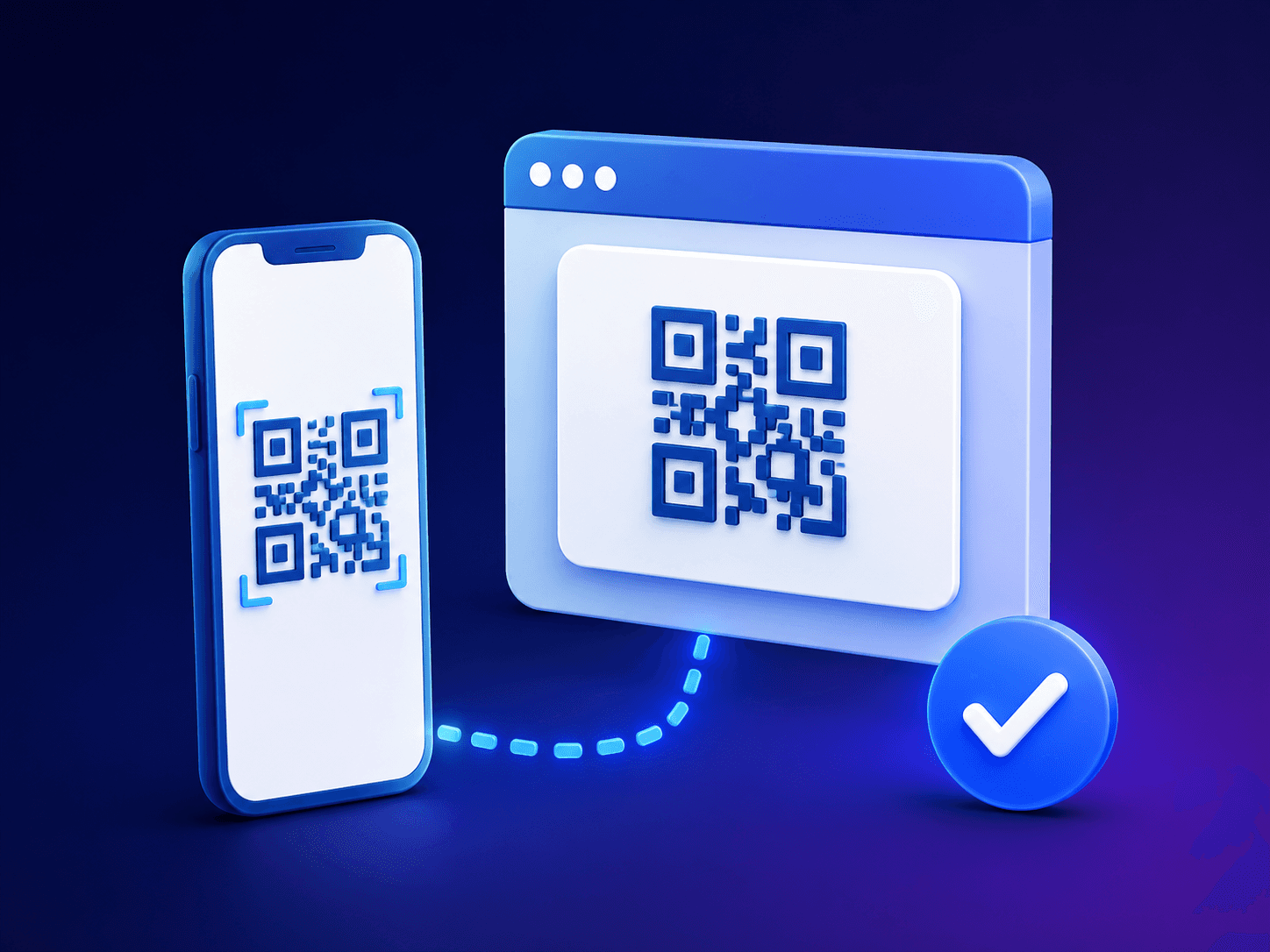
Simple QR Connection
Simple QR Connection
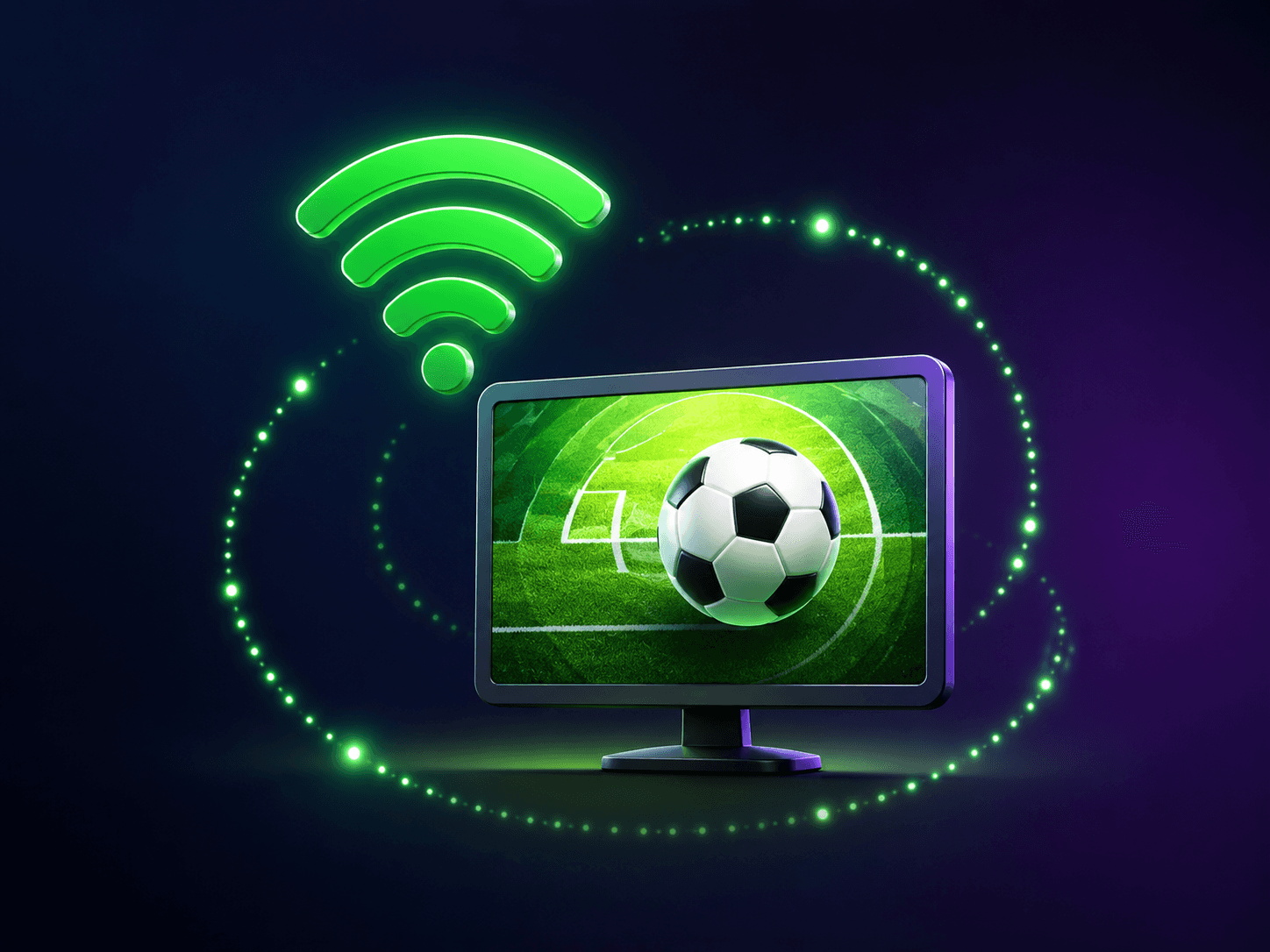
Wireless Match-Day Setup
Wireless Match-Day Setup
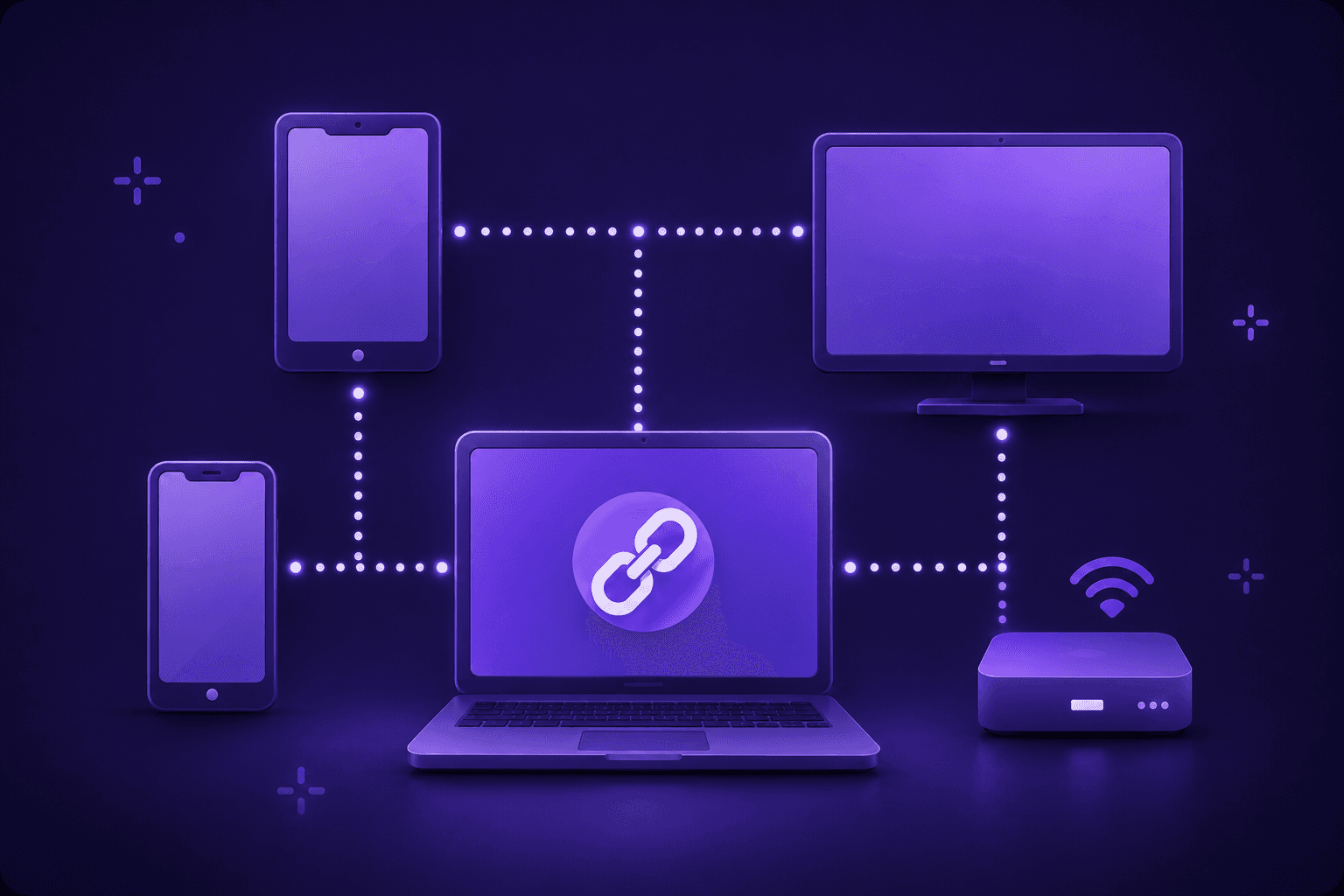
Works Across Mixed Devices
Works Across Mixed Devices
Photo and Video Sharing
Photo and Video Sharing
Free Download
Free Download
How to Mirror World Cup Matches to TV
How to Mirror World Cup Matches to TV
Step 1: Install
Install 1001 TVs on your TV or receiving device, then install it on your phone, tablet, or computer.
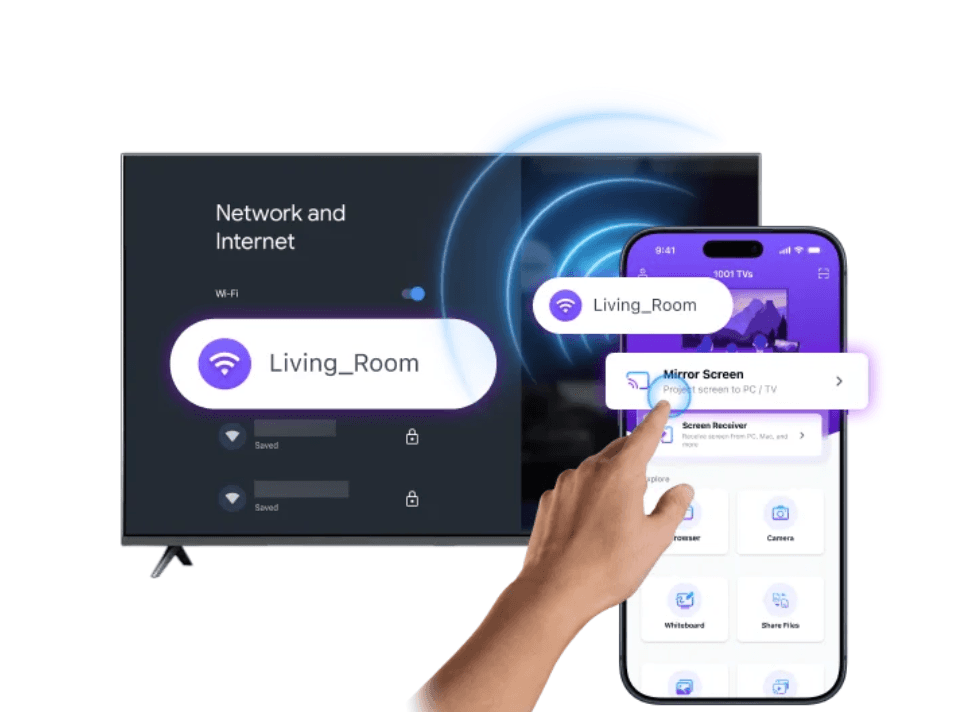
Step 2: Connect
Connect both devices to the same Wi-Fi, then select “Screen Mirroring” and choose your TV or receiving screen.
Step 3: Mirror
Open the World Cup stream on your device, tap “Start,” and enjoy the match on the big screen.
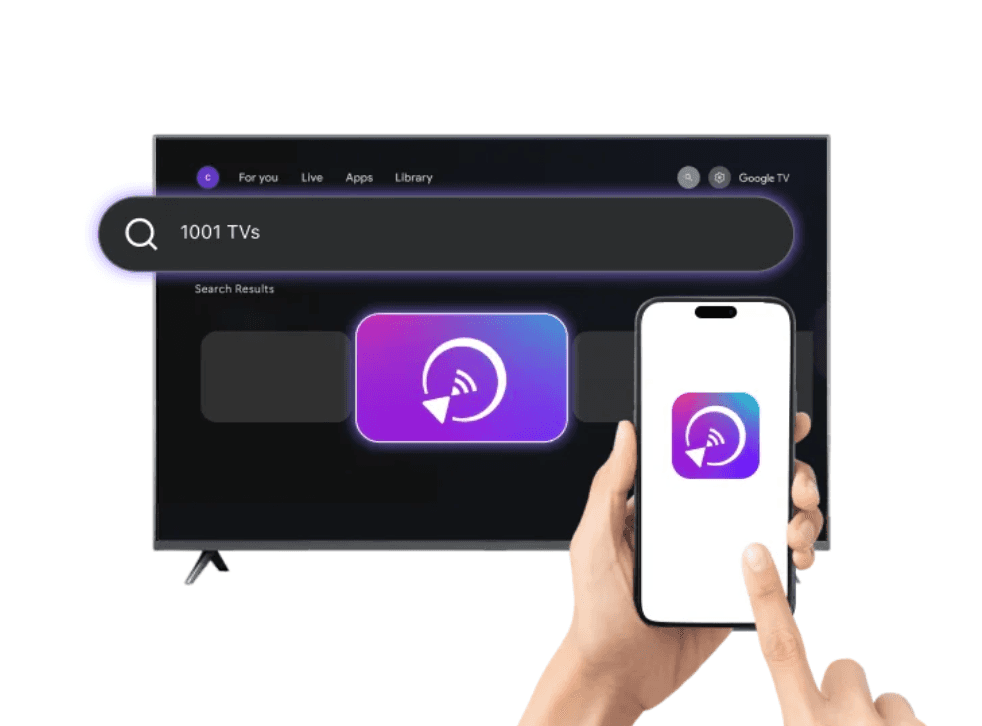
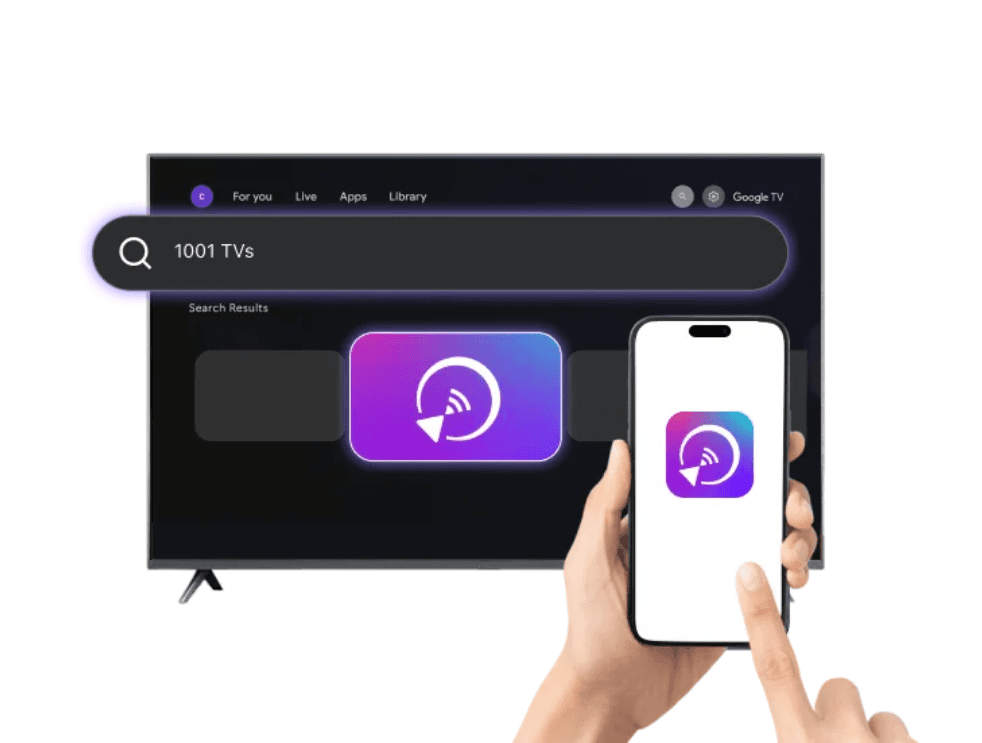
Step 1: Install
Install 1001 TVs on your TV or receiving device, then install it on your phone, tablet, or computer.
Step 2: Connect
Connect both devices to the same Wi-Fi, then select “Screen Mirroring” and choose your TV or receiving screen.
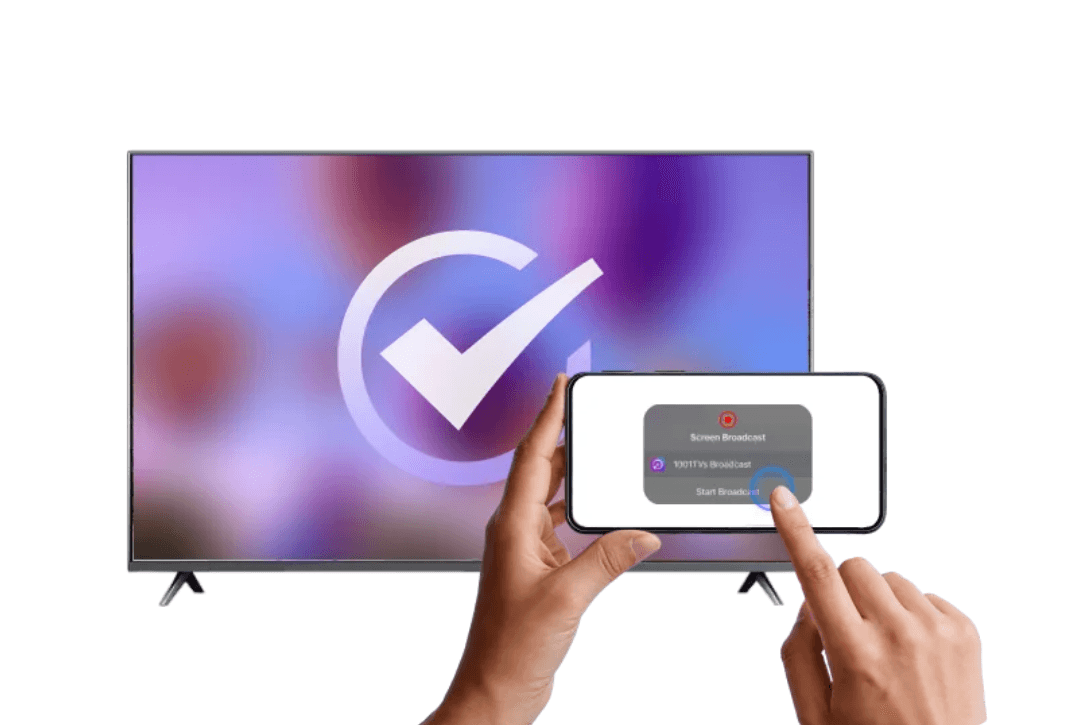
Step 3: Mirror
Open the World Cup stream on your device, tap “Start,” and enjoy the match on the big screen.
Step 1: Install
Install 1001 TVs on your TV or receiving device, then install it on your phone, tablet, or computer.
Step 2: Connect
Connect both devices to the same Wi-Fi, then select “Screen Mirroring” and choose your TV or receiving screen.
Step 3: Mirror
Open the World Cup stream on your device, tap “Start,” and enjoy the match on the big screen.
World Cup Watching &
Screen Mirroring FAQ
World Cup Watching &
Screen Mirroring FAQ
Can I mirror FOX, Peacock, BBC iPlayer, ITVX, or other World Cup streams to TV?
Yes, if the streaming platform allows screen mirroring.
Open the official stream on your phone, tablet, or computer, then use 1001 TVs to mirror it to a TV or supported screen.
Does 1001 TVs replace a streaming subscription?
Why is my screen black when mirroring a live match?
What devices does 1001 TVs support?
How do I reduce lag when casting live football matches?
More World Cup 2026 Resources
More World Cup 2026 Resources


© 2026 – Nero AG
© 2026 – Nero AG
© 2026 – Nero AG