💿
💿
Get Started. Rip Your CD Audio Today
Get Started. Rip Your CD Audio Today
💿
💿

Nero CD Ripper - Music Rip Software
Nero CD Ripper - Music Rip Software
Easily Convert CDs to MP3 or WAV.
Easily Convert CDs to MP3 or WAV.
Easily Convert CDs to MP3 or WAV.
High-Speed Ripping
High-Speed Ripping
High-Speed Ripping
Extract audio quickly
Extract audio quickly
Extract audio quickly
Custom Parameters
Custom Parameters
Custom Parameters
Fine-tune bitrates and audio quality
Fine-tune bitrates and audio quality
Fine-tune bitrates and audio quality
Track Info - Gracenote
Track Info - Gracenote
Track Info - Gracenote
Auto-fetch album art and metadata
Auto-fetch album art and metadata
Auto-fetch album art and metadata
Popular Formats
Popular Formats
Popular Formats
Lossless conversion to MP3, WAV…
Lossless conversion to MP3, WAV…
Lossless conversion to MP3, WAV…
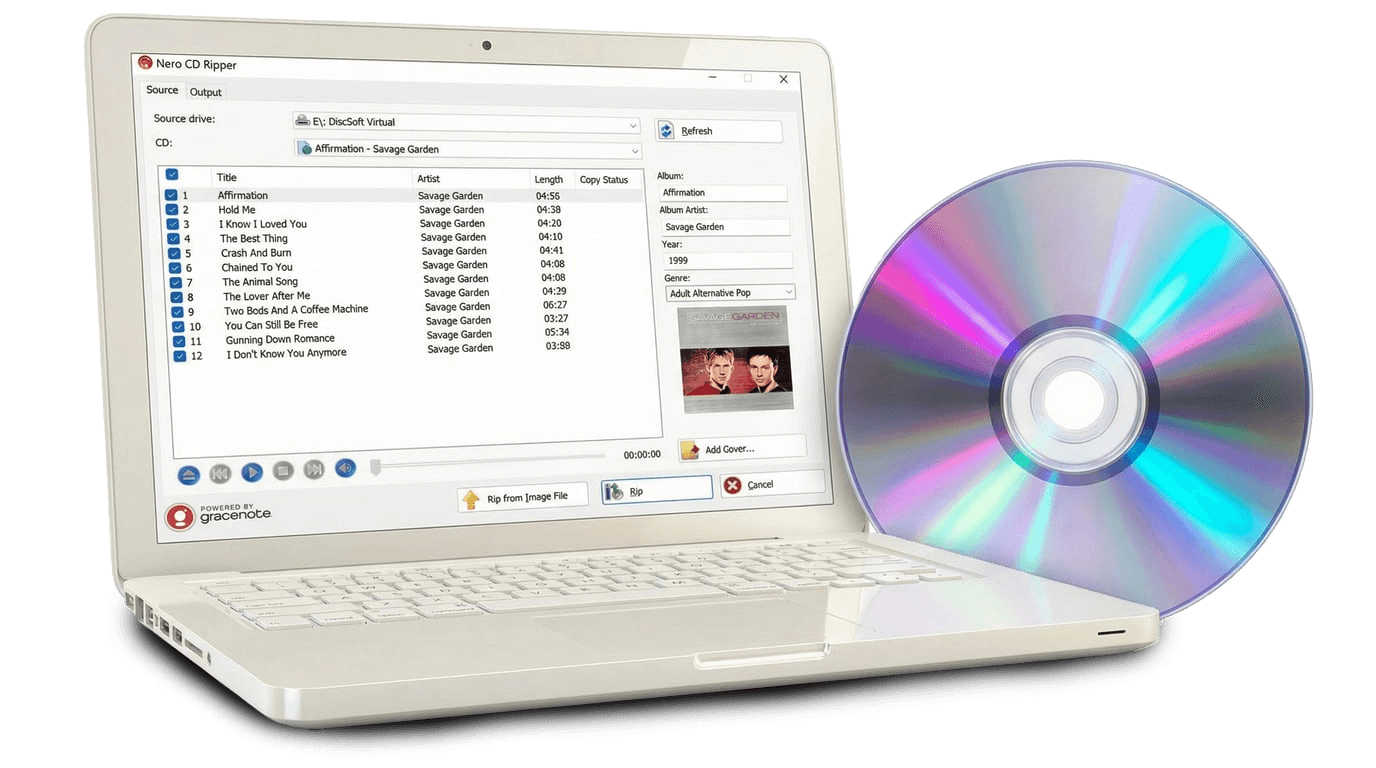
Nero CD Ripper is a free audio CD ripping software for Windows that helps you digitize your music with accurate album covers, reliable metadata, and high-quality audio extraction.
After inserting a CD, Nero CD Ripper automatically retrieves album artwork, artist, track titles, and album information from Gracenote, so your music library looks complete and well organized.*
Built on decades of Nero Burning ROM disc technology, Nero CD Ripper uses refined CD reading methods designed to reduce read-time jitter and preserve high-fidelity audio quality during extraction.
If you have Audio CD image files in Nero’s NRG format, you can also rip tracks directly from these image files.*
⬇️Download Nero CD Ripper for Windows here.
Nero CD Ripper is a free audio CD ripping software for Windows that helps you digitize your music with accurate album covers, reliable metadata, and high-quality audio extraction.
After inserting a CD, Nero CD Ripper automatically retrieves album artwork, artist, track titles, and album information from Gracenote, so your music library looks complete and well organized.*
Built on decades of Nero Burning ROM disc technology, Nero CD Ripper uses refined CD reading methods designed to reduce read-time jitter and preserve high-fidelity audio quality during extraction.
If you have Audio CD image files in Nero’s NRG format, you can also rip tracks directly from these image files.*
⬇️Download Nero CD Ripper for Windows here.
CD Ripper Features
CD Ripper Features
Rip audio CDs to digital audio files
Automatically retrieve album covers and metadata from Gracenote*
Convert audio CDs to MP3, AAC, WAV, FLAC, AIFF, and OGG formats
Save audio information to audio files
Generate playlists automatically
Convert to Apple-compatible AAC
Rip audio tracks directly from NRG Audio CD image files*
*Subscription required for selected features.
Rip audio CDs to digital audio files
Automatically retrieve album covers and metadata from Gracenote*
Convert audio CDs to MP3, AAC, WAV, FLAC, AIFF, and OGG formats
Save audio information to audio files
Generate playlists automatically
Convert to Apple-compatible AAC
Rip audio tracks directly from NRG Audio CD image files*
*Subscription required for selected features.

Why Music Fans Love Nero CD Ripper
Why Music Fans Love Nero CD Ripper
Extract CD audio to MP3, WAV, FLAC, and more
Extract CD audio to MP3, WAV, FLAC, and more
Fast and reliable CD ripping powered by Nero
Fast and reliable CD ripping powered by Nero
Simple and easy-to-use interface
Simple and easy-to-use interface
Pure audio quality is maintained during conversion
Pure audio quality is maintained during conversion
Auto-fetch metadata like title, artist, and album art via Gracenote
Auto-fetch metadata like title, artist, and album art via Gracenote

What can you do with Nero CD Ripper?
What can you do with Nero CD Ripper?
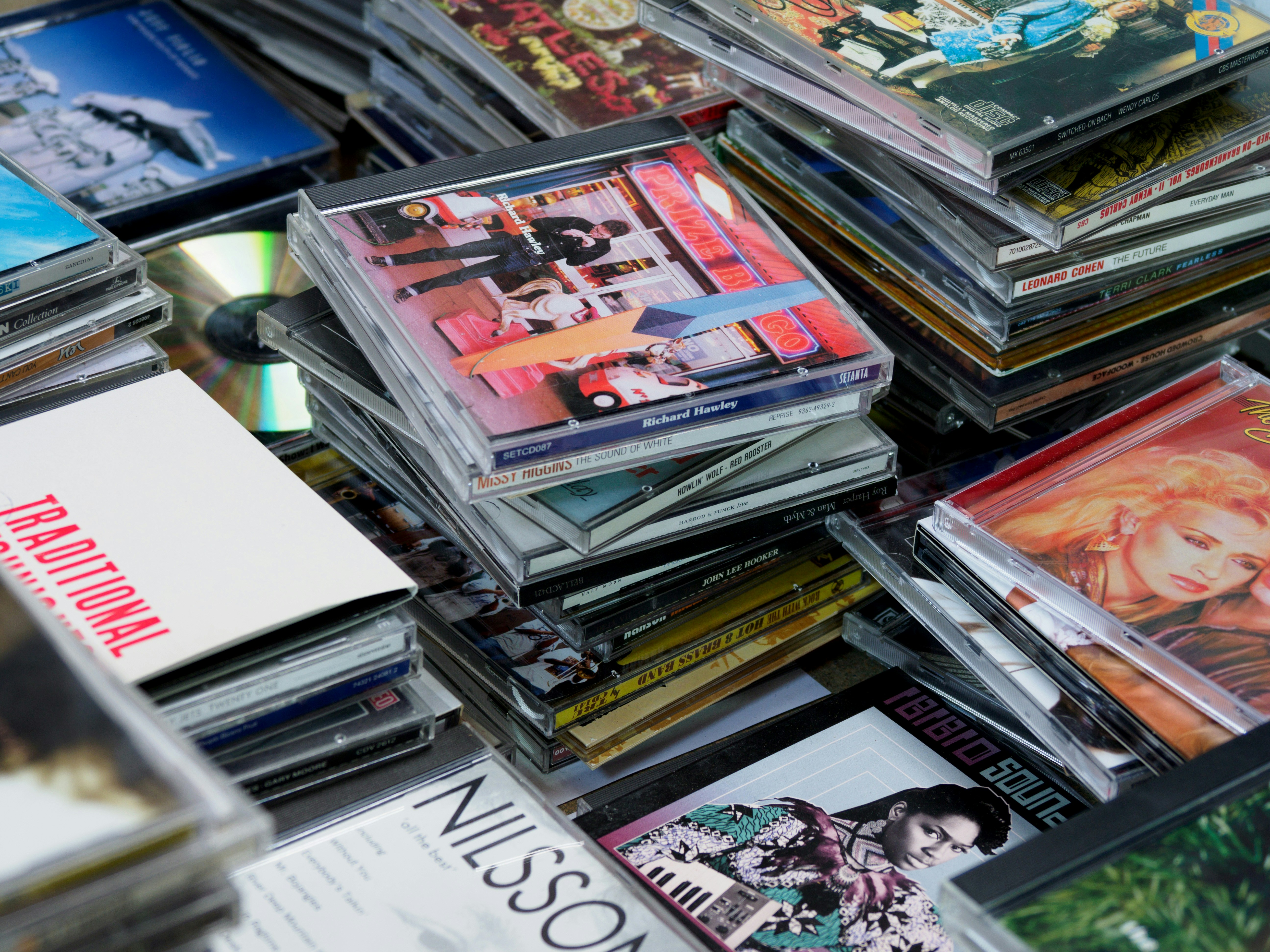
Rip Audio from CD
Rip Audio from CD
Rip Audio from CD
Convert to MP3, FLAC and more
Convert to MP3, FLAC and more
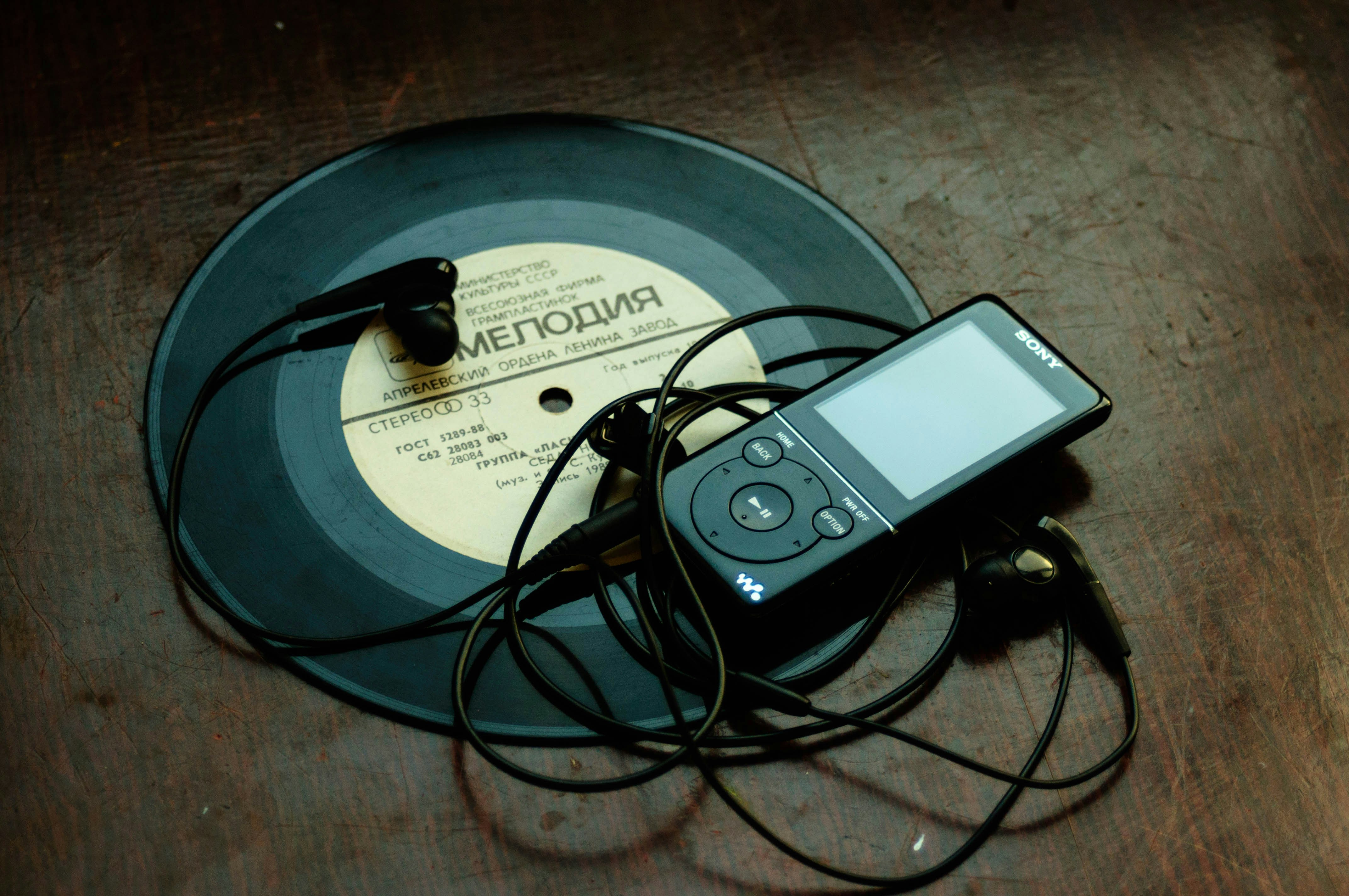
Save to Any Storage Device
Save to Any Storage Device
Save to Any Storage Device
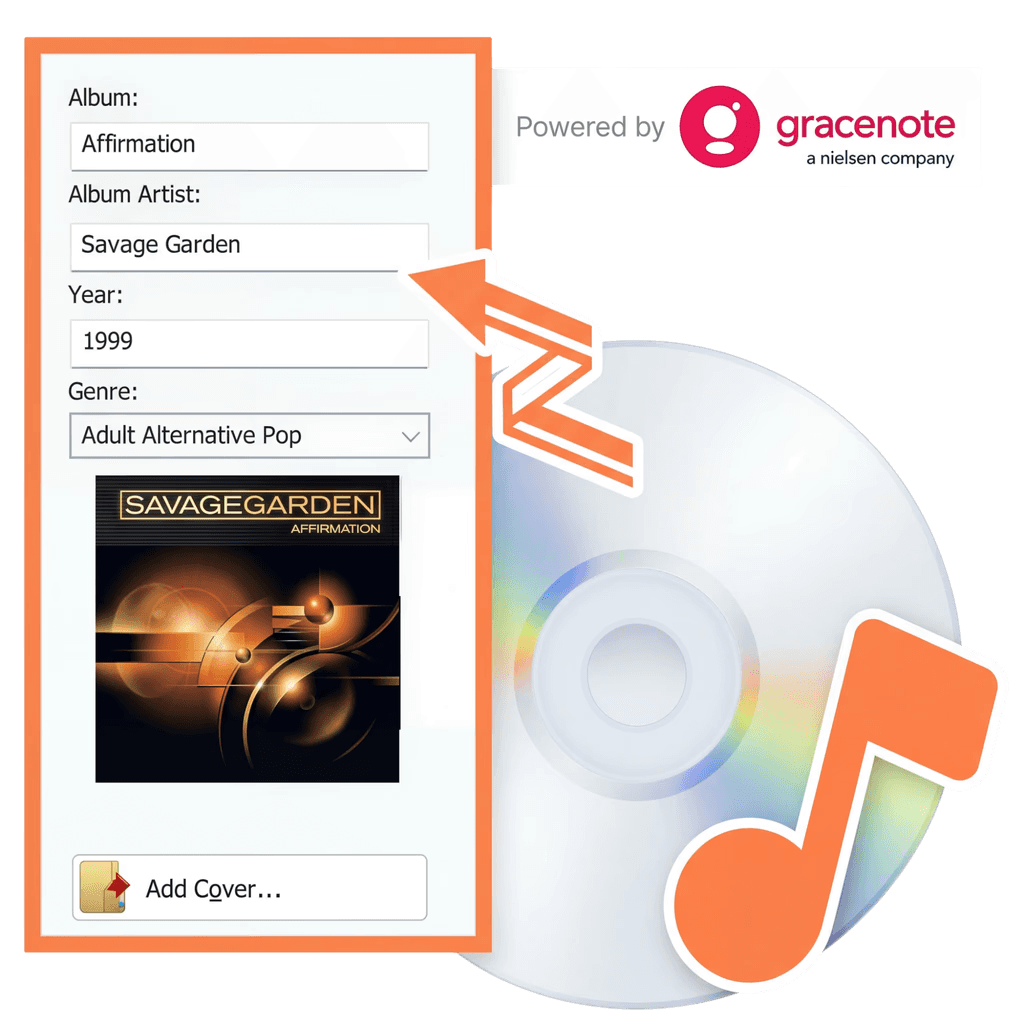
Powered by Gracenote®
Powered by Gracenote®
Instantly organize your audio library as you rip. Thanks to integrated Gracenote® technology, original album covers, artist names, and song titles are automatically matched and added to your tracks. You also have full control to manually tweak any metadata or add custom notes to your files.
Instantly organize your audio library as you rip. Thanks to integrated Gracenote® technology, original album covers, artist names, and song titles are automatically matched and added to your tracks. You also have full control to manually tweak any metadata or add custom notes to your files.
Take your music anywhere



Best CD Ripper
Best CD Ripper
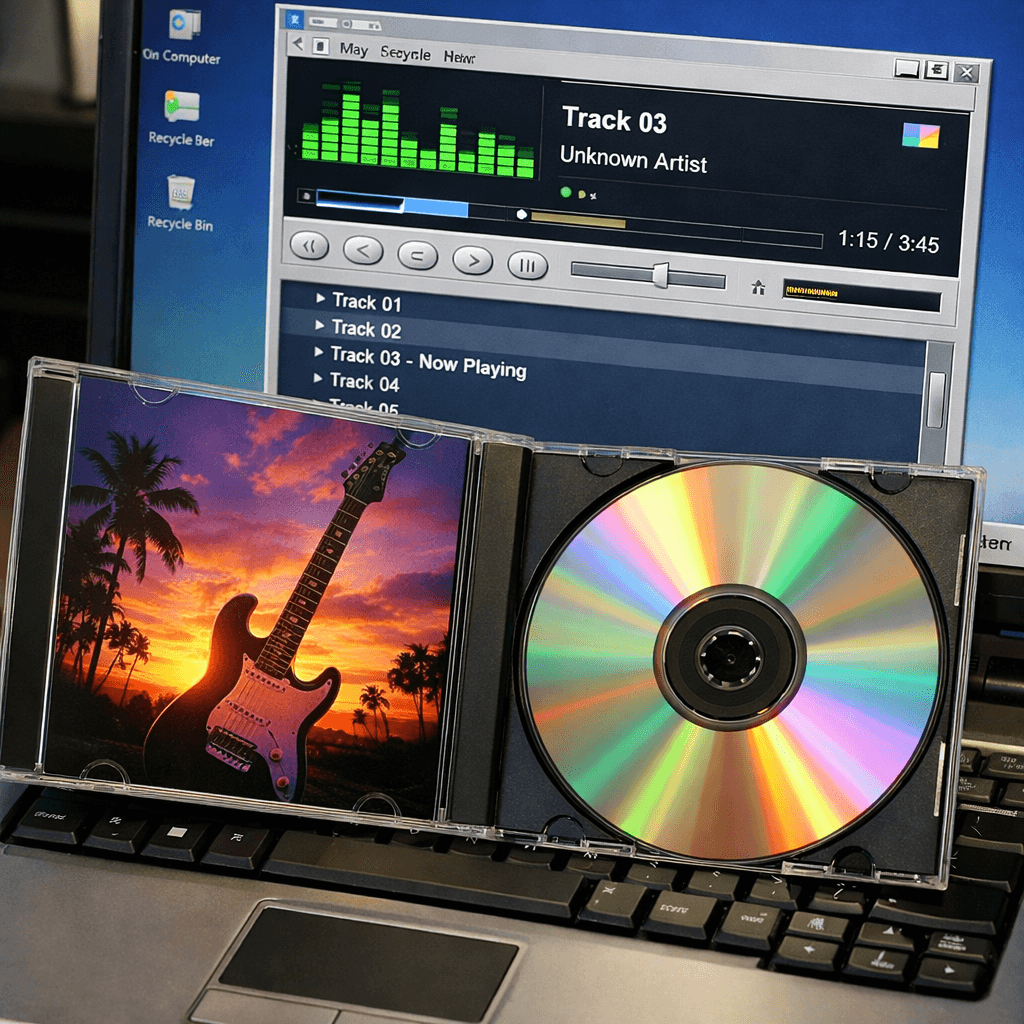
Rip audio CDs in high quality with automatic album covers and
metadata!



About Nero Software
About Nero Software
We aim to provide our customers with high-quality, reliable and user-friendly software solutions without compromising on innovation and state-of-the-art technology.
30m+
Users
30m+
Users
30+
Years Experience
30+
Years Experience