Rip, Copy & Burn
Nero Express
Nero Express
Nero Express
Professional disc burning without the learning curve
Professional disc burning without the learning curve
Professional disc burning without the learning curve
3-minute setup - Start burning immediately
3-minute setup - Start burning immediately
Wizard guides every step - No manual required
Wizard guides every step - No manual required
Same Nero engine - Trusted by 30M users
Same Nero engine - Trusted by 30M users
*From $2.99/month - Try risk-free for 7 days
*From $2.99/month - Try risk-free for 7 days

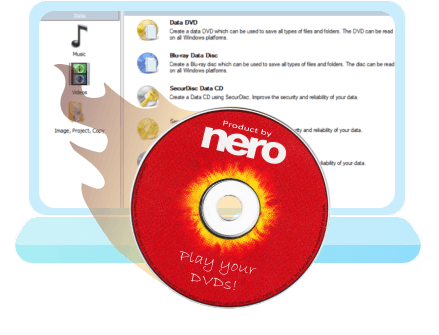
Rip, Copy & Burn
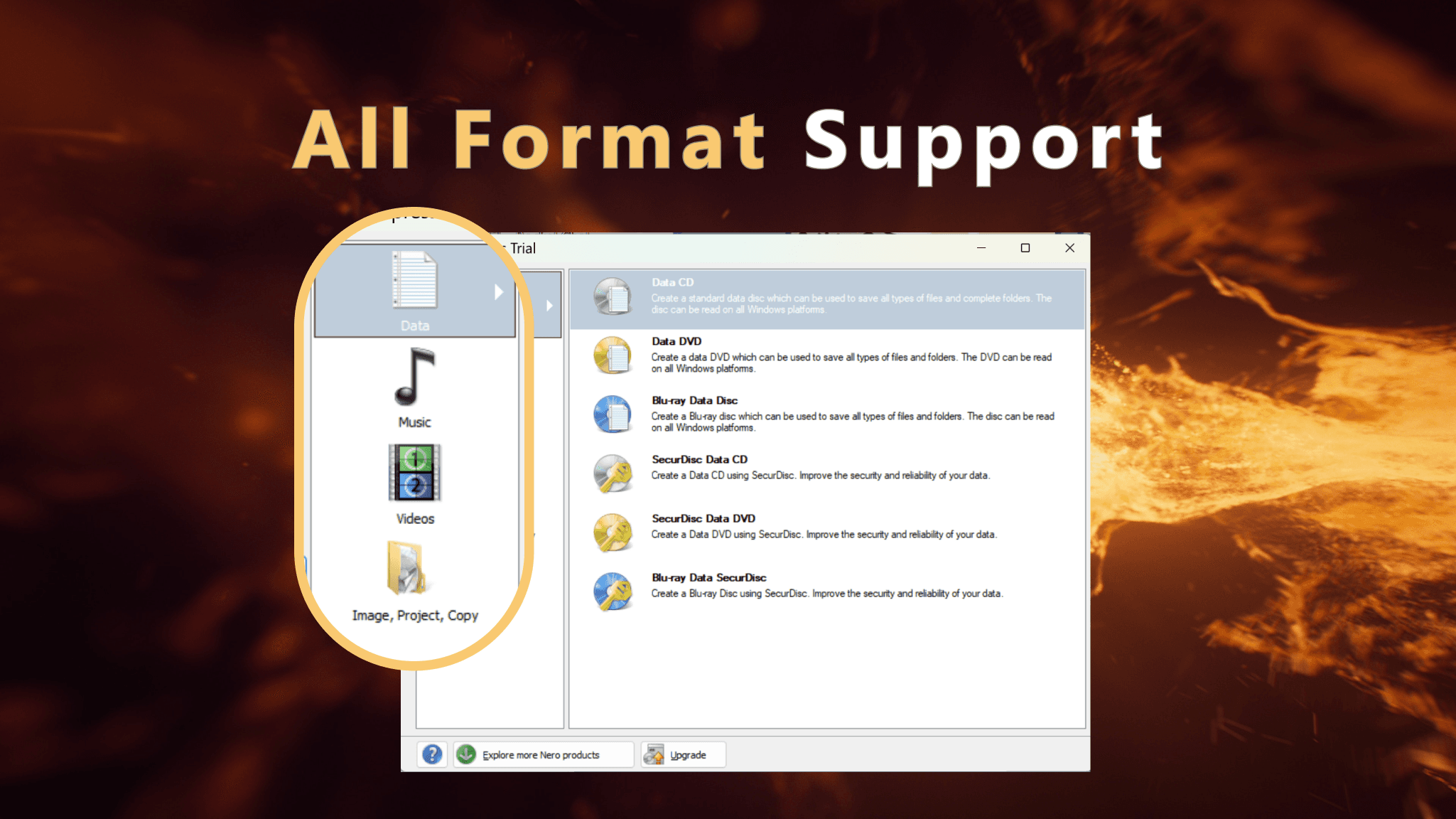
All Format Support
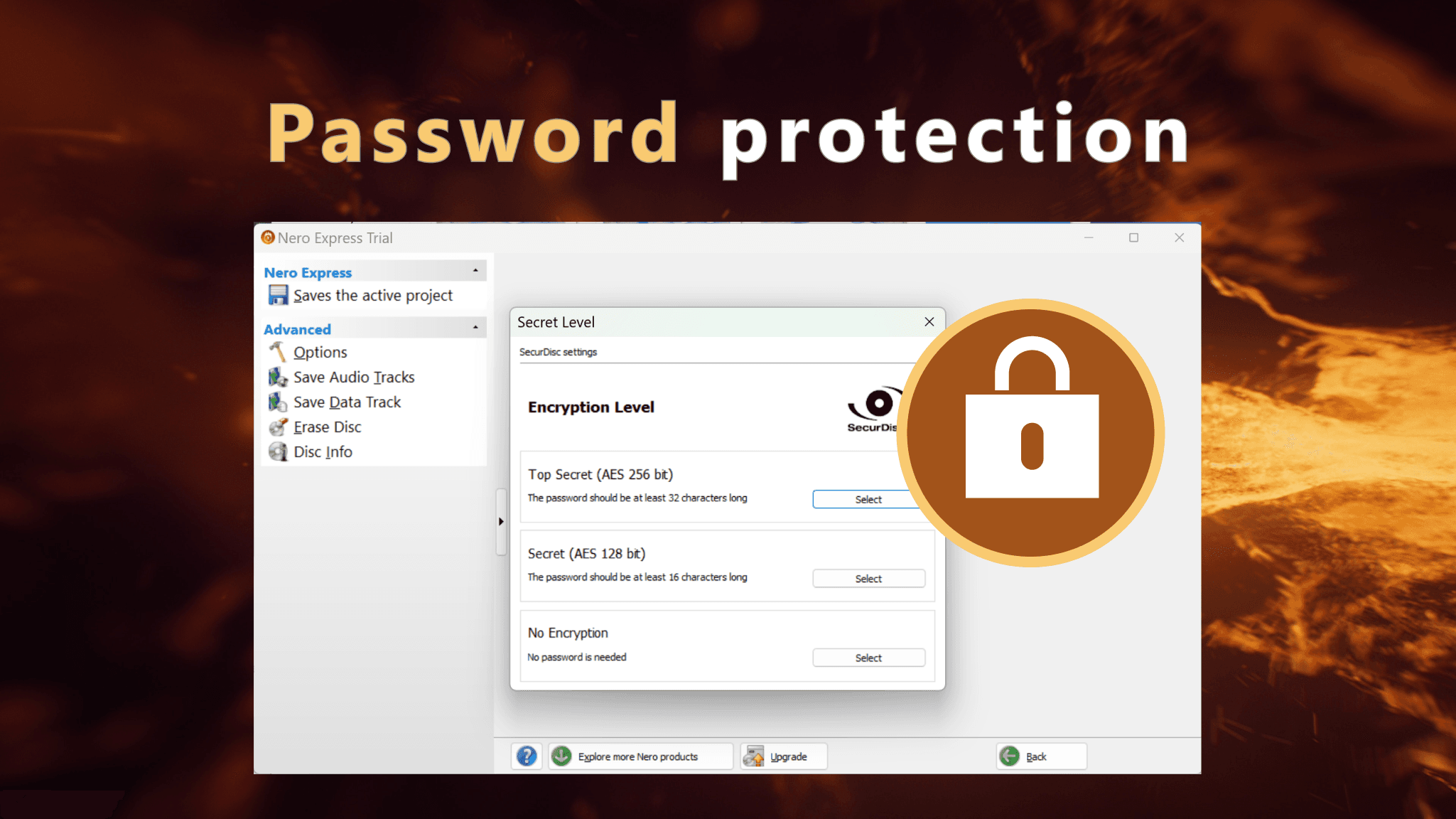
Password Protection

Rip, Copy & Burn
All Format Support
Password Protection
Why Nero Express is the Smart Choice
Nero Express is just a simpler way to burn discs. It uses the same professional engine as Nero Burning ROM, but guides you through every step with a wizard instead of complex menus.
Nero Express vs. Free Tools vs. Nero Burning ROM
Feature | Free Tools | Nero Express | Nero Burning ROM |
|---|---|---|---|
Learning Time | 5-8 hours | 3 minutes | 10-15 hours |
User Interface | Outdated menus | Wizard-driven | Complex (100+ options) |
Rip CDs | Separate tool | Built-in | Advanced options |
Copy Discs | Often fails | Flawless | Professional |
SecurDisc 4.0 | ❌ | ✅ Included | ✅ Included |
Password Protection | ❌ | ✅ AES-256 | ✅ AES-256 |
Support | Forums only | Official | Priority |
Price | Free | $2.99/mo, $12.99/yr, or $39.99 one-time | $55.95 one-time |
Total Cost (time + software) | $50-80 | $39.99 | $100-120 |
Free tools cost you time. Nero Burning ROM costs you learning time. Nero Express gives you professional results with zero learning curve.
What You Get vs. What You Don't Need
🧙♂️ Feature 1: Wizard-Driven Interface
Follow simple prompts to complete any disc task in 3 clicks. The wizard asks: "What do you want to burn?" You choose: Data Disc, Audio CD, Video DVD, Copy Disc, or Rip CD The wizard guides you through the rest.
No menus to memorize. No settings to configure. No manual required.
Time saved: 5-8 hours vs. learning free tools
Perfect for: Anyone who values simplicity over complexity
🎵 Feature 2: Rip & Digitize Your CD Collection
Extract audio from CDs and convert to MP3, FLAC, AAC, or WAV.
Insert CD → Nero detects tracks → Choose format → Click Rip → Done
The wizard handles encoding automatically. No codec configuration. No quality loss.
Perfect for digitizing your CD collection for phones, computers, or MP3 players.
Time saved: 30-45 minutes per CD vs. manual ripping tools
Why this matters: Free rippers like CDex require manual configuration of encoders, bitrates, and metadata. Nero Express does it all automatically with optimal settings.
📀 Feature 3: Copy Discs Flawlessly
Make perfect 1:1 copies of home-made DVDs and Blu-rays.
Insert original disc → Insert blank disc → Click Copy → Done
Perfect for sharing family videos with relatives or creating backup copies.
⚠️ Legal note: Only for non-copy-protected content (your own home videos, not commercial movies).
Why Nero Express wins: Free tools fail on dual-layer DVDs. Nero Express handles them flawlessly.
🔥 Feature 4: Burn Any Disc Type
CD, DVD, DVD-DL, Blu-ray, M-Disc—Nero Express handles them all.
• Data discs for backups
• Audio CDs for car stereos
• Video DVDs for TV playback
• Bootable discs for system recovery
• ISO images for software distribution
One tool, unlimited disc types.
🛡️ Feature 5: SecurDisc 4.0 Protection
Nero's exclusive technology protects discs from scratches, aging, and data loss.
What SecurDisc does:
• Scratch resistance—discs remain readable even with surface damage
• Aging protection—prevents data degradation over 10-50 years
• Integrity checks—warns you before data loss occurs
• Digital signatures—verify data hasn't been tampered with
• Password protection—AES-256 encryption for sensitive files
Perfect for:
• Long-term archival (10+ years)
• Irreplaceable family photos/videos
• Legal/compliance requirements (GDPR, HIPAA)
• Financial records and backups
Free tools don't offer this. Even Nero Burning ROM charges extra for full SecurDisc features. Nero Express includes it standard.
🎬 Feature 6: Auto-Convert Videos & Music
Drag an MP4 video → Nero converts it to DVD format automatically Drag a FLAC audio file → Nero converts it to Audio CD automatically.
No pre-processing. No codec hunting. No format confusion.
Supported formats: MP4, AVI, MKV, MOV, MP3, FLAC, AAC, WAV, and more
Time saved: 30-60 minutes per project
✅ Feature 7: Auto-Verification
Nero Express automatically verifies every burn to ensure 100% data integrity. If verification passes, your disc is perfect. If it fails, you'll know immediately— before you discover it months later.
Peace of mind included.
🔄 Feature 8: Multisession Support
Add files to a disc over time without wasting space. Burn 2GB today, add 2GB next week—until the disc is full.
Perfect for incremental backups or ongoing projects.
Ready to Burn Discs in 3 Minutes Instead of 3 Hours?
Why Nero Express is the Smart Choice
Nero Express is just a simpler way to burn discs. It uses the same professional engine as Nero Burning ROM, but guides you through every step with a wizard instead of complex menus.
Nero Express vs. Free Tools vs. Nero Burning ROM
Feature | Free Tools | Nero Express | Nero Burning ROM |
|---|---|---|---|
Learning Time | 5-8 hours | 3 minutes | 10-15 hours |
User Interface | Outdated menus | Wizard-driven | Complex (100+ options) |
Rip CDs | Separate tool | Built-in | Advanced options |
Copy Discs | Often fails | Flawless | Professional |
SecurDisc 4.0 | ❌ | ✅ Included | ✅ Included |
Password Protection | ❌ | ✅ AES-256 | ✅ AES-256 |
Support | Forums only | Official | Priority |
Price | Free | $2.99/mo, $12.99/yr, or $39.99 one-time | $55.95 one-time |
Total Cost (time + software) | $50-80 | $39.99 | $100-120 |
Free tools cost you time. Nero Burning ROM costs you learning time. Nero Express gives you professional results with zero learning curve.
What You Get vs. What You Don't Need
🧙♂️ Feature 1: Wizard-Driven Interface
Follow simple prompts to complete any disc task in 3 clicks. The wizard asks: "What do you want to burn?" You choose: Data Disc, Audio CD, Video DVD, Copy Disc, or Rip CD The wizard guides you through the rest.
No menus to memorize. No settings to configure. No manual required.
Time saved: 5-8 hours vs. learning free tools
Perfect for: Anyone who values simplicity over complexity
🎵 Feature 2: Rip & Digitize Your CD Collection
Extract audio from CDs and convert to MP3, FLAC, AAC, or WAV.
Insert CD → Nero detects tracks → Choose format → Click Rip → Done
The wizard handles encoding automatically. No codec configuration. No quality loss.
Perfect for digitizing your CD collection for phones, computers, or MP3 players.
Time saved: 30-45 minutes per CD vs. manual ripping tools
Why this matters: Free rippers like CDex require manual configuration of encoders, bitrates, and metadata. Nero Express does it all automatically with optimal settings.
📀 Feature 3: Copy Discs Flawlessly
Make perfect 1:1 copies of home-made DVDs and Blu-rays.
Insert original disc → Insert blank disc → Click Copy → Done
Perfect for sharing family videos with relatives or creating backup copies.
⚠️ Legal note: Only for non-copy-protected content (your own home videos, not commercial movies).
Why Nero Express wins: Free tools fail on dual-layer DVDs. Nero Express handles them flawlessly.
🔥 Feature 4: Burn Any Disc Type
CD, DVD, DVD-DL, Blu-ray, M-Disc—Nero Express handles them all.
• Data discs for backups
• Audio CDs for car stereos
• Video DVDs for TV playback
• Bootable discs for system recovery
• ISO images for software distribution
One tool, unlimited disc types.
🛡️ Feature 5: SecurDisc 4.0 Protection
Nero's exclusive technology protects discs from scratches, aging, and data loss.
What SecurDisc does:
• Scratch resistance—discs remain readable even with surface damage
• Aging protection—prevents data degradation over 10-50 years
• Integrity checks—warns you before data loss occurs
• Digital signatures—verify data hasn't been tampered with
• Password protection—AES-256 encryption for sensitive files
Perfect for:
• Long-term archival (10+ years)
• Irreplaceable family photos/videos
• Legal/compliance requirements (GDPR, HIPAA)
• Financial records and backups
Free tools don't offer this. Even Nero Burning ROM charges extra for full SecurDisc features. Nero Express includes it standard.
🎬 Feature 6: Auto-Convert Videos & Music
Drag an MP4 video → Nero converts it to DVD format automatically Drag a FLAC audio file → Nero converts it to Audio CD automatically.
No pre-processing. No codec hunting. No format confusion.
Supported formats: MP4, AVI, MKV, MOV, MP3, FLAC, AAC, WAV, and more
Time saved: 30-60 minutes per project
✅ Feature 7: Auto-Verification
Nero Express automatically verifies every burn to ensure 100% data integrity. If verification passes, your disc is perfect. If it fails, you'll know immediately— before you discover it months later.
Peace of mind included.
🔄 Feature 8: Multisession Support
Add files to a disc over time without wasting space. Burn 2GB today, add 2GB next week—until the disc is full.
Perfect for incremental backups or ongoing projects.
Ready to Burn Discs in 3 Minutes Instead of 3 Hours?
"Nero Express is a fantastic lightweight version of Nero Burning ROM. It has all the key features for burning and copying discs, but it’s quicker to set up and super easy to use. Perfect for quick projects!" -- Microsoft Store: 4.3★ (8,00+)
"Nero Express is a fantastic lightweight version of Nero Burning ROM. It has all the key features for burning and copying discs, but it’s quicker to set up and super easy to use. Perfect for quick projects!" -- Microsoft Store: 4.3★ (8,00+)
More products from Nero Software
More products from Nero Software


Backup & Optimize
TOP Free PC Cleaner in Microsoft Store. Clean up your PC and start Windows faster.
Learn More
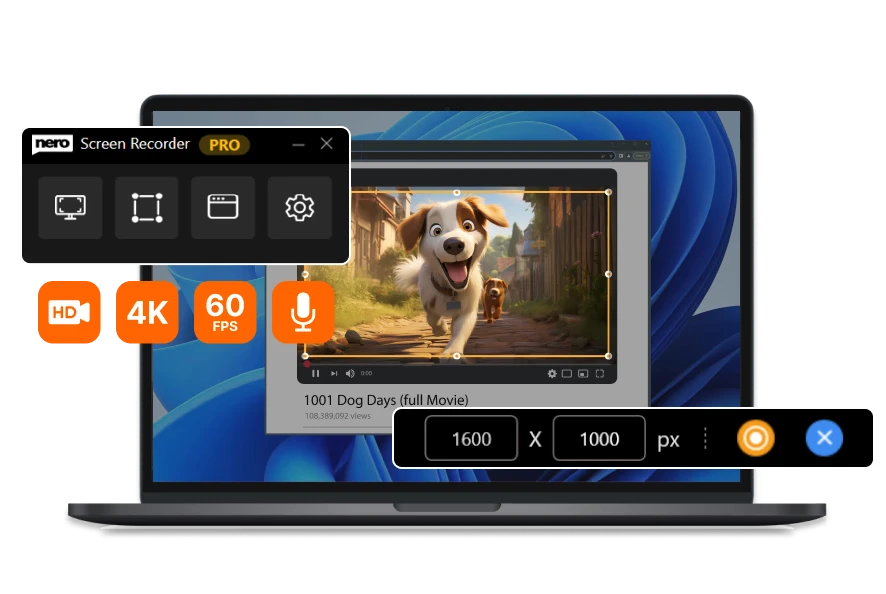
Edit & Convert
The user-friendly screen recorder. Create screen recordings according to your ideas with one click.
Learn More
Related Source
Related Source
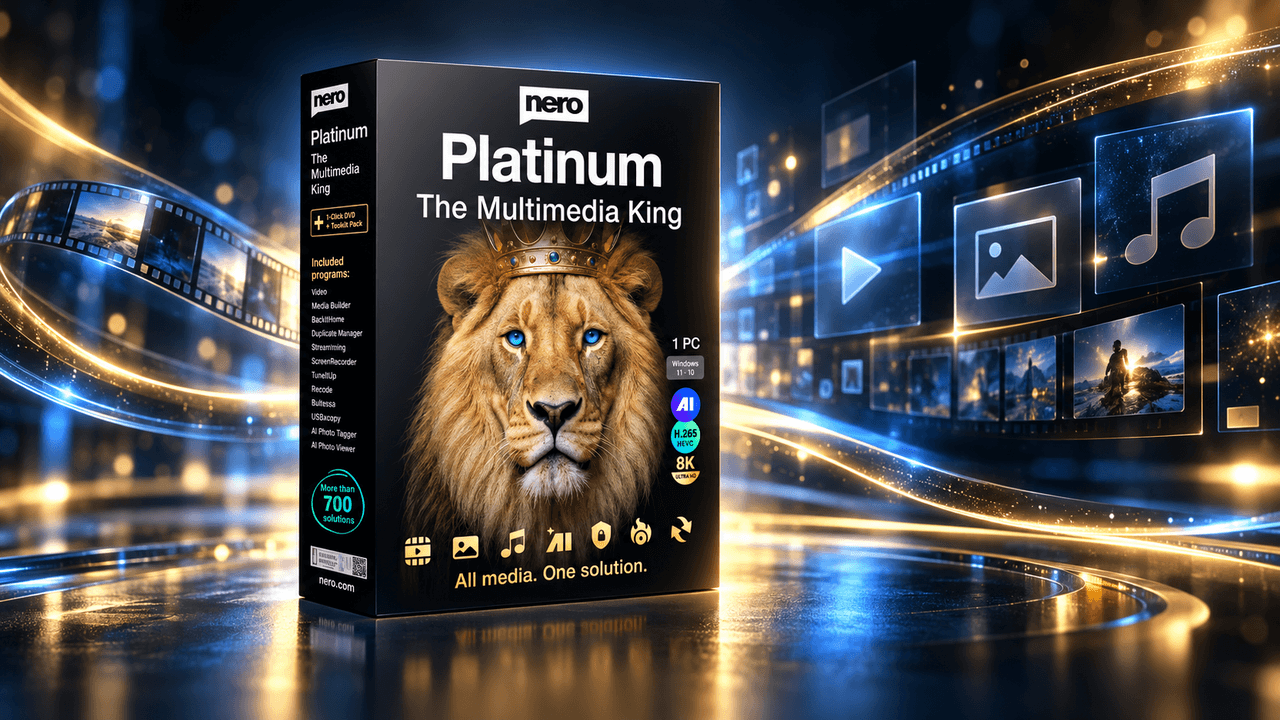
Nero Platinum Suite 2027 – What’s New
Discover what’s new in Nero Platinum Suite 2027, including subtitles, DVD subtitle export, media browsing, CD ripping, and AI image batch tools.
Read article

Best DVD Burning & Disc Copy Software for Windows 11 in 2026
Compare the best DVD burning software for Windows 11 in 2026, including Nero, ImgBurn, CDBurnerXP, and built-in tools for discs, ISOs, and copies.
Read article

How to Play DVDs on Windows 11: A Step-by-Step Guide
Learn how to play a DVD on Windows 11. Connect an internal or external DVD drive, use Nero DVD Player or VLC, and fix common playback problems.
Read article
Nero Platinum Suite 2027 – What’s New
Discover what’s new in Nero Platinum Suite 2027, including subtitles, DVD subtitle export, media browsing, CD ripping, and AI image batch tools.
Read article
Best DVD Burning & Disc Copy Software for Windows 11 in 2026
Compare the best DVD burning software for Windows 11 in 2026, including Nero, ImgBurn, CDBurnerXP, and built-in tools for discs, ISOs, and copies.
Read article
View all

About Nero Software
About Nero Software
We aim to provide our customers with high-quality, reliable and user-friendly software solutions without compromising on innovation and state-of-the-art technology.
30m+
Users
30m+
Users
30+
Years Experience
30+
Years Experience