

Convert any video to 4K

Convert any video to 4K

Convert any video to 4K

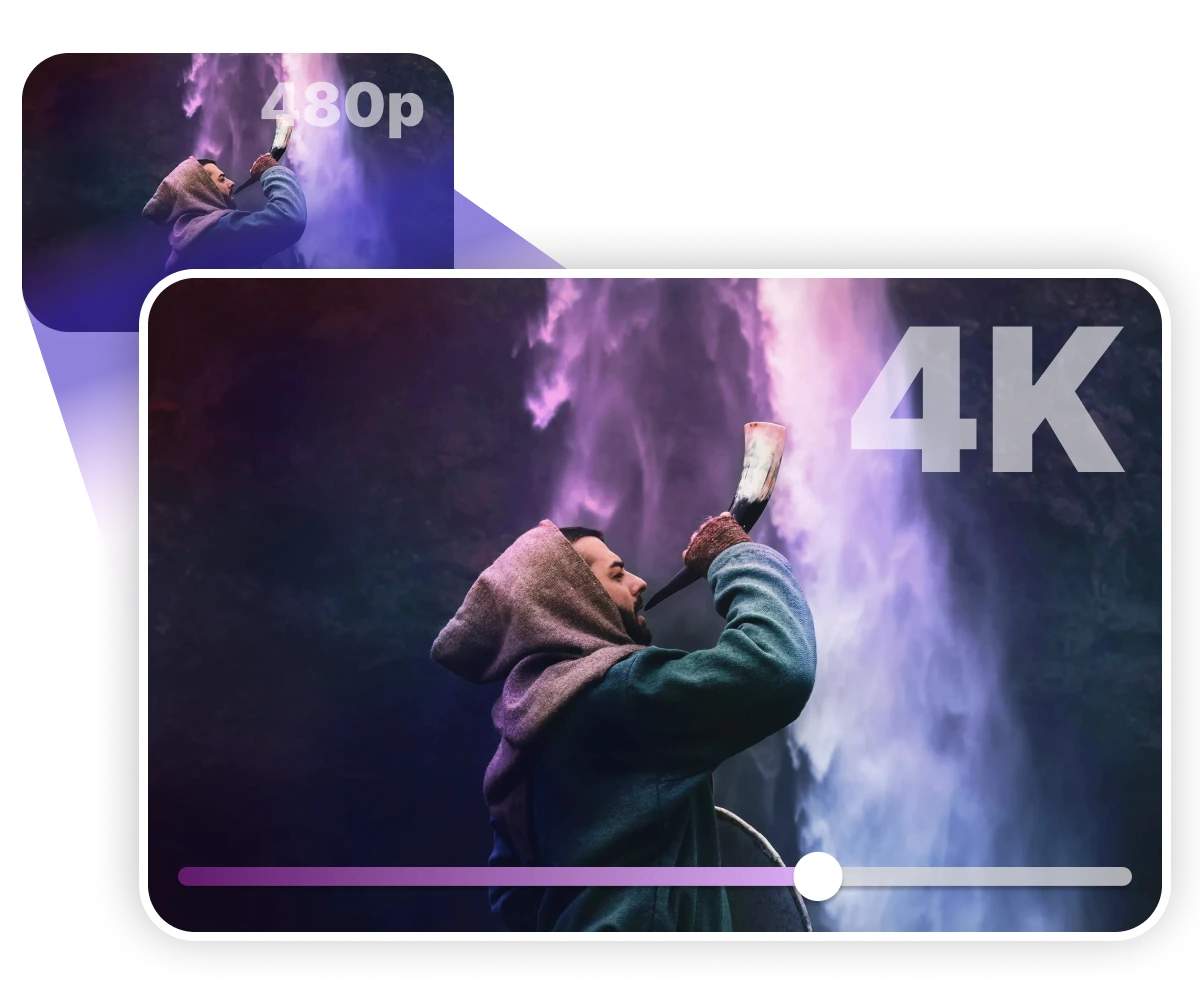
Turn low-quality clips into sharp 4K, 8K, or even 120FPS video with Nero AI Video Upscaler. Use it as your AI-powered 4K video converter to fix soft footage, restore old videos, and boost frame rates in a few clicks.

Turn low-quality clips into sharp 4K, 8K, or even 120FPS video with Nero AI Video Upscaler. Use it as your AI-powered 4K video converter to fix soft footage, restore old videos, and boost frame rates in a few clicks.

Turn low-quality clips into sharp 4K, 8K, or even 120FPS video with Nero AI Video Upscaler. Use it as your AI-powered 4K video converter to fix soft footage, restore old videos, and boost frame rates in a few clicks.

Nero AI Video Upscaler upscale Anime videos to 4k

4K & 8K AI Upscaling

4K & 8K AI Upscaling

4K & 8K AI Upscaling

Turn SD, 720p, and 1080p clips into real 4K/8K with extra detail, not just bigger pixels.

Turn SD, 720p, and 1080p clips into real 4K/8K with extra detail, not just bigger pixels.

New Restoration Model

New Restoration Model

New Restoration Model

Clean up VHS, DVDs, and noisy archive videos so they look fresh on modern screens.

Clean up VHS, DVDs, and noisy archive videos so they look fresh on modern screens.

Up to 120FPS

Up to 120FPS

Up to 120FPS

Apply saved presets to whole folders and let your GPU handle fast 4K conversion.

Apply saved presets to whole folders and let your GPU handle fast 4K conversion.

Restore old videos in true 4K

Restore old videos in true 4K

Restore old videos in true 4K

Old VHS transfers, DVDs, and early phone clips usually fall apart on a modern 4K TV. Faces are soft, dark areas are noisy, and the whole frame feels dated.

With Nero AI Video Upscaler you can lift that footage to 4K or even 8K, clean up compression, and make family videos or archive material look good enough to actually rewatch and share again.

Old VHS transfers, DVDs, and early phone clips usually fall apart on a modern 4K TV. Faces are soft, dark areas are noisy, and the whole frame feels dated.

With Nero AI Video Upscaler you can lift that footage to 4K or even 8K, clean up compression, and make family videos or archive material look good enough to actually rewatch and share again.

Install & Upscale Now

Upgrade content for YouTube and editing

Upgrade content for YouTube and editing

Upgrade content for YouTube and editing

Most creators have years of 720p or 1080p uploads that no longer match their new 4K content. They still have good information, they just don’t look as sharp.

Use Nero as your 4K video converter to turn those older videos into 4K60, then repost them as “remastered” versions or reuse them as clean B-roll in new edits—without recording anything twice.

Most creators have years of 720p or 1080p uploads that no longer match their new 4K content. They still have good information, they just don’t look as sharp.

Use Nero as your 4K video converter to turn those older videos into 4K60, then repost them as “remastered” versions or reuse them as clean B-roll in new edits—without recording anything twice.

Install & Upscale Now

Boost AI, anime, and game footage

Boost AI, anime, and game footage

Boost AI, anime, and game footage

AI-generated clips, anime scenes, and gameplay captures often lose fine lines and HUD detail once you render or upload them. On a big screen, everything starts to look a bit muddy.

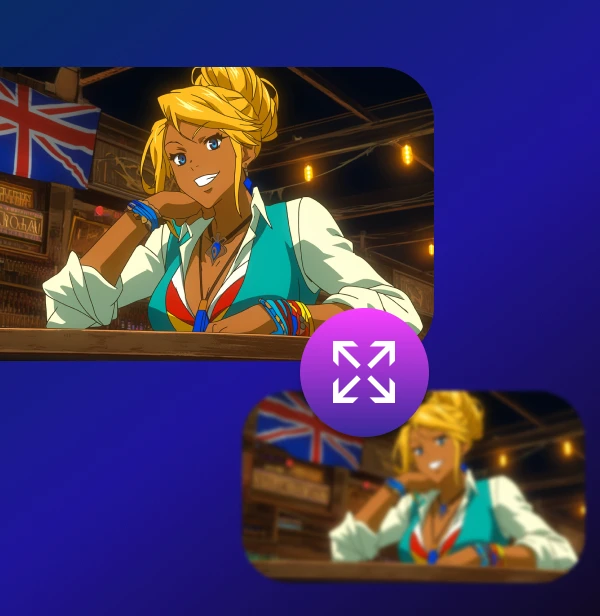
Nero’s Animation and Restoration models upscale to 4K or 8K while keeping line art, textures, and UI elements crisp, and you can boost to 60 or 120 FPS so highlight reels and edits feel like native 4K footage.

AI-generated clips, anime scenes, and gameplay captures often lose fine lines and HUD detail once you render or upload them. On a big screen, everything starts to look a bit muddy.

Nero’s Animation and Restoration models upscale to 4K or 8K while keeping line art, textures, and UI elements crisp, and you can boost to 60 or 120 FPS so highlight reels and edits feel like native 4K footage.

Install & Upscale Now

How to Convert Video to 4K With Nero AI Video Upscaler?

How to Convert Video to 4K With Nero AI Video Upscaler?

Free Download

Free Download

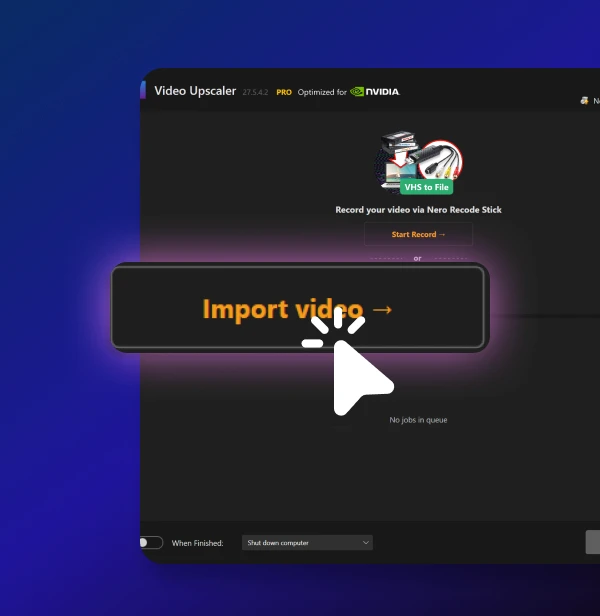
Upload Your Video

Drag and drop your clip into Nero AI Video Upscaler.

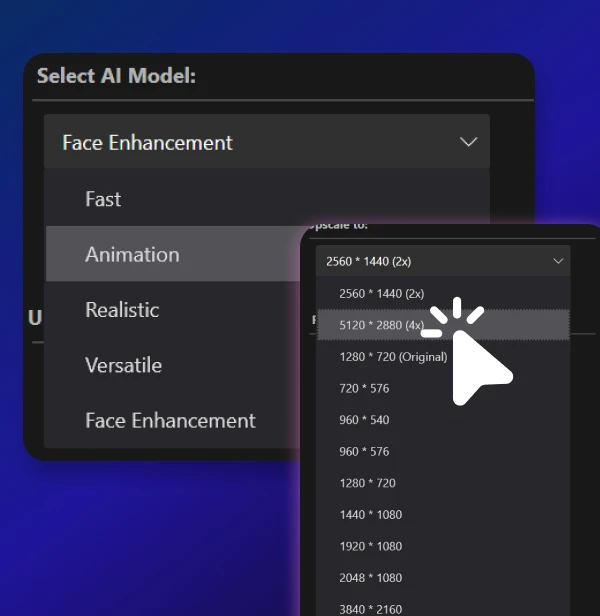
Choose Settings & Preview

Select a 4K/8K preset and AI model, then run a short preview to check the result.

Convert & Export

Apply the settings to your video and export the new high-resolution version.

Upload Your Video

Drag and drop your clip into Nero AI Video Upscaler.

Choose Settings & Preview

Select a 4K/8K preset and AI model, then run a short preview to check the result.

Convert & Export

Apply the settings to your video and export the new high-resolution version.

import your anime video

Upload Your Video

Drag and drop your clip into Nero AI Video Upscaler.

Choose Settings & Preview

Select a 4K/8K preset and AI model, then run a short preview to check the result.

Convert & Export

Apply the settings to your video and export the new high-resolution version.

faster ai image upscaling

"I’ve been using Nero to convert video to 4K, and it honestly makes my old videos look amazing."

"I’ve been using Nero to convert video to 4K, and it honestly makes my old videos look amazing."

- Creator Impact (AI Creator)

Full Review 👉

"I’ve been using Nero to convert video to 4K, and it honestly makes my old videos look amazing."

- Creator Impact (AI Creator)

Full Review 👉

Loved by 75k+ customers

Loved by 75k+ customers

Laura
Wedding filmmaker

I’ve been able to turn old 720p wedding footage into 4K deliverables that still feel natural. The Restoration model is a life-saver for older projects.

@Ravi
YouTube creator

Most of my older videos were 1080p at 30FPS. With Nero I upscale to 4K60 and everything matches my new uploads without re-recording.

Chen Yang
Archivist

We use Nero AI Video Upscaler to convert SD and early HD recordings to 4K for long-term storage. The improvement in clarity and stability is obvious on big displays.

We’ve got you covered

We’ve got you covered

How do I use the Nero AI Video Upscaler?

To use the Nero AI Video Upscaler, you can download the app from our official Nero Downloader. Then simply drag and drop a video into the app, Select your desired output resolution and choose the upscaling model that best suits your needs, and click "Upscale video" to begin the process. For more details, check our User Guide.

How does Nero AI Video Upscaler compare to Topaz Labs?

How does Nero AI Video Upscaler work?

Is there a free trial?

What types of videos can your upscaler handle?