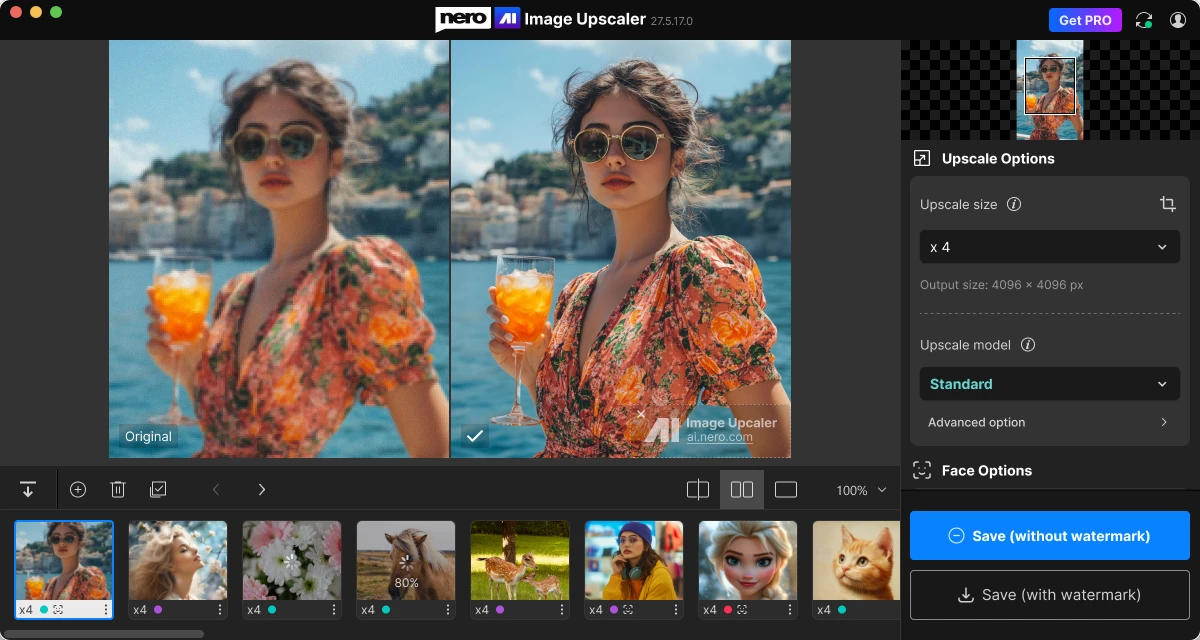
Sneak peek 👀 — this is a preview of our next version, coming soon!
Online & Local Mode
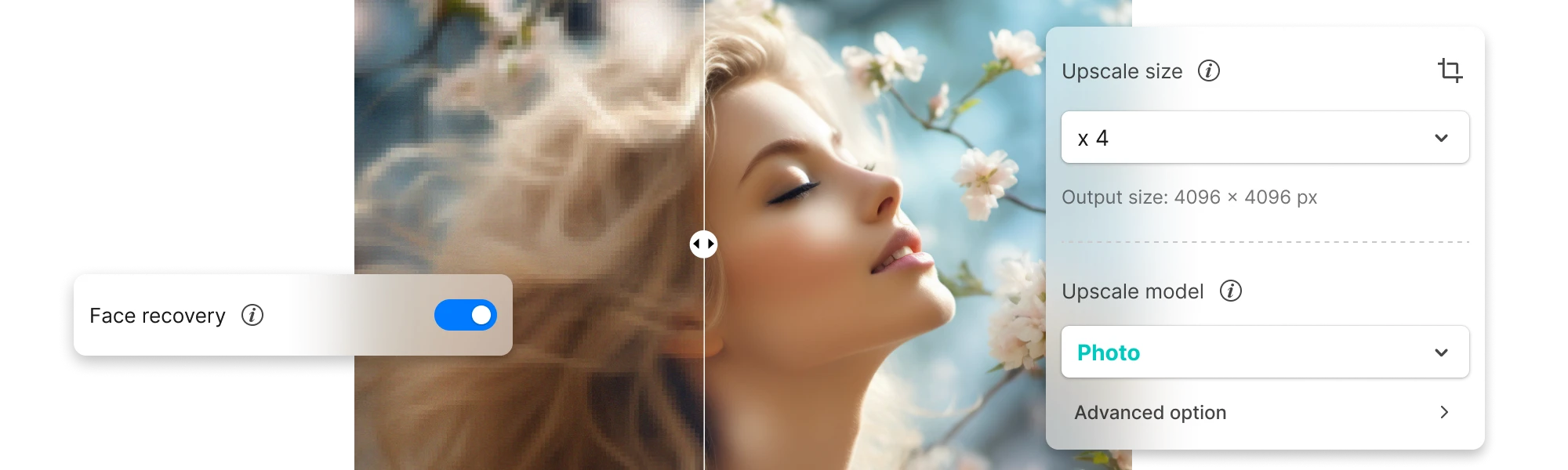
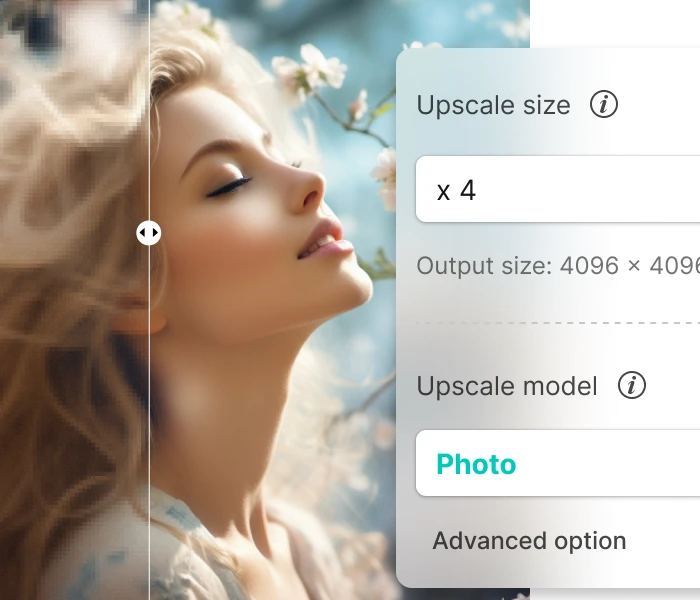
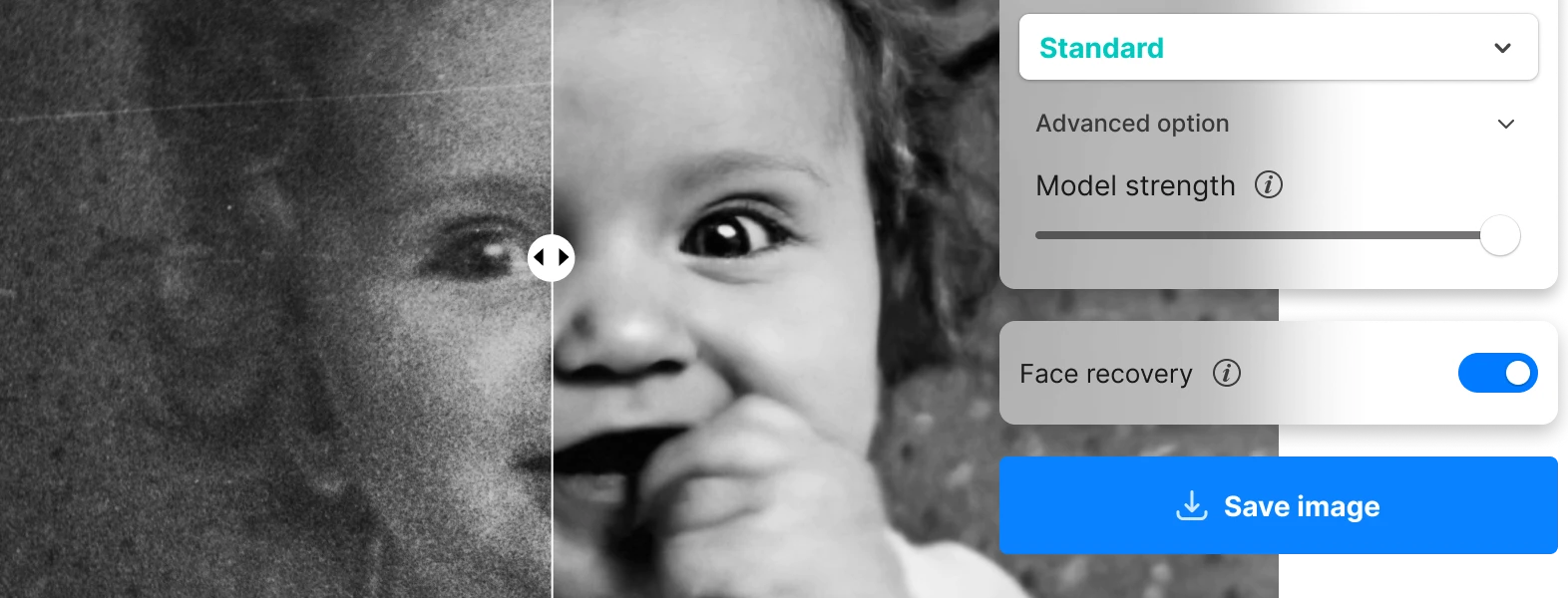
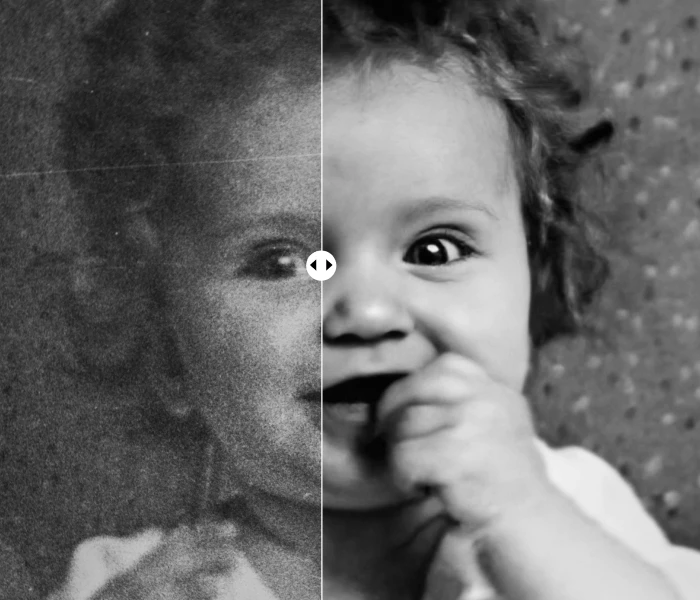
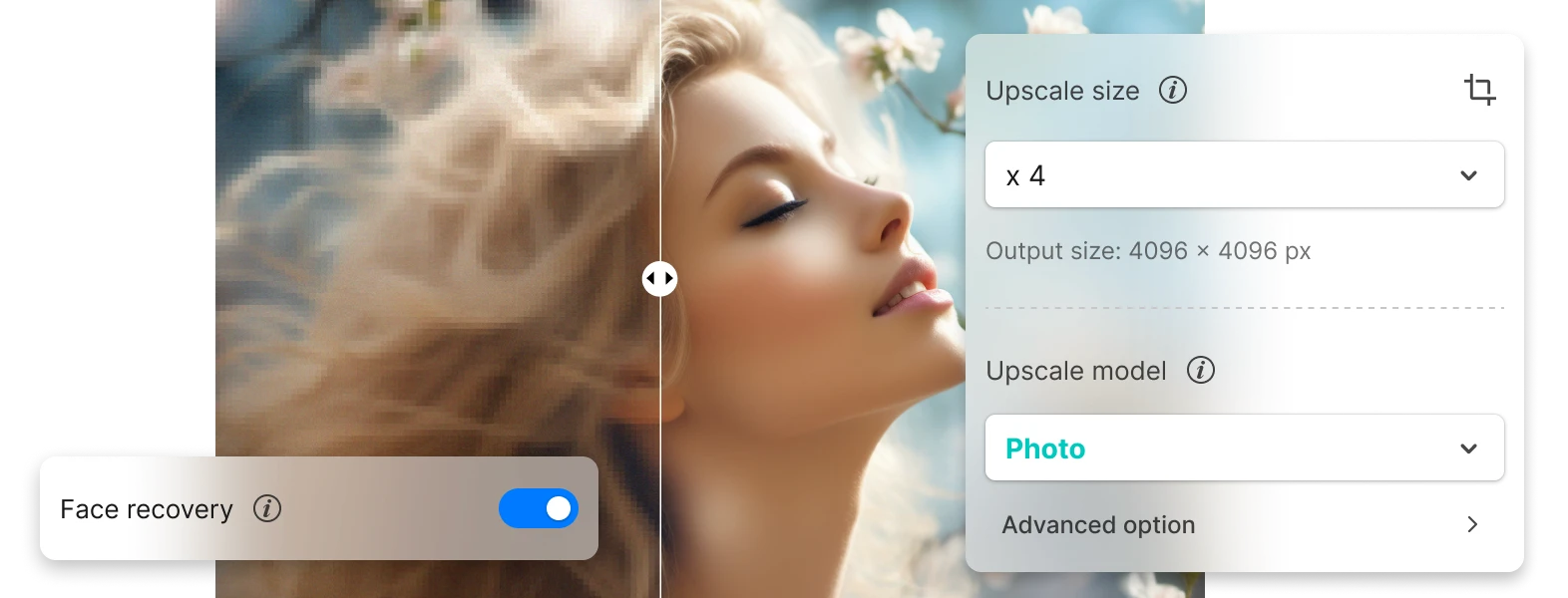
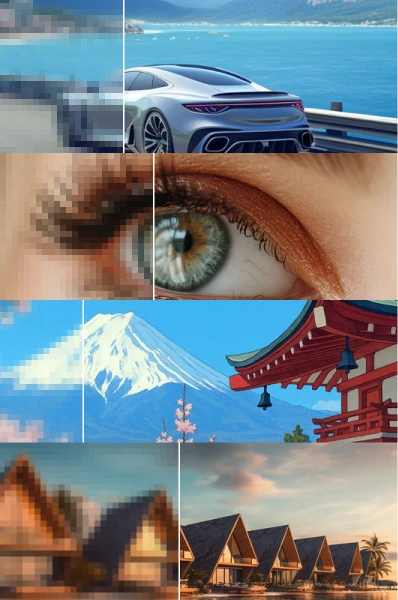
Portrait
Enhance faces and headshots with clarity and realism.
Anime
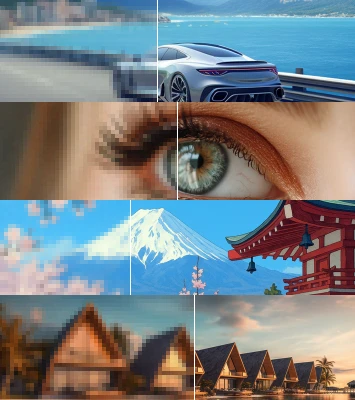
Bring anime frames, manga scans, and digital art into 4K clarity.
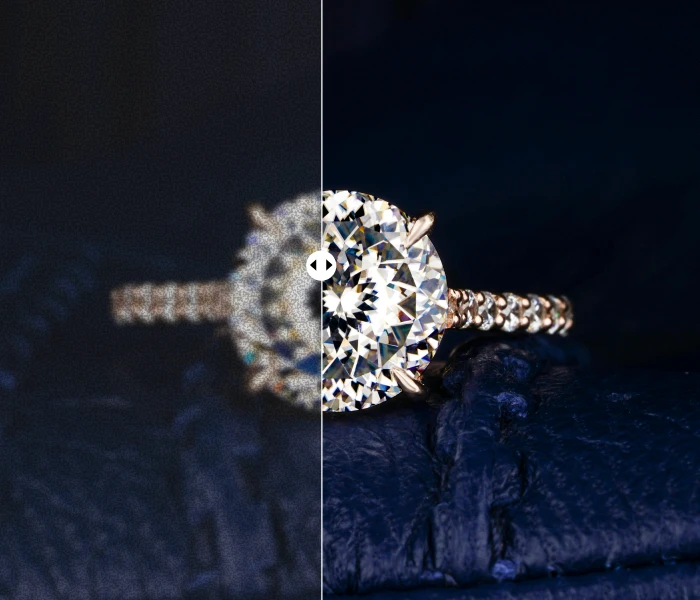
E-commerce
Improve ecommerce visuals with sharp textures and clean surfaces.
Detail Enhancement
Upscale fine details such as eyes, hair, fur, feathers, and textures.

Try Nero Lens

I had a set of old family portraits that were too blurry to print. The AI restored them beautifully — I could even see the details in my grandmother’s dress again. My parents were amazed.

I use it for my blog and school projects. Taking screenshots or photos with my phone used to look grainy, but now I can upscale them quickly and they look super clear in my reports.

Product photos are everything for my store. This saves me hours of retakes — I just upscale and clean up the shots, and they look professional enough to post right away.
How do I use the Nero AI Image Upscaler?
To use the Nero AI Image Upscaler, you can download the app our official Apple Store Page. Import your image, select an AI model, and start processing. For more details, check our User Guide.