Windows 11 does not include a built-in DVD player. Microsoft removed native DVD playback support starting with Windows 10, and unlike Windows 7 or 8 — which had Windows Media Center — Windows 11 requires third-party software to play your discs. Whether you have a collection of old movies, family videos on DVD, or still buy physical media, you will need a dedicated DVD player app.
The good news: there are excellent options available, from completely free players like VLC and 5KPlayer to premium solutions with AI-enhanced video, 8K upscaling, and HDR. In this guide, we compare the best DVD player software for Windows 11 and walk you through how to get your DVDs playing smoothly — in about five minutes.
Does Windows 11 Have a Built-in DVD Player?
No. Windows 11 does not have a native DVD player. Microsoft discontinued Windows Media Center and removed the built-in MPEG-2 decoder that older systems relied on. If you insert a DVD, Windows 11 may show the disc in File Explorer but cannot play it. You must install third-party DVD player software — either free (VLC, 5KPlayer) or paid (Nero DVD Player, PowerDVD) — to watch your DVDs.
Best DVD Players for Windows 11 — Quick Comparison
Software | Price | DVD | Blu-ray | 4K/8K | ISO | Subtitles | Best For |
|---|---|---|---|---|---|---|---|
VLC Media Player | Free | ✅ | ❌ | 4K files | ✅ | ✅ | Free, all-format playback |
5KPlayer | Free | ✅ | ✅ | 4K/8K | ✅ | ✅ | Free + streaming + download |
Nero DVD Player | $39.99–$49.99 | ✅ | ❌ | 8K, HDR | ✅ | ✅ | Compatibility & ease of use |
PowerDVD 24 | $59.99–$99.99 | ✅ | ✅ | 4K/8K, HDR | ✅ | ✅ | Premium home cinema |
Windows DVD Player | $14.99 | ✅ | ❌ | ❌ | ❌ | ❌ | Minimal, no-frills playback |
Best Free DVD Players for Windows 11
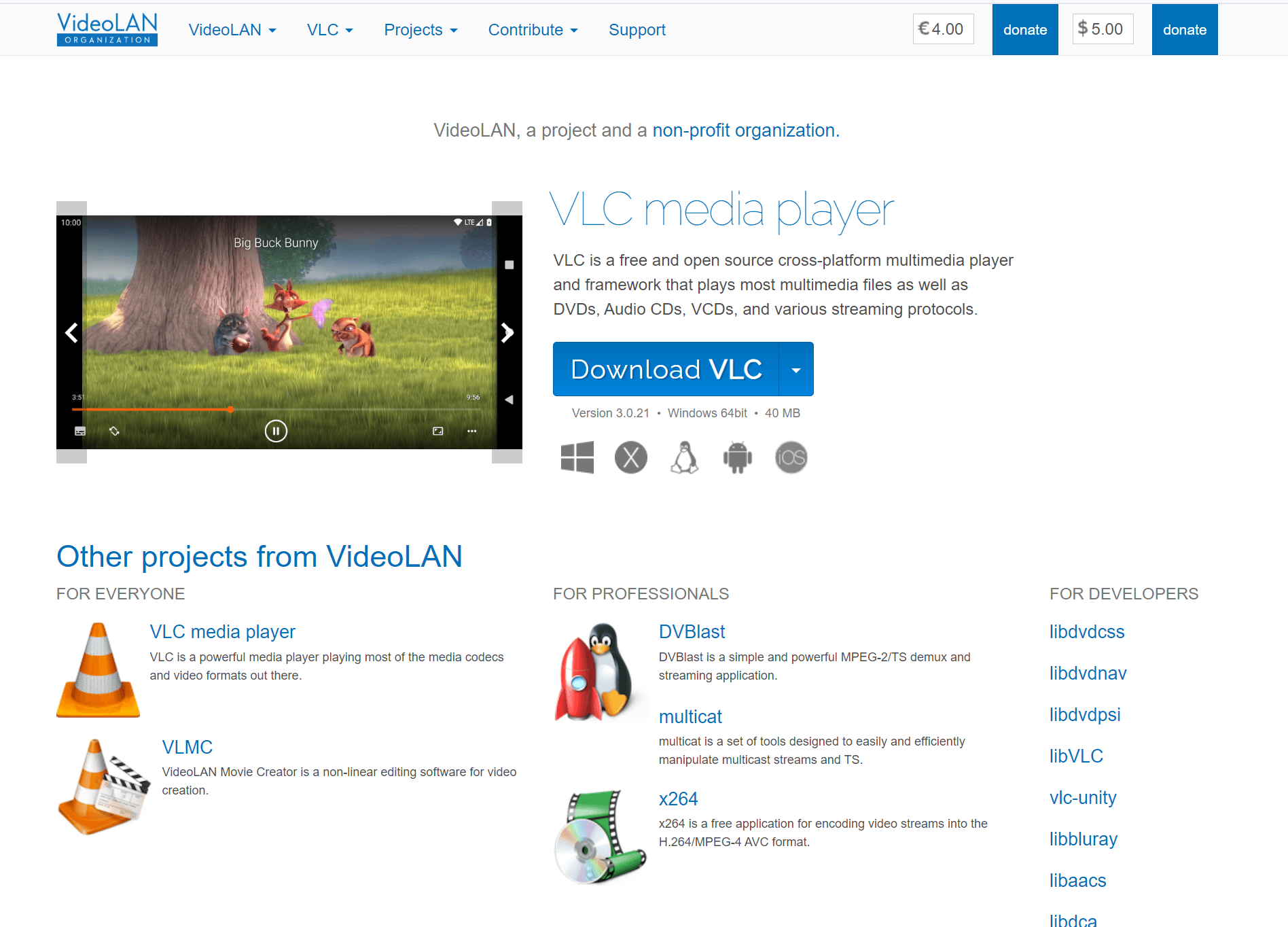
VLC Media Player — Best Free DVD Player Overall
VLC Media Player is the most popular free media player in the world. It plays nearly every format — DVDs, Audio CDs, ISO files, VIDEO_TS folders, and virtually all video and audio codecs — with no ads, no spyware, and no paid upgrades. The interface is simple but powerful, with customizable skins, video effects, subtitle synchronization, and extensive keyboard shortcuts.
The one catch: for encrypted commercial DVDs, VLC may require the libdvdcss library to handle CSS copy protection. This is a one-time setup that takes about two minutes. Once configured, VLC handles everything from standard DVD-Video to rare formats.
OS: Windows, Mac, Linux
Pros: Completely free, no ads, supports almost every format, cross-platform, lightweight.
Cons: Encrypted DVDs may need extra library; no Blu-ray support.
Pricing: Free
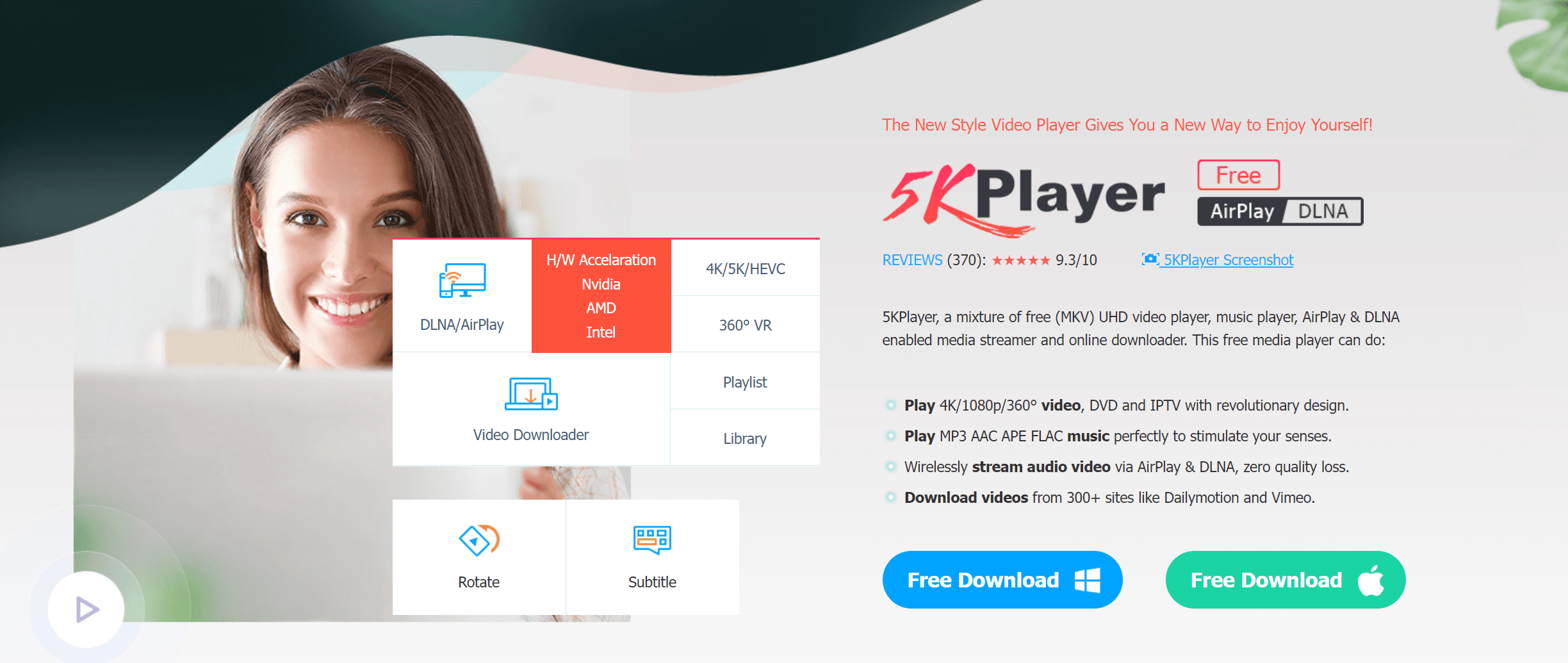
5KPlayer — Best Free Player with Streaming & Downloading
5KPlayer is a versatile free media player that goes well beyond DVD playback. It supports region-free DVD and Blu-ray discs, 4K and 8K video, ISO files, and includes built-in AirPlay and DLNA streaming — cast from iPhone or iPad to PC, or from PC to Apple TV. It also works as a video downloader for YouTube and 300+ other sites.
The trade-off: 5KPlayer is ad-supported and some advanced features require registration.
OS: Windows, Mac
Pros: Region-free DVD and Blu-ray, 4K/8K support, AirPlay and DLNA streaming, built-in video downloader.
Cons: Ad-supported; background processes may persist after closing.
Pricing: Free
Best Paid DVD Players for Windows 11
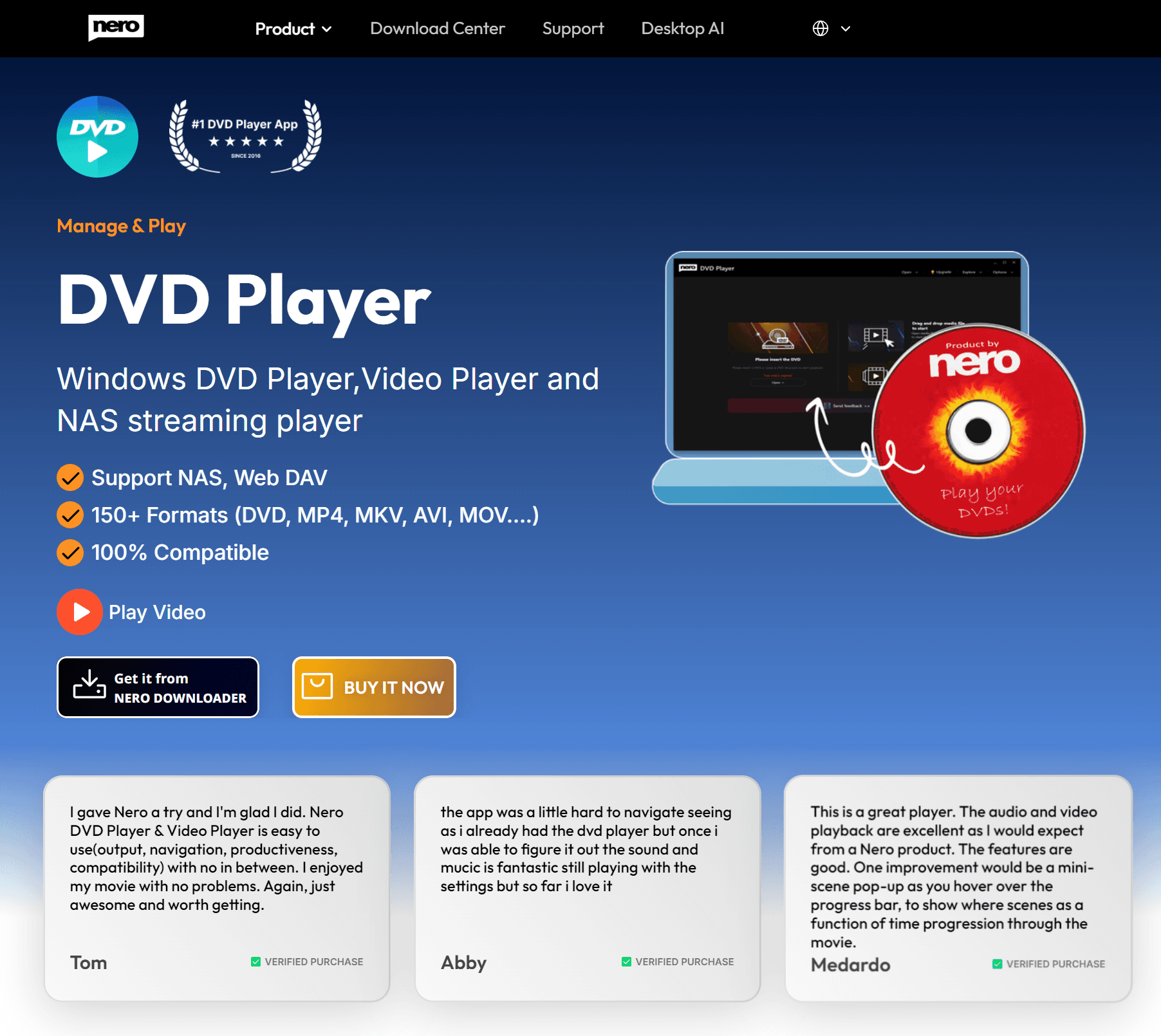
Nero DVD Player — Best for Compatibility & Ease of Use
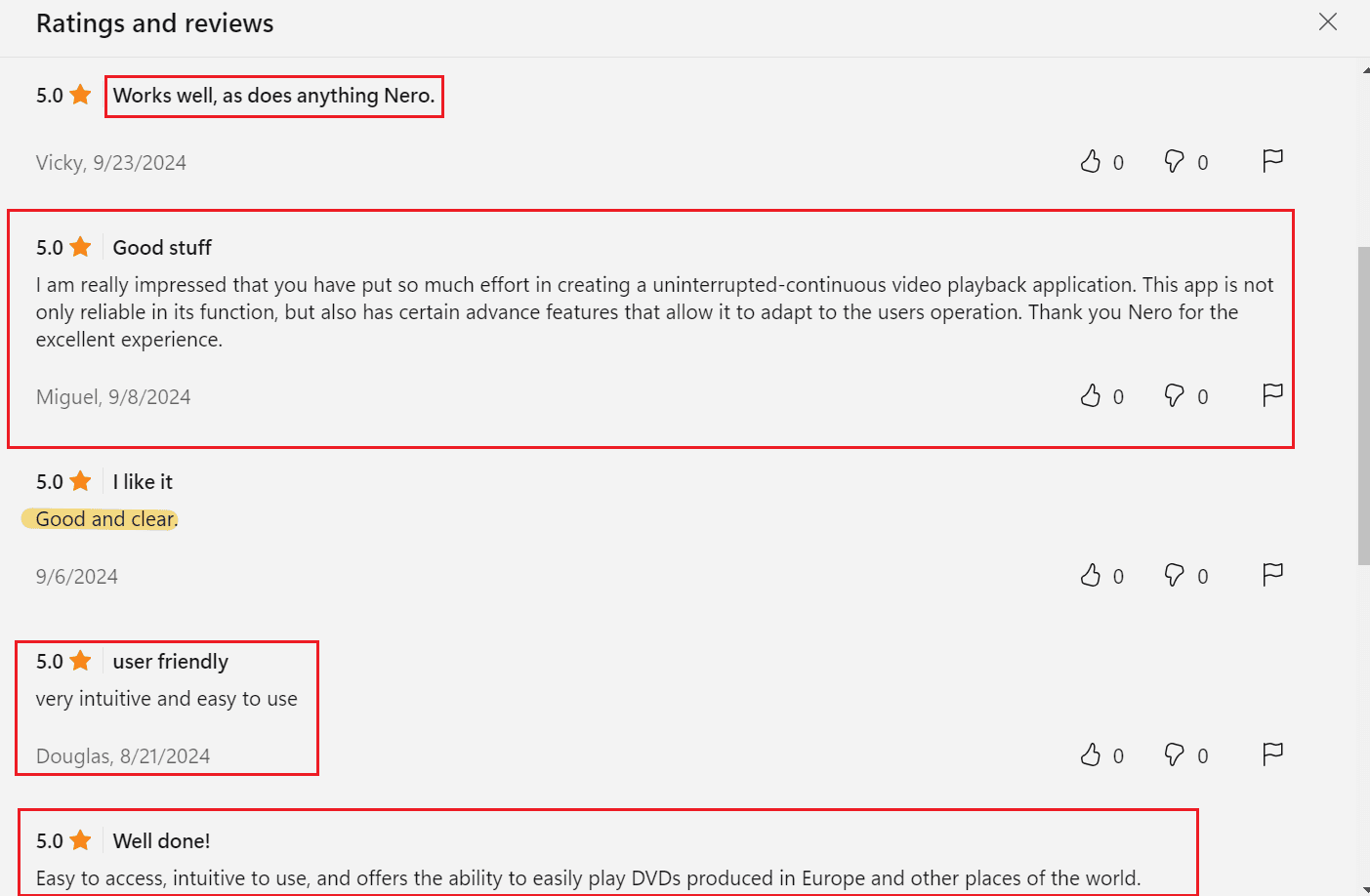
Nero DVD Player is built by the team behind the legendary Nero DVD recording software — with over 15 years of expertise in optical media. It is the most popular DVD player on the Microsoft Store, with a 4.2-star rating from over 6,000 reviews.
The current version adds AI-powered video enhancement for sharper, cleaner playback, plus 8K video and HDR support (Standard plan). Its core strength is compatibility: Nero DVD Player reliably handles rare and older DVD formats that other players may struggle with. It also supports disc image formats including ISO and NRG files — Nero's native disc image format — which you can play by simply dragging and dropping the file into the player. For home media server users, Nero DVD Player connects to Emby via DLNA for streaming your personal media library. The interface is beginner-friendly — insert your disc and it just works. For a full walkthrough, see our guide on how to use Nero DVD Player.
OS: Windows
Pros: Excellent compatibility with rare DVD formats, AI-enhanced video, 8K and HDR support, lightweight, beginner-friendly.
Cons: No Blu-ray support; paid after 7-day free trial.
Pricing: Essential — $39.99 lifetime. Standard — $49.99 lifetime (adds 8K, HDR, network share playback). Also available as monthly/yearly subscription. 7-day free trial included.
👉 Learn more about Nero DVD Player · Download from Microsoft Store
CyberLink PowerDVD 24 — Best for Premium Home Cinema
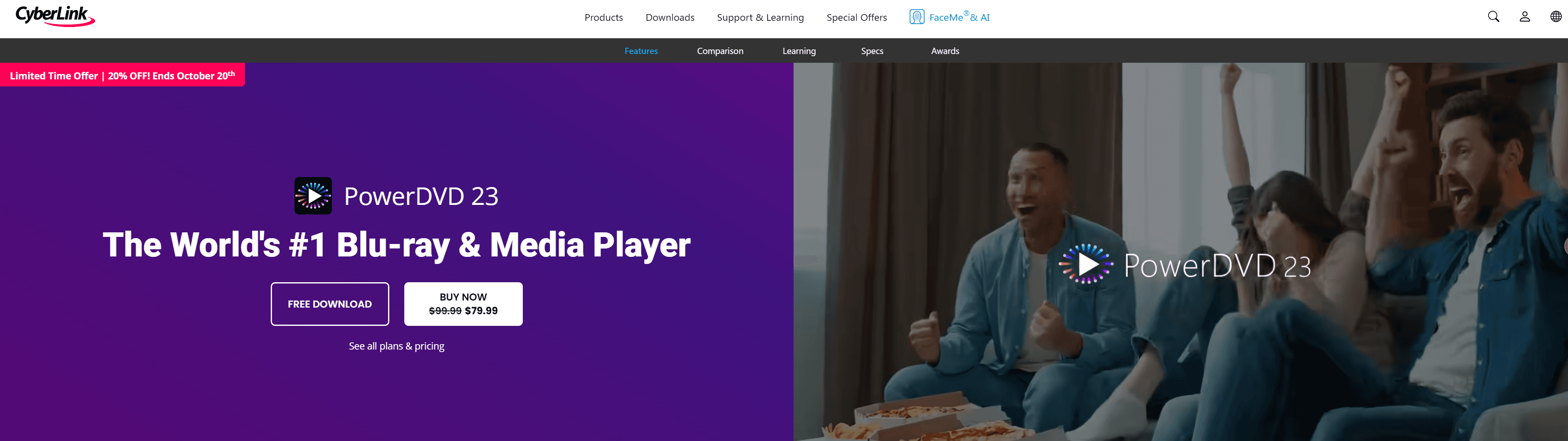
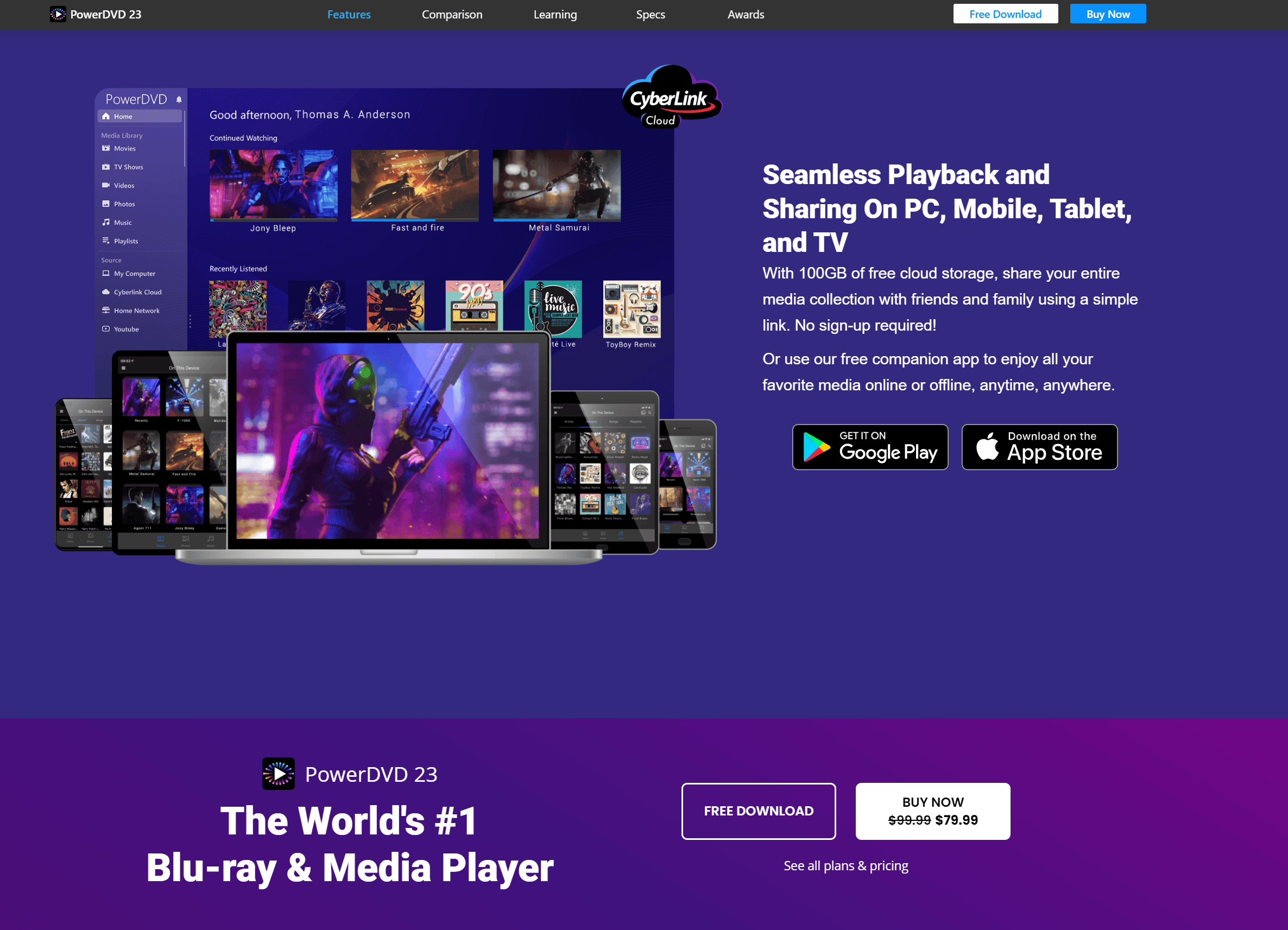
PowerDVD 24 is the most feature-rich media player on this list. It supports DVD, Blu-ray (Ultra edition), 4K, 8K, and HDR10 playback, and includes TrueTheater enhancements for upscaling video quality. New in PowerDVD 24: AI vocal removal for instant karaoke, Frame Interpolation for ultra-smooth motion, and VR 360° video support.
The free version has limited features — to unlock Blu-ray, 4K, and TrueTheater, you will need a paid license.
OS: Windows
Pros: Best-in-class video quality with TrueTheater, Blu-ray and 4K HDR support, AI vocal removal, VR 360° compatible.
Cons: Expensive compared to alternatives; free version is feature-limited.
Pricing: Standard — $59.99 lifetime. Ultra — $99.99 lifetime. PowerDVD 365 — $54.99/year subscription.
Windows DVD Player — Simplest Paid Option
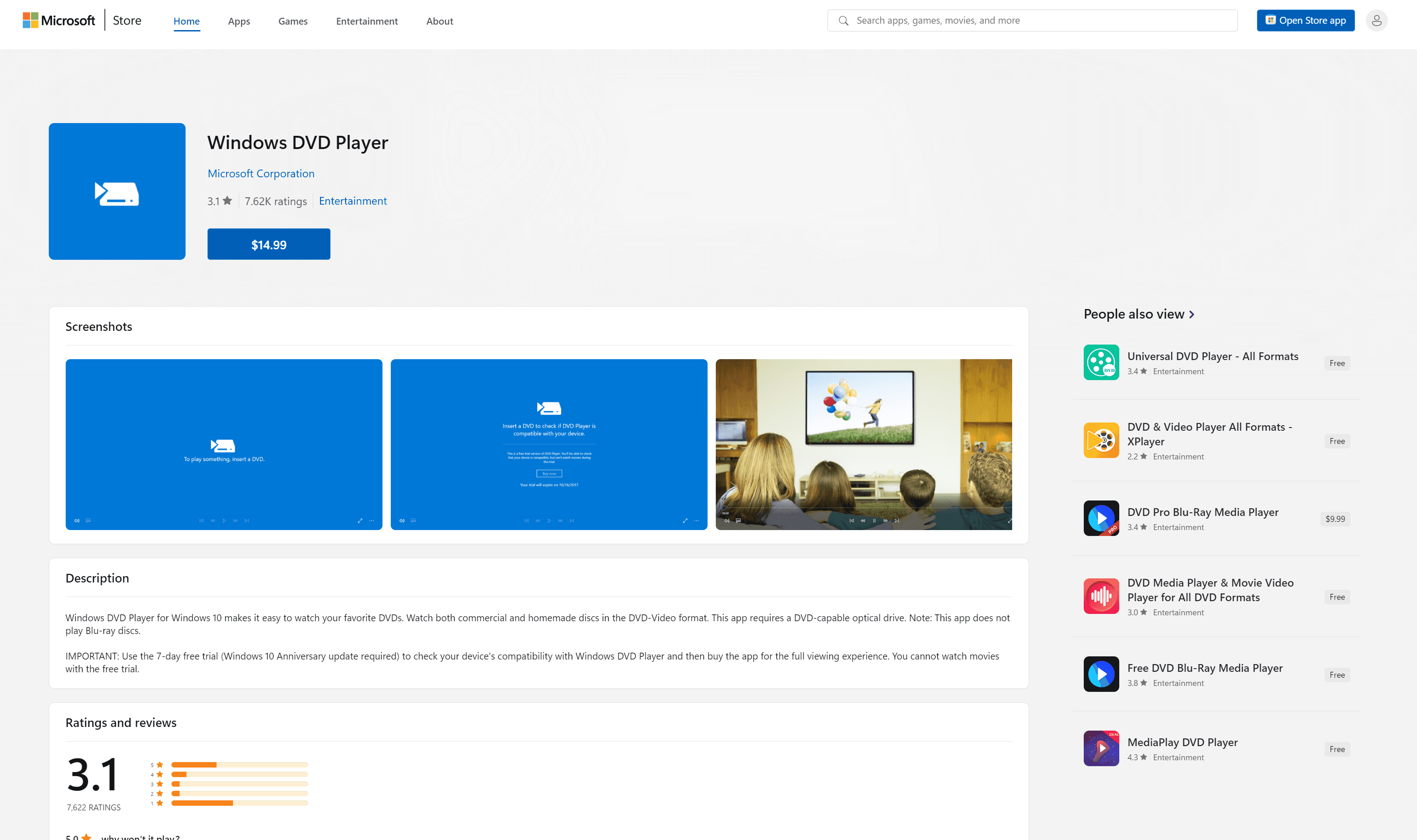
Windows DVD Player is Microsoft's official DVD playback app, available in the Microsoft Store for $14.99. It is the most straightforward option: insert a DVD and it plays, with basic controls for chapters, menus, and fullscreen. It integrates cleanly with Windows 11 File Explorer.
That said, it offers no Blu-ray support, no subtitle controls, no ISO playback, and no video enhancement features. If you upgraded from Windows 7 or 8 with Media Center, you may already own it — check the Microsoft Store for "Owned" status before purchasing.
OS: Windows
Pros: Simple interface, integrates with Windows 11, no configuration needed.
Cons: No Blu-ray, no subtitles or ISO support, no advanced features; paid at $14.99.
Pricing: $14.99 lifetime
How to Play a DVD on Windows 11 — Step-by-Step
Step 1: Connect a DVD drive. Most modern laptops lack built-in optical drives. If needed, connect an external USB DVD drive — they cost 40, work plug-and-play with Windows 11, and require no extra drivers.
Step 2: Install a DVD player. Download your chosen software. For most users, we recommend VLC (free) or Nero DVD Player (paid, better compatibility). See our step-by-step Nero DVD Player setup guide for detailed installation and playback instructions.
Step 3: Insert your DVD. Place the disc into your drive. Windows 11 should recognize it automatically in File Explorer.
Step 4: Open the disc. In VLC, go to Media → Open Disc → select your DVD drive → click Play. In Nero DVD Player, the disc usually starts automatically. In PowerDVD, click the disc icon on the home screen.
Step 5: Adjust and enjoy. Control subtitles, audio tracks, and aspect ratio from within the player. Most players support keyboard shortcuts: Space to pause, F for fullscreen, arrow keys to skip.
FAQ
Can Windows 11 play DVDs natively?
No. Windows 11 has no built-in DVD player. Microsoft removed native MPEG-2 decoding and Windows Media Center. You must install third-party software like VLC, Nero DVD Player, or PowerDVD to play DVDs.
Do I need an external DVD drive for Windows 11?
Most modern laptops have no built-in optical drive. If yours lacks one, a USB external DVD drive (20-40) works with Windows 11 without extra drivers — just plug and play.
Can VLC play all DVDs on Windows 11?
VLC plays most DVDs, but encrypted commercial discs may require the free libdvdcss library. Without it, copy-protected DVDs may fail to start. Paid players like Nero DVD Player handle encryption natively.
Why won't my DVD play on Windows 11?
Common causes: using Windows Media Player (no longer supports DVD), a region mismatch between disc and drive, or CSS encryption that your player cannot decode. Try VLC with libdvdcss, or switch to a dedicated player like Nero DVD Player.
Do I need extra codecs to play DVDs on Windows 11?
No. Dedicated DVD players — VLC, Nero DVD Player, PowerDVD, 5KPlayer — include built-in MPEG-2 and Dolby Digital codecs. You do not need separate codec packs.
In Conclusion
Windows 11 does not play DVDs out of the box, but the fix is simple. If you want a free, reliable player, start with VLC Media Player. If you need the broadest format compatibility and a polished, beginner-friendly experience, Nero DVD Player is purpose-built for the job — backed by 15 years of DVD expertise and thousands of 5-star reviews on the Microsoft Store. For a premium home theater setup with Blu-ray and 4K HDR, PowerDVD 24 delivers unmatched quality.
👉 Try Nero DVD Player free for 7 days · Download from Microsoft Store