作成と編集
Nero Video
Nero Video
Nero Video
✨ 新しいダークモードが利用可能です。プロフェッショナルな見た目の動画を簡単に作成できます
✨ 新しいダークモードが利用可能です。プロフェッショナルな見た目の動画を簡単に作成できます
✨ 新しいダークモードが利用可能です。プロフェッショナルな見た目の動画を簡単に作成できます
ワンクリック動画編集
ワンクリック動画編集
アーティスティックエフェクト、フィルター、トランジション
アーティスティックエフェクト、フィルター、トランジション
最大8Kまでの動画をエクスポート
最大8Kまでの動画をエクスポート
* 無料のAI Motion Tracker とクリエイティブテンプレートが付属しています
* 無料のAI Motion Tracker とクリエイティブテンプレートが付属しています
動画を再生


エクスプレス編集
高度な編集
動画をエクスポート


エクスプレス編集
高度な編集
動画をエクスポート
Create Professional Videos in Minutes—No Subscription Required
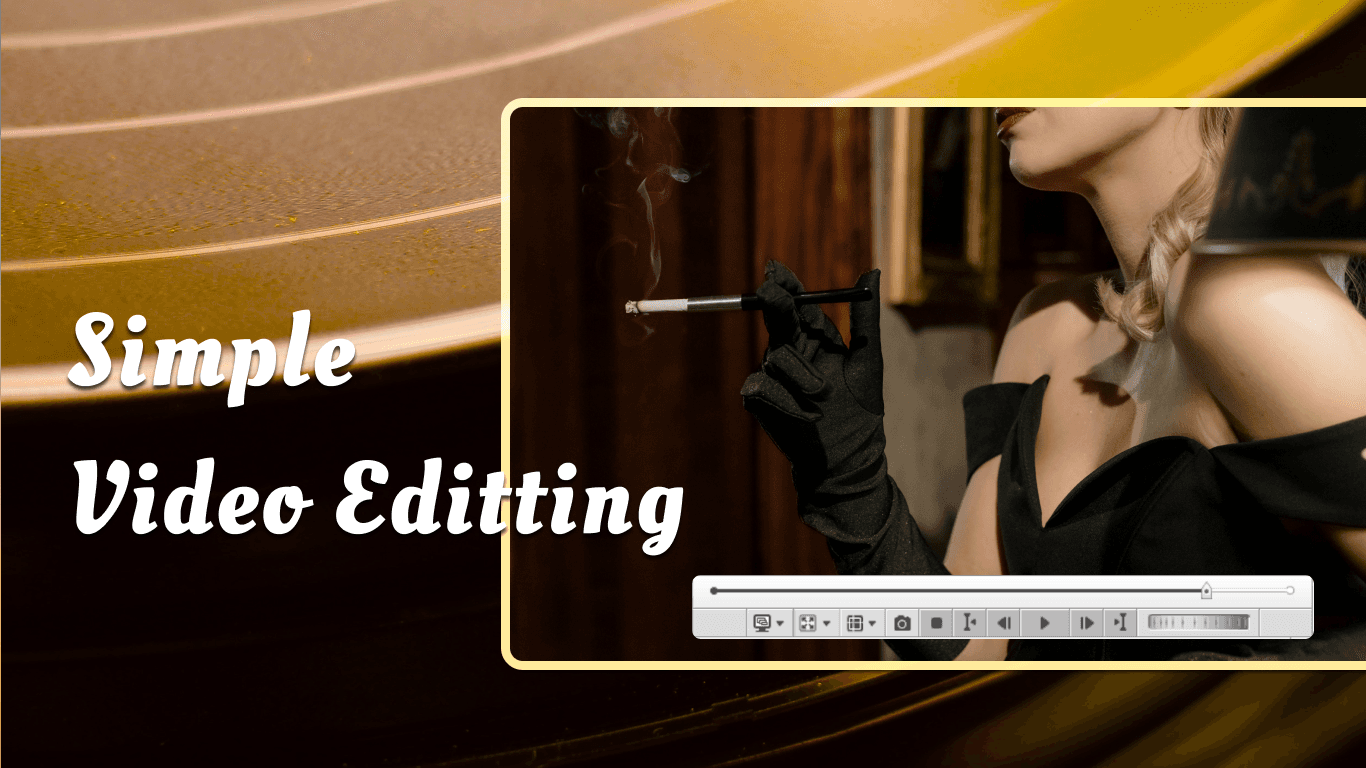
$55.95 One-Time Purchase | Lifetime Access
Easy-to-use video editor with 1000+ effects, DVD burning, and free templates for every project.
✅ Beginner-friendly interface
✅ 100+ free templates updated monthly
✅ Burn DVDs & Blu-rays (the only affordable editor that can)
✅ 30-year trusted brand
Everything You Need to Create Stunning Videos
🎬 Two Editing Modes for Every Skill Level
Express Mode: Drag, drop, done. Perfect for quick projects—birthday videos,
social media clips, or family memories. Add music, titles, and transitions in minutes.
Advanced Mode: Multi-track timeline with precision editing. Keyframe animation,
color correction, audio mixing, and professional effects when you need full control.
Why it matters: Start simple, grow advanced. One tool for your entire journey.
🎨 100+ Free Video Templates (New!)
Download professional templates from Nero Creative Center:
Landscape templates for YouTube, presentations, and widescreen projects
Vertical templates for Instagram Reels, TikTok, and Stories
Up to 8K resolution (7680×4320) for future-proof quality
Updated monthly with seasonal and trending designs
Why it matters: Create polished videos in 5 minutes without After Effects skills.
Browse Template Library →
💿 DVD & Blu-ray Burning (Built-In)
The only affordable video editor with professional disc authoring:
Create custom menus with 100+ themes
Burn DVD-Video, Blu-ray, and AVCHD discs
Perfect for wedding videos, family archives, and client deliverables
Why it matters: Competitors charge $50+ extra or don't offer it at all.
With Nero Video, it's included.
📹 4K & 8K Video Support
Edit and export in:
8K (7680×4320) - Future-proof ultra-high resolution
4K UHD (3840×2160) - Standard for modern cameras
Full HD (1920×1080) - YouTube and social media
SD - Legacy format support
Supported formats: MP4, AVI, MKV, WMV, MPEG-2, AVCHD, and more.
Why it matters: Work with footage from any camera, from smartphones to 8K camcorders.
🎭 Green Screen & Picture-in-Picture
Alpha Channel (Chroma Key): Remove green/blue backgrounds and replace
with any image or video. Perfect for tutorials, vlogs, and creative projects.
Picture-in-Picture (PiP): Layer multiple videos—add reaction cams,
product close-ups, or split-screen effects.
Why it matters: Professional effects without professional software prices.
🎵 Audio Tools
Audio ducking: Automatically lower background music when you speak
Noise reduction: Clean up wind, hum, and background noise
Multi-track mixing: Layer music, voiceovers, and sound effects
Supported formats: MP3, WAV, AAC, FLAC, OGG, AC3, and more
Why it matters: Great audio makes the difference between amateur and professional.
🤖 AI Motion Tracking (Optional Add-On)
Nero Motion Tracker works seamlessly with Nero Video:
Segment Tracking: Automatically follow moving objects—add text, stickers,
or effects that stick to cars, people, or products.
Face Tracking: Lock onto faces and apply blur or mosaic for privacy protection
in interviews or public footage.
Zone Tracking: Quickly blur license plates, signs, or sensitive information
with NVIDIA GPU acceleration.
Pricing:
Motion Tracker alone: $49.99
Video Power Bundle: $74.15 (Nero Video + Motion Tracker, save 30%)
System requirements: NVIDIA GPU (6GB VRAM), 16GB RAM, Windows 10/11 64-bit
Why it matters: Add professional tracking effects without manual keyframing.
Learn More →
Create Professional Videos in Minutes—No Subscription Required
$55.95 One-Time Purchase | Lifetime Access
Easy-to-use video editor with 1000+ effects, DVD burning, and free templates for every project.
✅ Beginner-friendly interface
✅ 100+ free templates updated monthly
✅ Burn DVDs & Blu-rays (the only affordable editor that can)
✅ 30-year trusted brand
Everything You Need to Create Stunning Videos
🎬 Two Editing Modes for Every Skill Level
Express Mode: Drag, drop, done. Perfect for quick projects—birthday videos,
social media clips, or family memories. Add music, titles, and transitions in minutes.
Advanced Mode: Multi-track timeline with precision editing. Keyframe animation,
color correction, audio mixing, and professional effects when you need full control.
Why it matters: Start simple, grow advanced. One tool for your entire journey.
🎨 100+ Free Video Templates (New!)
Download professional templates from Nero Creative Center:
Landscape templates for YouTube, presentations, and widescreen projects
Vertical templates for Instagram Reels, TikTok, and Stories
Up to 8K resolution (7680×4320) for future-proof quality
Updated monthly with seasonal and trending designs
Why it matters: Create polished videos in 5 minutes without After Effects skills.
Browse Template Library →
💿 DVD & Blu-ray Burning (Built-In)
The only affordable video editor with professional disc authoring:
Create custom menus with 100+ themes
Burn DVD-Video, Blu-ray, and AVCHD discs
Perfect for wedding videos, family archives, and client deliverables
Why it matters: Competitors charge $50+ extra or don't offer it at all.
With Nero Video, it's included.
📹 4K & 8K Video Support
Edit and export in:
8K (7680×4320) - Future-proof ultra-high resolution
4K UHD (3840×2160) - Standard for modern cameras
Full HD (1920×1080) - YouTube and social media
SD - Legacy format support
Supported formats: MP4, AVI, MKV, WMV, MPEG-2, AVCHD, and more.
Why it matters: Work with footage from any camera, from smartphones to 8K camcorders.
🎭 Green Screen & Picture-in-Picture
Alpha Channel (Chroma Key): Remove green/blue backgrounds and replace
with any image or video. Perfect for tutorials, vlogs, and creative projects.
Picture-in-Picture (PiP): Layer multiple videos—add reaction cams,
product close-ups, or split-screen effects.
Why it matters: Professional effects without professional software prices.
🎵 Audio Tools
Audio ducking: Automatically lower background music when you speak
Noise reduction: Clean up wind, hum, and background noise
Multi-track mixing: Layer music, voiceovers, and sound effects
Supported formats: MP3, WAV, AAC, FLAC, OGG, AC3, and more
Why it matters: Great audio makes the difference between amateur and professional.
🤖 AI Motion Tracking (Optional Add-On)
Nero Motion Tracker works seamlessly with Nero Video:
Segment Tracking: Automatically follow moving objects—add text, stickers,
or effects that stick to cars, people, or products.
Face Tracking: Lock onto faces and apply blur or mosaic for privacy protection
in interviews or public footage.
Zone Tracking: Quickly blur license plates, signs, or sensitive information
with NVIDIA GPU acceleration.
Pricing:
Motion Tracker alone: $49.99
Video Power Bundle: $74.15 (Nero Video + Motion Tracker, save 30%)
System requirements: NVIDIA GPU (6GB VRAM), 16GB RAM, Windows 10/11 64-bit
Why it matters: Add professional tracking effects without manual keyframing.
Learn More →
"We can use Nero Video to do what we want. It offers plenty of effects, transitions, text styles, and movie themes to help you make stunning creations effortlessly."
"We can use Nero Video to do what we want. It offers plenty of effects, transitions, text styles, and movie themes to help you make stunning creations effortlessly."
Nero Softwareのその他の製品
Nero Softwareのその他の製品


Related Source
Related Source
Nero Platinum Suite 2027 – What’s New
Discover what’s new in Nero Platinum Suite 2027, including subtitles, DVD subtitle export, media browsing, CD ripping, and AI image batch tools.
Read article

Best DVD Burning & Disc Copy Software for Windows 11 in 2026
Compare the best DVD burning software for Windows 11 in 2026, including Nero, ImgBurn, CDBurnerXP, and built-in tools for discs, ISOs, and copies.
Read article

How to Play DVDs on Windows 11: A Step-by-Step Guide
Learn how to play a DVD on Windows 11. Connect an internal or external DVD drive, use Nero DVD Player or VLC, and fix common playback problems.
Read article
Nero Platinum Suite 2027 – What’s New
Discover what’s new in Nero Platinum Suite 2027, including subtitles, DVD subtitle export, media browsing, CD ripping, and AI image batch tools.
Read article
Best DVD Burning & Disc Copy Software for Windows 11 in 2026
Compare the best DVD burning software for Windows 11 in 2026, including Nero, ImgBurn, CDBurnerXP, and built-in tools for discs, ISOs, and copies.
Read article
View all


Nero Softwareについて
Nero Softwareについて
私たちは、革新と最先端技術を損なうことなく、高品質で信頼性が高く、ユーザーフレンドリーなソフトウェアソリューションを顧客に提供することを目指しています。
30m+
ユーザー
30m+
ユーザー
30+
年の実績
30+
年の実績