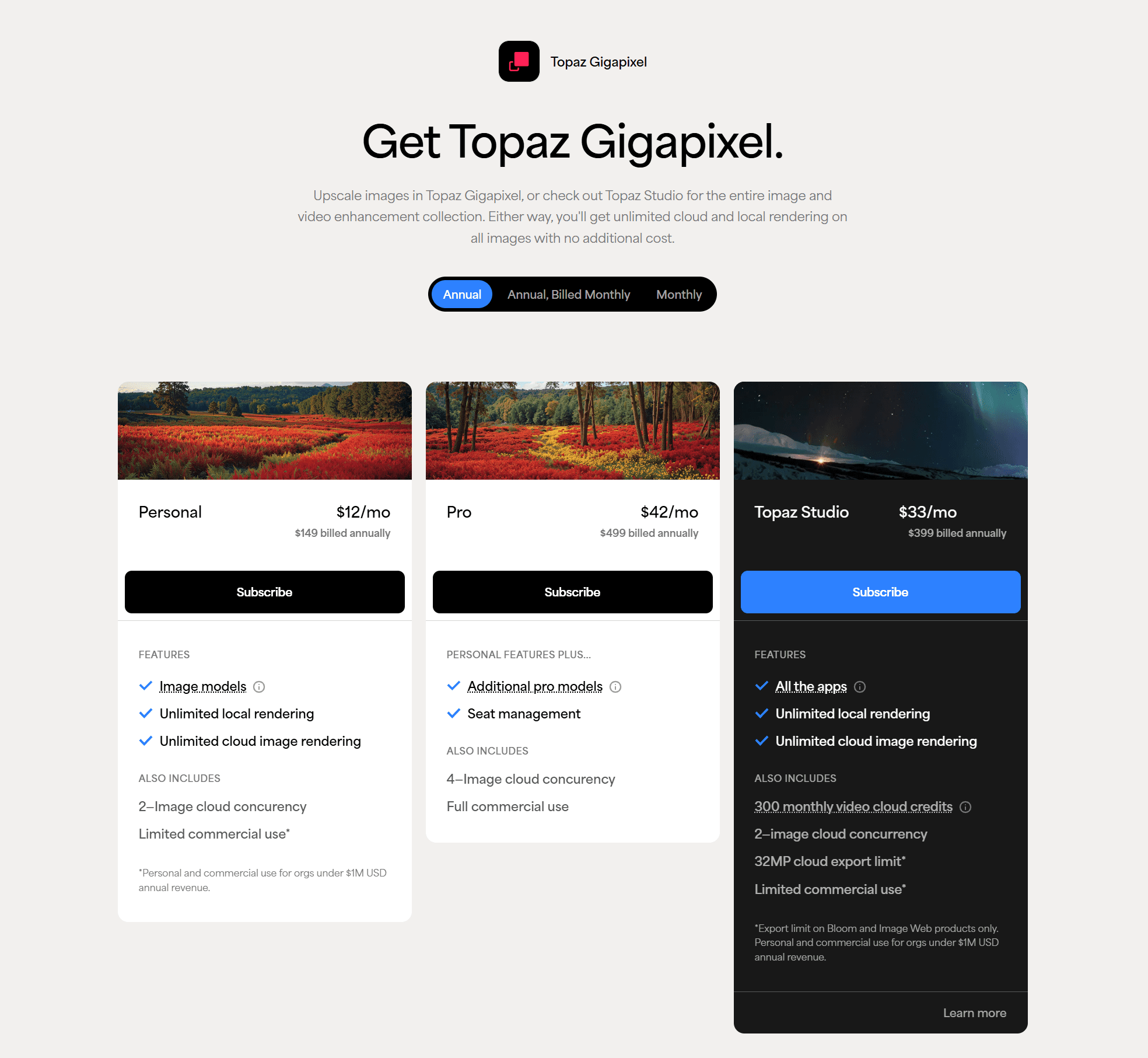
Topaz Gigapixel AI used to be a $99 purchase you made once. That option closed in late 2025, when Topaz moved the product to a subscription. New customers now pick between $149 a year for Personal and $499 a year for Pro. Perpetual licenses sold before the change still run, but they stay on the version they shipped with.
The output quality never went anywhere. What changed is the shape of the bill, and that is enough to make a lot of photographers look at what else is out there.
The best Gigapixel AI alternative in 2026 is Nero AI Image Upscaler. It runs 7 AI models, enlarges up to 8x with a 32K output ceiling, and processes on your own GPU or in the cloud. Pricing is $39.96 a year, or $103.96 once for a permanent license, which is the option Topaz Gigapixel no longer sells at any price.
What Is Topaz Gigapixel AI?
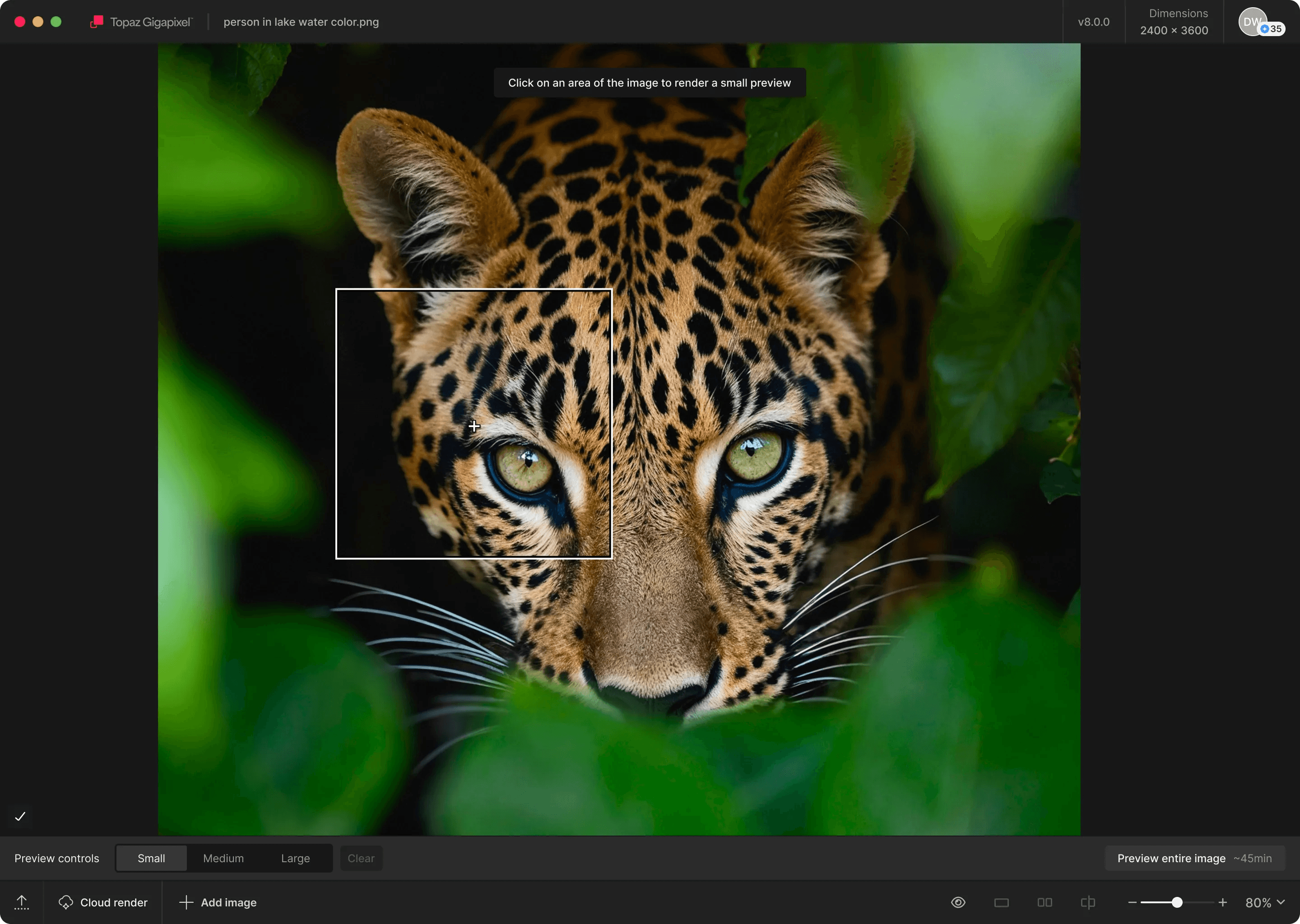
Topaz Gigapixel AI is a desktop image upscaler from Topaz Labs. It enlarges images up to 6x using nine AI models, runs on your local GPU by default, and works either as a standalone app or as a plugin inside editors such as Lightroom and Photoshop.
For years it was the default recommendation for pure enlargement. Photographers leaned on it to prepare low-resolution frames for print, rescue heavily compressed JPEGs, and pull usable detail out of old scans. That reputation was earned, and the 2026 pricing change did nothing to the engine behind it.
Topaz Gigapixel AI in 2026: Strengths and Trade-Offs
What Topaz Gigapixel does well
The upscaling engine remains excellent. Detail preservation and texture reconstruction sit among the best available, and results read as photographic rather than obviously processed. Skin looks like skin, foliage looks like foliage.
Nine models give experienced users granular control across photography, art and CG, low-resolution sources, and creative enlargement. Files stay on your own machine when you process locally. Cloud rendering is also built into the app and comes free with an active subscription, so a modest GPU is not a dead end. Batch processing plus the Lightroom and Photoshop plugins slot cleanly into an existing workflow.
If you are already subscribed and happy with your results, there is no urgent reason to move.
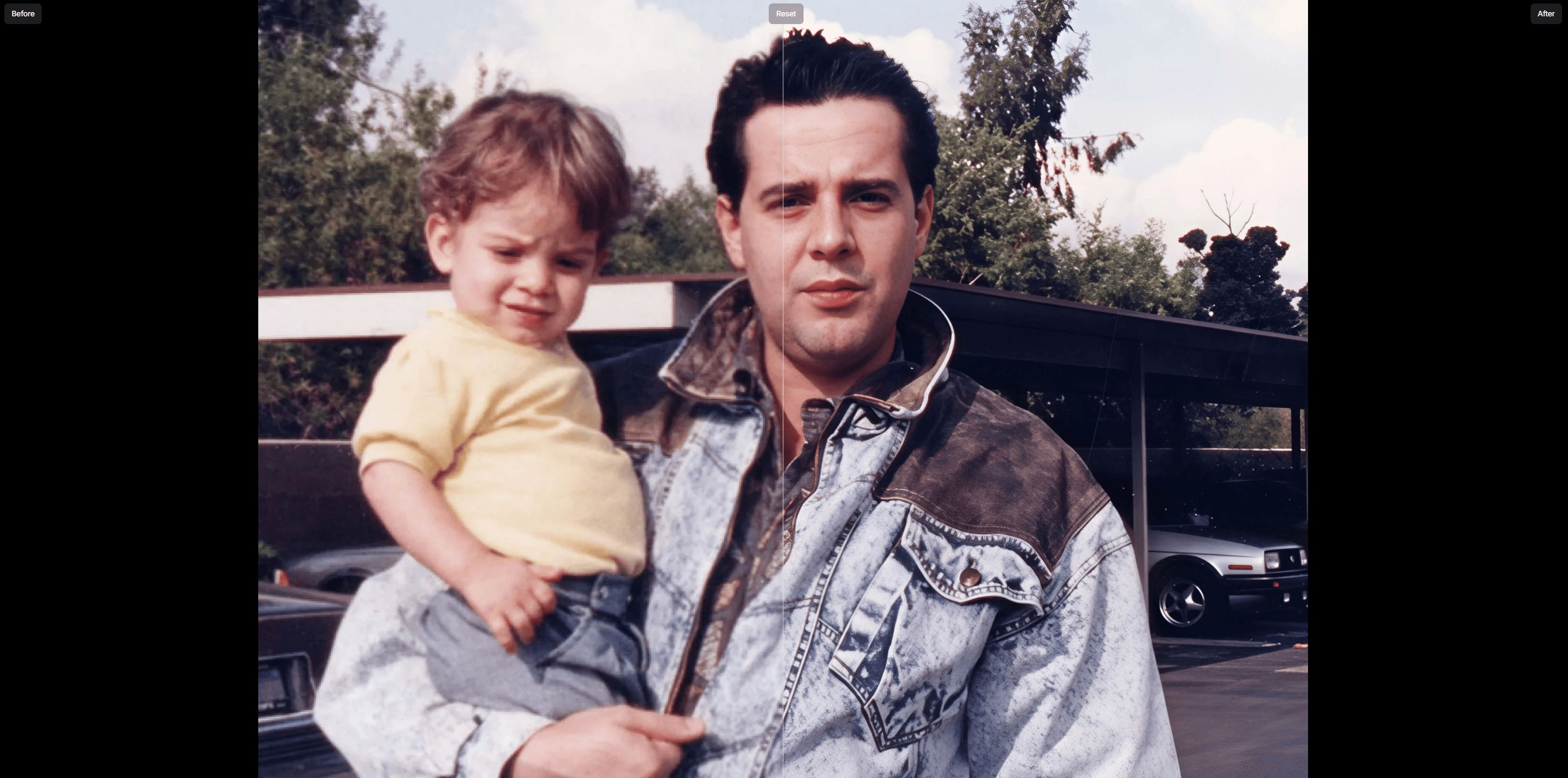
Where the trade-offs show up
There is no buy-once path anymore. This is the clearest difference between Topaz Gigapixel and the rest of the field. A perpetual license is no longer sold to new customers, so the cost repeats annually for as long as you need the software. Three years on Personal totals $447. Three years on Pro totals $1,497.
Local processing follows your hardware. Gigapixel's local pipeline expects a reasonably current GPU, roughly 6 GB of VRAM or better, or Apple Silicon. Cloud rendering covers machines that fall short, and it is included rather than billed separately. Worth knowing, though: that fallback lives inside the subscription, so it ends when the subscription does.
Nine models means nine decisions. Broad coverage is a real asset once you know the lineup. Learning it takes experimentation, because choosing between High Fidelity, Recover, Redefine, and the others depends on the source file rather than a rule you can memorize once and reuse.
None of this makes Gigapixel a weak tool. It makes it a costly default for anyone whose needs are narrower than its full feature set.
Nero AI Image Upscaler: The Best Topaz Gigapixel Alternative in 2026
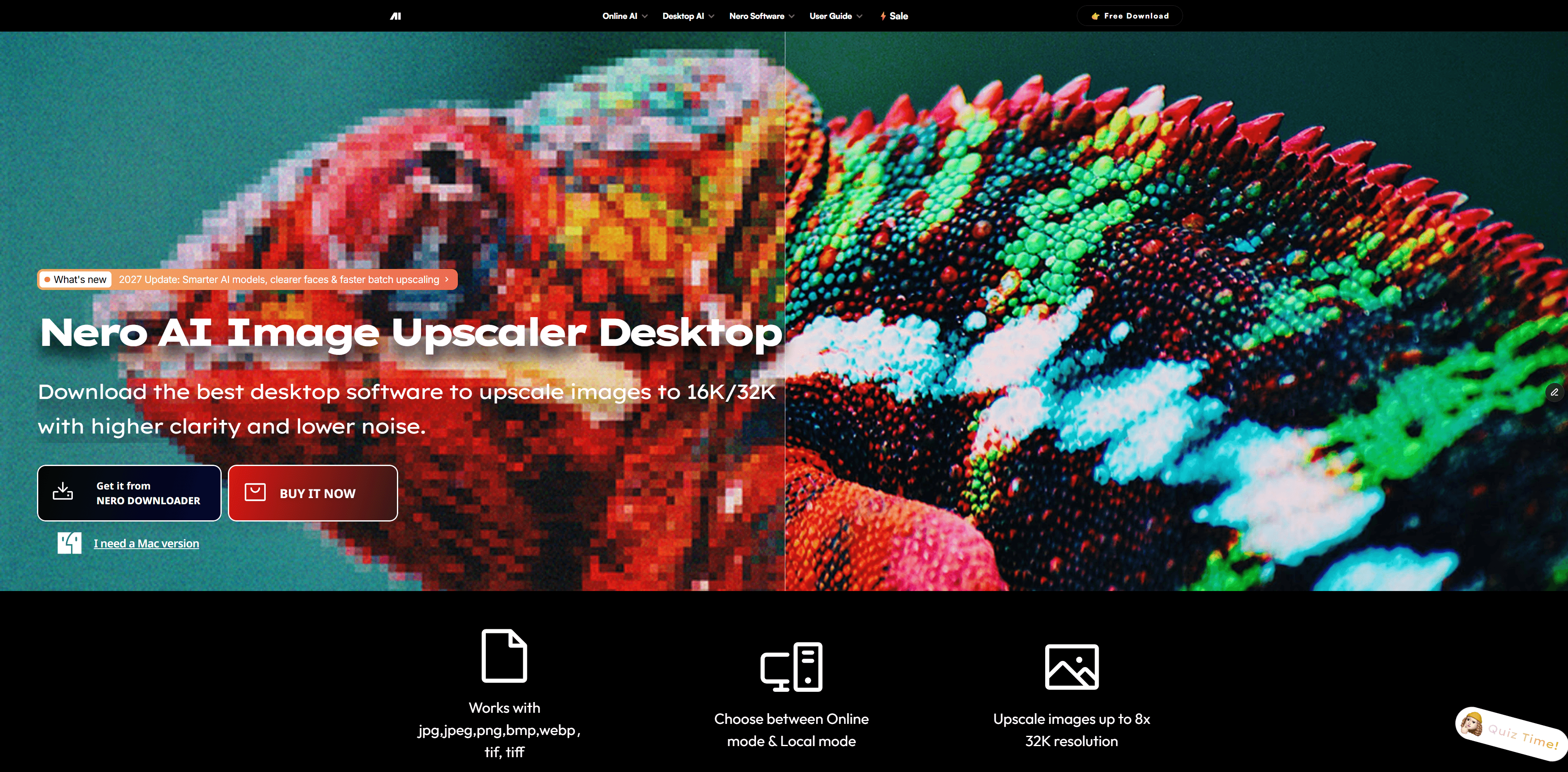
Nero AI Image Upscaler is a desktop app for Windows and Mac. It runs 7 AI models, enlarges up to 8x with a 32K output ceiling, and lets you choose between local and cloud processing on a per-job basis. At $39.96 a year or $103.96 for a permanent license, it sits well under Gigapixel's annual cost and keeps a one-time purchase on the table.
Nero and Topaz Gigapixel Side by Side
Feature | Nero AI Image Upscaler | Topaz Gigapixel AI (2026) |
Buy-once option | $103.96 permanent licence | Not sold to new customers |
Annual subscription | $39.96/yr | $149/yr Personal, $499/yr Pro |
Max enlargement | 8x | 6x |
Max output | Up to 32K | Up to 32K |
Batch processing | Up to 100 images per run | Supported |
Processing modes | Local GPU or cloud, switchable per job | Local GPU or cloud, cloud tied to an active plan |
System requirements | 8 GB RAM, 20 GB storage | 16 GB RAM, 55 GB storage |
Interface languages | Multiple | English |
Learning curve | Preset-led, fewer calls per file | Deeper, built for manual configuration |
Comparison views | Single, Slider, Split | Before and after |
Free testing | Free trial, no card required | Web upscaler, 10 images, desktop trial exports watermarked |
Built around | Streamlined everyday enhancement | Professional restoration depth |
Read down the columns and the split is clear enough. Gigapixel goes deeper on model count and manual control, which is exactly what a retoucher billing by the hour wants. Nero goes further on enlargement, matches the 32K ceiling, asks half the RAM and roughly a third of the disk space, and keeps a one-time purchase on the table. For most people the first row decides it.
7 AI Models, Split Into Two Jobs
Nero divides its lineup into four upscale models and three enhancement models. That split matters more than the raw count, because it turns one hard decision into two easy ones. Pick an upscale model based on what the image is, then add enhancement only where the file actually needs repair.
Upscale models:
Standard: balanced pick for general photos, scenery, architecture, and product shots
Photo: real-life shots from a phone or camera, portraits, nature, everyday scenes
Anime: anime, illustrations, paintings, and digital artwork
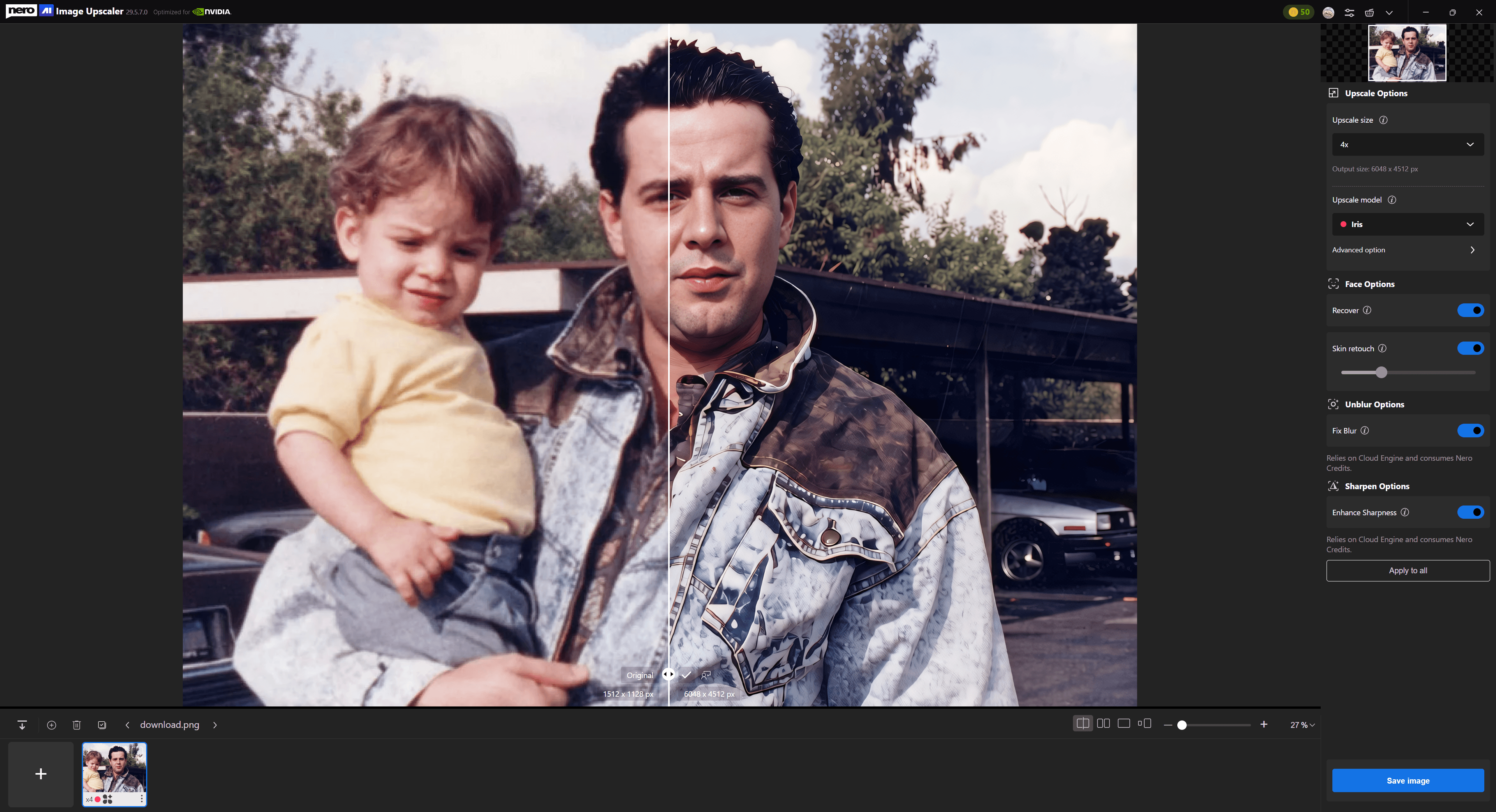
Iris: recovers fine detail in portraits, hair, fur, and textures
Enhancement models, stackable on top of any upscale model:
Face Enhancement: restores blurry faces naturally
Sharpen: improves clarity, texture, and edge definition
Unblur: recovers photos softened by motion, camera shake, or a missed focus
The practical effect is a shorter path to a usable result. A soft portrait needs Photo plus Face Enhancement, not a hunt through a longer list. You can also preview and switch models before committing to the full run, which keeps the guesswork cheap.
Local or Cloud, Your Call Per Job
Nero's desktop app supports both local and cloud processing. Local mode runs on your own GPU, making it a good fit for sensitive files, offline work, and users who prefer to keep processing on their own machine. Its hardware requirements are also lower than Topaz Gigapixel's, so local processing is more accessible on mid-range Windows PCs.
Cloud mode sends the job to Nero's servers instead. This can be more practical for large batches or high-resolution projects that would otherwise keep your computer busy for a long time.
Topaz Gigapixel also offers cloud rendering with an active subscription, so cloud access is not unique to Nero. The more useful distinction is local flexibility. Nero lets users switch between local and cloud processing, while its permanent licence keeps local processing available without an ongoing subscription.
Pricing: How the Math Works Out
The permanent licence at $103.96 costs less than a single year of Topaz Gigapixel Personal.
Prefer to subscribe? Nero's $39.96 a year saves $109 annually against Gigapixel Personal. Against Gigapixel Pro at $499 a year, one permanent Nero licence covers itself in the first few weeks. Nero's own break-even, permanent licence versus its yearly plan, lands at roughly two and a half years, so anyone planning to upscale beyond that should buy once.
Other Topaz Gigapixel AI Alternatives Worth Considering
1. Nero AI Online Image Upscaler
The Nero AI Online Image Upscaler enlarges up to 400% in a browser, with no install and no card. It caps lower than the desktop app, which makes it a quick way to judge output quality on your own files before deciding anything.
2. Nero Lens for Mobile Image Upscaling
Nero Lens is a mobile AI photo enhancer for iPhone and Android. It upscales images up to 4x and also includes denoising, face enhancement, photo restoration, and colorization. A good fit for quick photo enhancement without a desktop workflow.
2. AVCLabs PhotoPro AI
AVCLabs reaches past pure upscaling into denoising, colour calibration, background removal, black-and-white colourisation, and scratch removal. Enlargement runs to 4x with 16K output, priced at $19.95 monthly, $79.95 yearly, or $99.90 for a perpetual licence, the cheapest buy-once figure in this group. It expects a local GPU with 16 GB of RAM recommended. Restoration-heavy workflows are where it earns its keep.
3. HitPaw FotorPea
HitPaw matches Nero on 8x and 32K output and ships nine models, the broadest selection here alongside Topaz. Its perpetual licence runs $130.39, and the monthly rate is $22.39. Exports from the free trial carry a watermark. Choose it if maximum model variety matters more than price.
4. Fotor
Fotor is an all-in-one creative workspace with AI upscaling as one feature among many. Four models cap at 4x, it runs in a browser plus desktop and mobile, and it costs $39.99 a year with a 7-day trial. Casual social work fits it well. Dedicated upscalers pull ahead once print sizes and fine detail enter the picture.
5. FlexClip
FlexClip is primarily an online AI video maker and editor, with tools for creating social media, marketing, and business content. Its browser-based AI Image Upscaler enlarges images up to 4x without requiring a separate installation. It is a convenient choice for creators who mainly work with video but occasionally need to improve low-resolution images as part of the same workflow.
6. Upscayl (Free, Open-Source)
Upscayl wraps Real-ESRGAN models for 2x, 4x, and 16x enlargement. It is free, open-source, available on Windows, macOS, and Linux, and it accepts custom model imports. General photos and clean-contoured digital art come out well. There is no face-specific model, complex textures can smooth out, the interface stays deliberately minimal, and a decent local GPU is still required.
Quick Comparison: All Alternatives at a Glance
Here is how the options stack up side by side. If you want a wider roundup with more tools and hands-on notes, our Best AI Image Upscaler in 2026 comparison covers that ground.
Tool | Price | Platform | Max Upscale | Best For |
Topaz Gigapixel AI | $149/yr Personal, $499/yr Pro | Desktop, cloud included | 6x | Photographers wanting the widest pro model set |
Nero AI Image Upscaler | $39.96/yr or $103.96 permanent | Desktop (Win/Mac), local or cloud | 8x/32K | All-round alternative with a one-time option |
Nero AI Online Upscaler | Free trial | Online | 4x | Quick browser-based tests |
Nero Lens | Free; Pro from $29.99/yr | iPhone, Android | 4x | Phone users who want quick upscaling and photo enhancement |
AVCLabs PhotoPro AI | $79.95/yr or $99.90 perpetual | Desktop | 4x/16K | Restoration plus upscaling, cheapest perpetual |
HitPaw FotorPea | $22.39/mo or $130.39 perpetual | Desktop | 8x/32K | Widest model choice with a buy-once path |
Fotor | $39.99/yr | Online, desktop, mobile | 4x | Casual users wanting one creative suite |
FlexClip | Free AI trial, paid plans available | Online | 4x | Video creators needing occasional image upscaling |
Upscayl | Free | Desktop | 16x | Budget users and open-source fans |
Frequently Asked Questions
Is Nero AI Image Upscaler as good as Topaz Gigapixel AI?
For most image types the two land in comparable territory, with Nero's 7 models covering photography, anime, portraits, and general content. Nero adds a higher 8x ceiling at 32K output and a $103.96 permanent licence. Gigapixel still offers the wider model set for specialised professional work.
How much does Topaz Gigapixel AI cost in 2026?
$149 a year for Personal or $499 a year for Pro, with Studio bundles available that include Gigapixel alongside other Topaz apps. The former $99 perpetual licence is no longer sold to new customers following the late-2025 change.
Is there a free alternative to Topaz Gigapixel AI?
Upscayl is free and open-source, built on Real-ESRGAN models, though it needs a desktop with capable GPU hardware. Nero AI Image Upscaler also offers a free trial with no card required.
Can I use Nero AI Image Upscaler without a powerful GPU?
Yes. Cloud mode runs the job on Nero's servers rather than your machine, and it is included with the licence. Local processing stays available whenever you would rather keep files offline.
Does Nero AI Image Upscaler support batch processing?
Yes. The desktop app queues up to 100 images, and one button starts or cancels the whole batch.
What is the maximum output resolution of Nero AI Image Upscaler?
Up to 32K, reached through 8x enlargement, which goes beyond Topaz Gigapixel's 6x ceiling.
Can Nero AI Image Upscaler replace Topaz Gigapixel AI for professional photography?
For most workflows, yes. Photo handles natural detail preservation, Iris pulls back fine texture in hair and fur, and Face Enhancement covers portrait retouching. Run your own file types through the free trial before switching, since source material varies more than any spec sheet suggests.
Does Nero AI Image Upscaler work on Mac?
Yes. The desktop app is available for Windows and macOS, and the browser version works on any platform.
Bottom Line: Should You Switch from Topaz Gigapixel AI in 2026?
Gigapixel remains a genuinely strong upscaler, and the nine-model lineup still suits photographers who want maximum control. The question is whether that depth is worth $149 every year in your particular case.
Occasional users: a free trial or Upscayl will likely cover you. An annual subscription is hard to justify for a handful of images.
Professional photographers: try Photo, Iris, and Face Enhancement on your own files. The 8x ceiling at 32K and the $103.96 permanent licence are the two things Gigapixel cannot currently match.
Commercial studios: weigh one permanent licence against Gigapixel Pro at $499 a year, and factor cloud mode into your hardware planning.
Cross-media creators: Nero sells its Image and Video products separately, so you can buy only the piece you actually need.