


検索を開始
選択を確認
重複を削除
検索を開始
選択を確認
重複を削除
Put an end to unnecessary pictures
Have you archived your photos for years on your PC and connected devices? Now you realize that you have a fairly large number of duplicate and similar images on your PC that take up valuable storage space? Rest assured that you're not the only one who has this experience.
Nero Duplicate Cleaner helps you find duplicate and similar images quickly and accurately.

Your reliable problem solver
The problem
Anyone who uses their PC to archive their photo collection from smartphones, digital cameras, USB sticks, online storage and the like will know the problem. How many others will you probably have experienced these typical cases:
Duplicate images piled up from different devices
Duplicated pictures of sharing with family and friends
Copies of duplicated images that were accidentally created
Nearly identical images through image processing (filters, color correction, etc.)
Almost identical images due to resizing
Nearly identical images through continuous shooting
Almost identical images through HDR image sequences imported from your smartphone
Almost identical images of many similar motifs
Identical images stored in different image formats
The solution - It's that simple
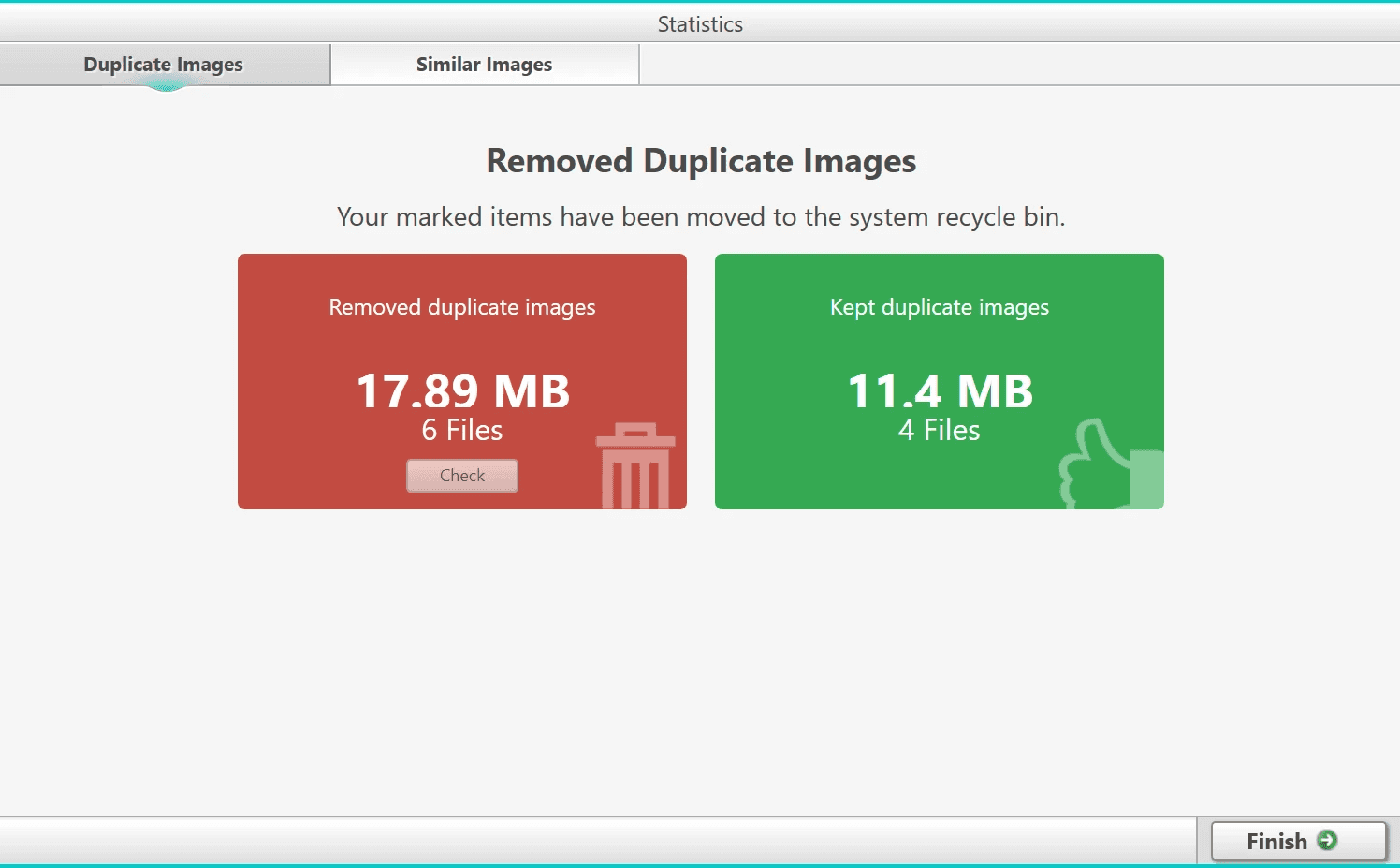
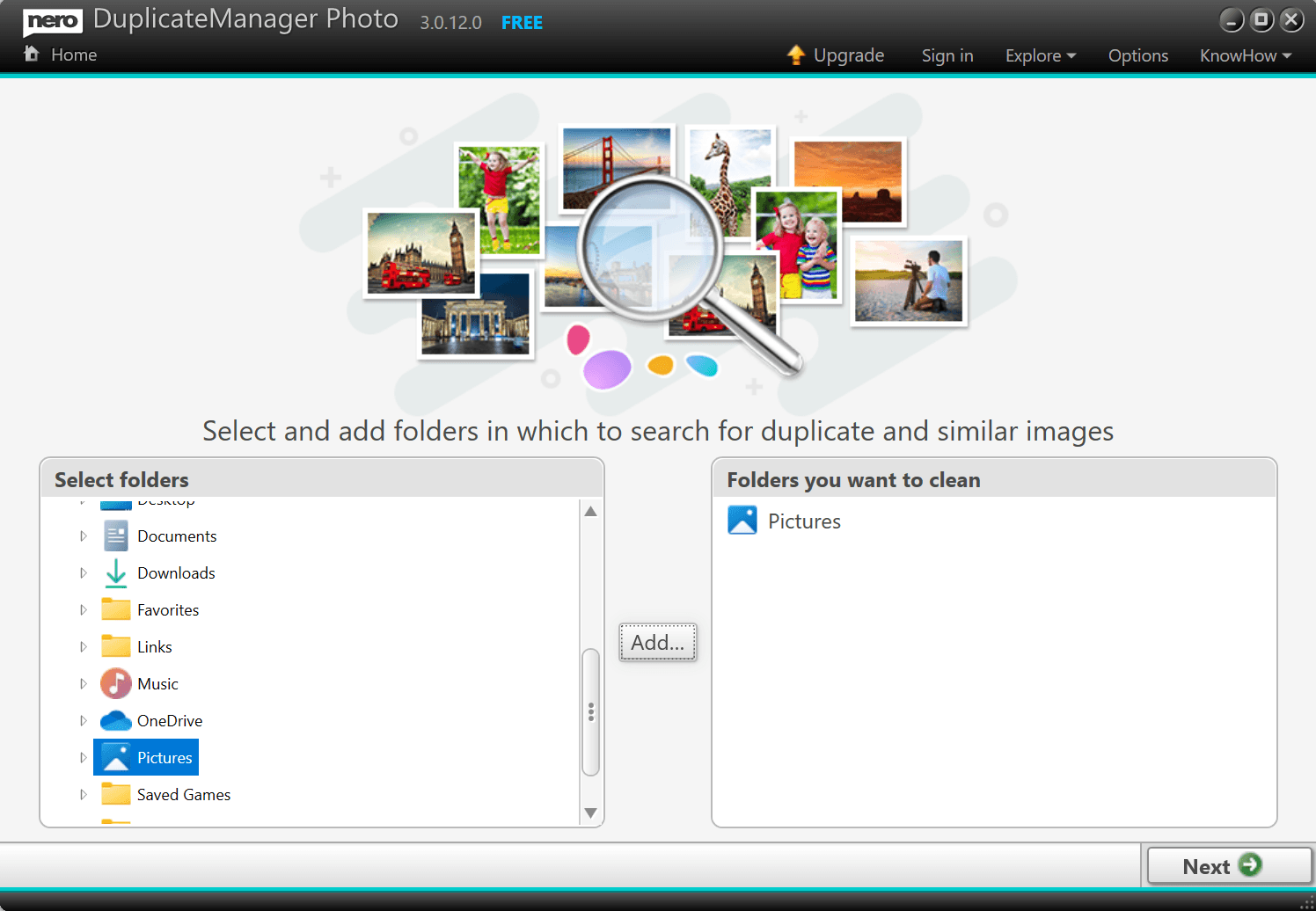
Simply select one or more of your specific cleanup folders and start image recognition.
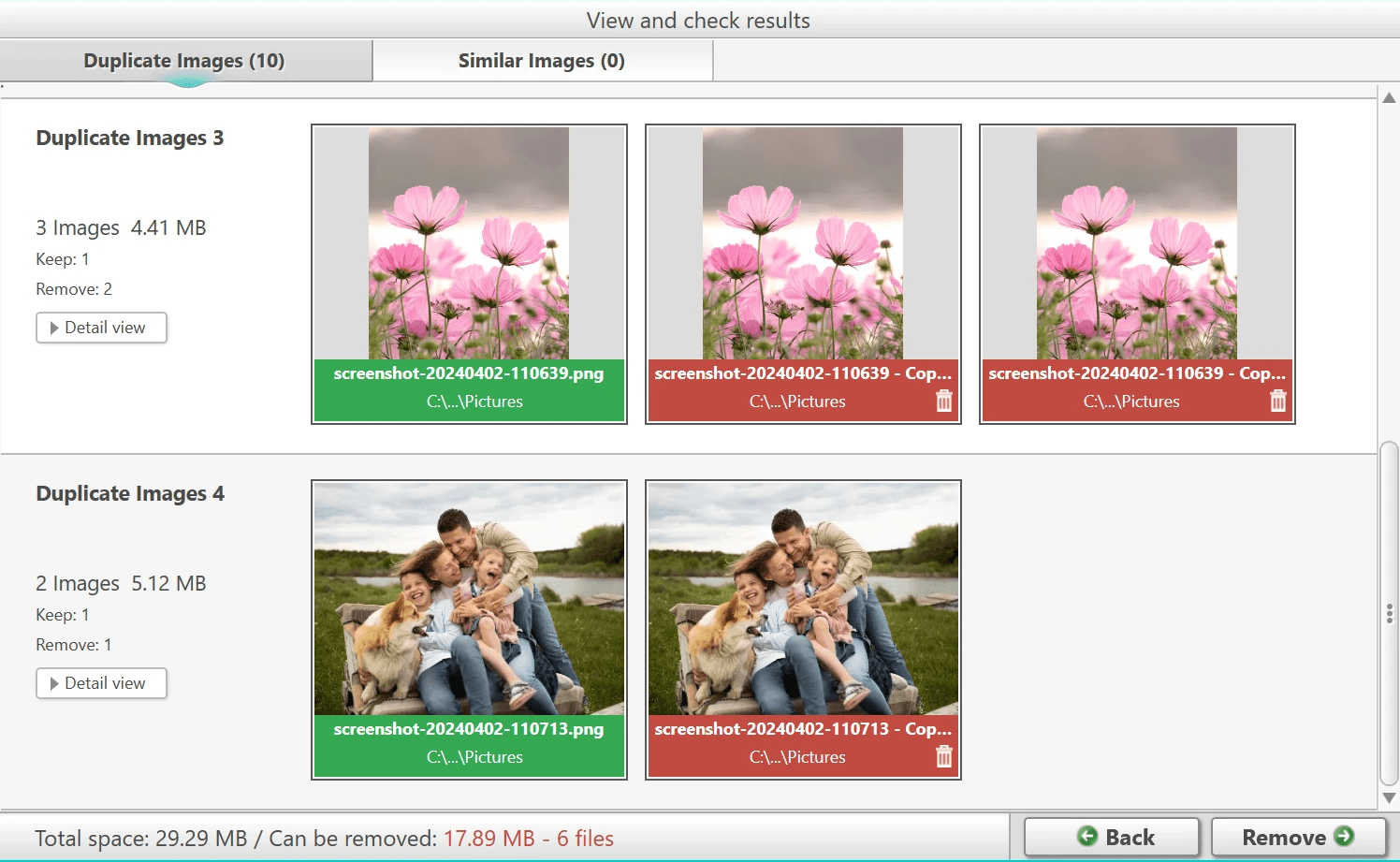
The Image Cleanup mode for exact duplicates shows what you should keep and what you should safely delete, while the similar Image Recognition mode conveniently automatically categorizes your similar images into "Places", "Series", "Motifs", "Resize", "Formats" and more.
This makes it extremely easy for you to find, compare and decide which types of similar images you want to keep and clean.
Put an end to unnecessary pictures
Have you archived your photos for years on your PC and connected devices? Now you realize that you have a fairly large number of duplicate and similar images on your PC that take up valuable storage space? Rest assured that you're not the only one who has this experience.
Nero Duplicate Cleaner helps you find duplicate and similar images quickly and accurately.
Your reliable problem solver
The problem
Anyone who uses their PC to archive their photo collection from smartphones, digital cameras, USB sticks, online storage and the like will know the problem. How many others will you probably have experienced these typical cases:
Duplicate images piled up from different devices
Duplicated pictures of sharing with family and friends
Copies of duplicated images that were accidentally created
Nearly identical images through image processing (filters, color correction, etc.)
Almost identical images due to resizing
Nearly identical images through continuous shooting
Almost identical images through HDR image sequences imported from your smartphone
Almost identical images of many similar motifs
Identical images stored in different image formats
The solution - It's that simple
Simply select one or more of your specific cleanup folders and start image recognition.
The Image Cleanup mode for exact duplicates shows what you should keep and what you should safely delete, while the similar Image Recognition mode conveniently automatically categorizes your similar images into "Places", "Series", "Motifs", "Resize", "Formats" and more.
This makes it extremely easy for you to find, compare and decide which types of similar images you want to keep and clean.
"Whether you're a photography enthusiast or a busy individual looking to streamline photo organization, Nero Duplicate Cleaner offers a reliable solution for optimizing storage space and enhancing productivity."
"Whether you're a photography enthusiast or a busy individual looking to streamline photo organization, Nero Duplicate Cleaner offers a reliable solution for optimizing storage space and enhancing productivity."
Nero Softwareのその他の製品
Nero Softwareのその他の製品


Related Source
Related Source

Nero Platinum Suite 2027 – What’s New
Discover what’s new in Nero Platinum Suite 2027, including subtitles, DVD subtitle export, media browsing, CD ripping, and AI image batch tools.
Read article

Best DVD Burning & Disc Copy Software for Windows 11 in 2026
Compare the best DVD burning software for Windows 11 in 2026, including Nero, ImgBurn, CDBurnerXP, and built-in tools for discs, ISOs, and copies.
Read article

How to Play DVDs on Windows 11: A Step-by-Step Guide
Learn how to play a DVD on Windows 11. Connect an internal or external DVD drive, use Nero DVD Player or VLC, and fix common playback problems.
Read article
Nero Platinum Suite 2027 – What’s New
Discover what’s new in Nero Platinum Suite 2027, including subtitles, DVD subtitle export, media browsing, CD ripping, and AI image batch tools.
Read article
Best DVD Burning & Disc Copy Software for Windows 11 in 2026
Compare the best DVD burning software for Windows 11 in 2026, including Nero, ImgBurn, CDBurnerXP, and built-in tools for discs, ISOs, and copies.
Read article
View all



Nero Softwareについて
Nero Softwareについて
私たちは、革新と最先端技術を損なうことなく、高品質で信頼性が高く、ユーザーフレンドリーなソフトウェアソリューションを顧客に提供することを目指しています。
30m+
ユーザー
30m+
ユーザー
30+
年の実績
30+
年の実績