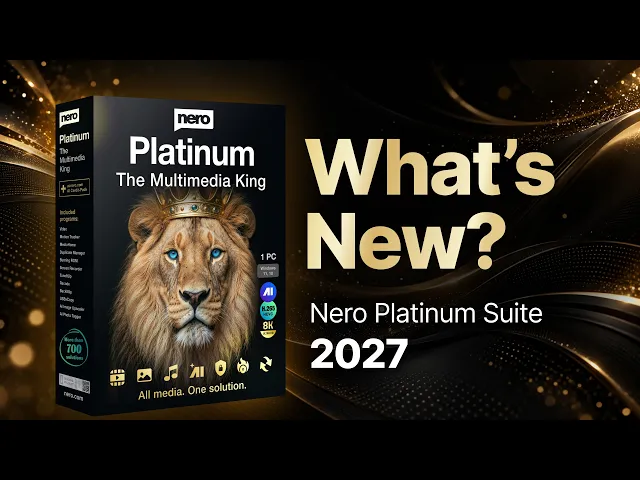

Digitize your whole music library faster with the new CD Ripper in Nero Burning ROM 2027. Rip multiple audio CDs with reusable settings and auto-eject. Organize tracks with custom file names and get accurate Gracenote album info. Launch it from the Rip Audio CD button in the main toolbar.


Organize photos and videos your way with Nero MediaHome 2027. Browse your original Windows folders or switch to smart Faces and Places views, all in one media library.

Extract DVD subtitles with Nero Recode 2027. Export each subtitle track as separate SUB/IDX files instead of burning it into the video, so you can turn subtitles on or off or switch languages anytime.


Add subtitles to videos faster with Nero Video 2027. Import SRT files, auto-generate subtitles with speech recognition, edit text and styles, then export, all in one video editor.


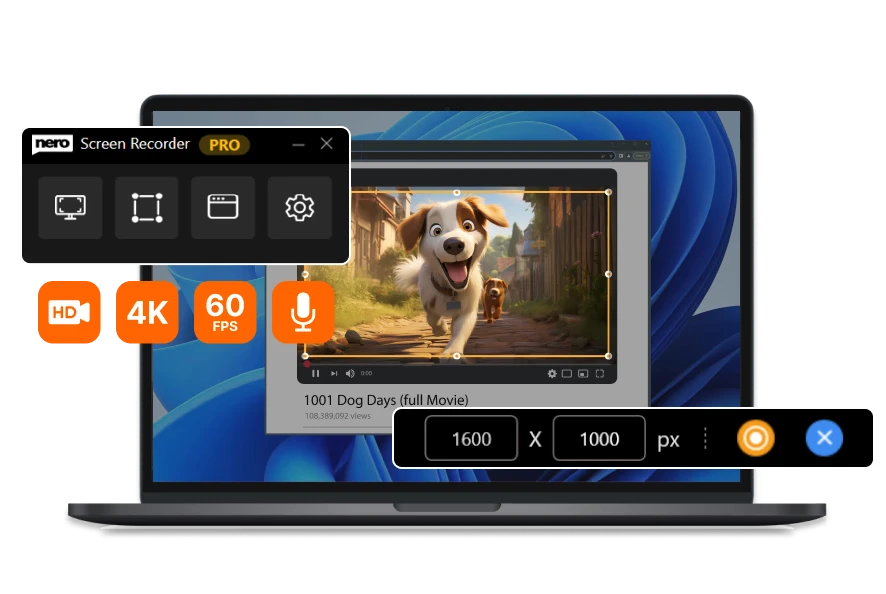
Make screen recordings easier to follow with Nero Screen Recorder 2027. After recording, change the mouse cursor's style and size, and balance system sound against your microphone for clearer tutorials and demos.
Note: Nero Platinum Suite 2027 includes the Basic version of Nero Screen Recorder. Pro features require a separate upgrade.


#02: Fine-Tune Audio Balance

Upscale and enhance more photos in less time with Nero AI Image Upscaler 2027. Crop images right inside your workflow, import up to 100 images at once and batch export the results in a single session.
Note: Nero Platinum Suite 2027 includes the Basic version of Nero AI Image Upscaler. Pro features are not included.







Best known for Nero Burning ROM, we continue to innovate in multimedia and AI technologies. From disc burning to intelligent video and photo tools, Nero delivers high-quality, easy-to-use software trusted by millions worldwide.