Upscale Nano Banana images to 16K
Upscale Nano Banana images to 16K
Upscale Nano Banana images to 16K
Turn blurry Nano Banana (Google Gemini) images into high-resolution results. Nero AI Image Upscaler uses advanced AI models to unblur details and upscale up to 16K.
Turn blurry Nano Banana (Google Gemini) images into high-resolution results. Nero AI Image Upscaler uses advanced AI models to unblur details and upscale up to 16K.

Turn into 16K with batch
Turn into 16K with batch
Turn into 16K with batch
Turn Banana AI outputs into 16K images ready for prints, covers, and key art.
Turn Banana AI outputs into 16K images ready for prints, covers, and key art.
More detail, same vibe
More detail, same vibe
More detail, same vibe
Keep Banana’s style, colors, and text while Nero AI adds clean extra detail.
Keep Banana’s style, colors, and text while Nero AI adds clean extra detail.
Work anywhere
Work anywhere
Work anywhere
Upscale single images or whole batches, online or on desktop, without slowing your workflow.
Upscale single images or whole batches, online or on desktop, without slowing your workflow.
Tailored for Every Nano Banana Project
Tailored for Every Nano Banana Project
Tailored for Every Nano Banana Project
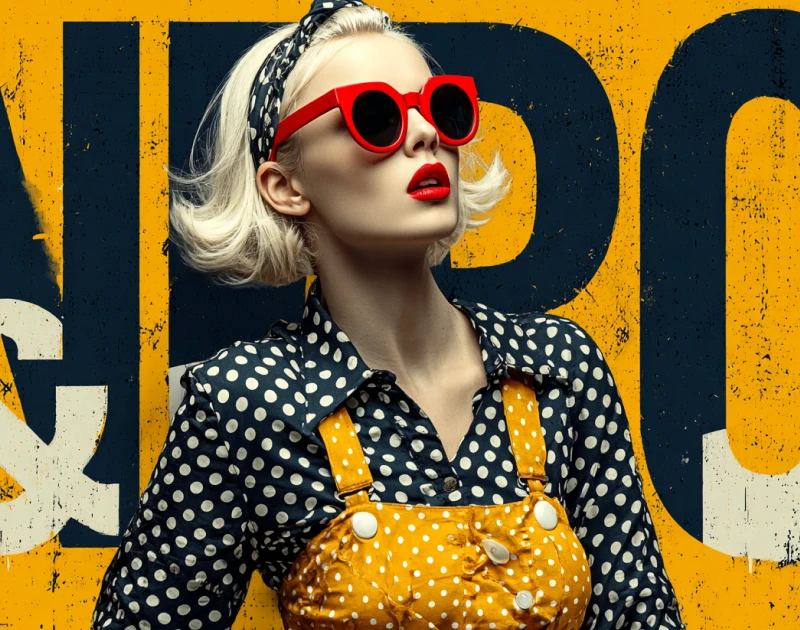
Marketing Posters & Ads
Upscale AI posters so headlines, logos, and details stay sharp on any screen or print.
Marketing Posters & Ads
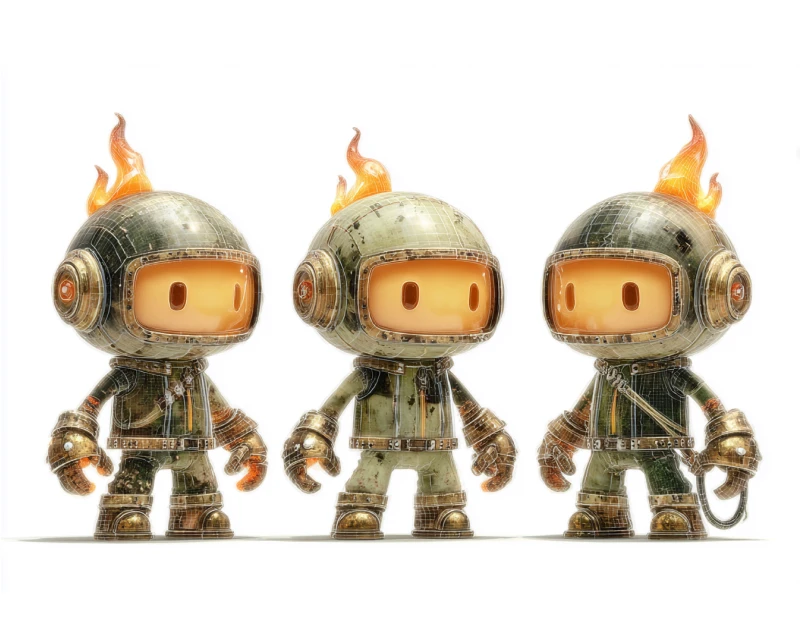
Characters & Mascots
Add extra resolution so your characters look clean in close-ups, covers, and key art.
Characters & Mascots

Storyboards & Frames
Make storyboard panels and film frames crisp enough for pitch decks and reviews.
Storyboards & Frames
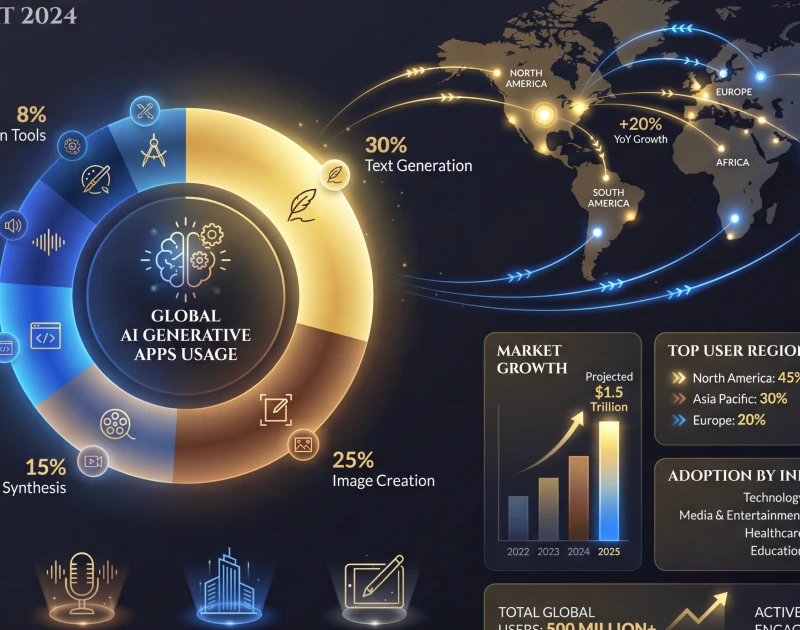
Infographics & Slides
Keep charts, labels, and UI elements readable on big displays and classroom projectors.
Infographics & Slides
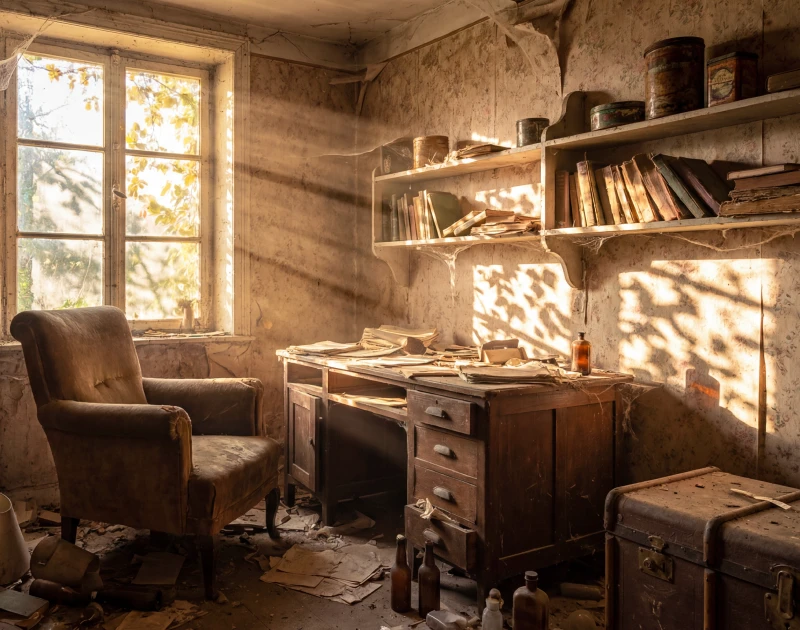
Complex Scenes
Enhance crowded scenes so lighting, textures, and edges hold up under zoom.
Complex Scenes
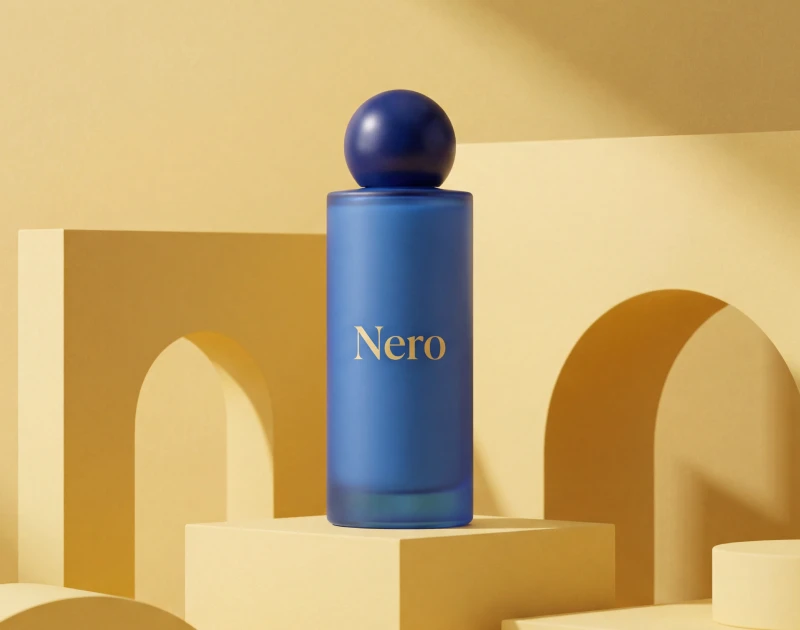
Brand Mockups
Sharpen packaging, product renders, and brand concepts for client presentations and stores.
Brand Mockups
Free Download
Turn concepts into print-ready art.
Turn concepts into print-ready art.
Turn concepts into print-ready art.
Nano Banana is great for quickly laying out posters, covers, and hero images with strong text and composition. The downside is that 1–4K exports start to look soft when you crop in or print bigger.
Send those files through Nero AI Image Upscaler to boost resolution up to 4×. It cleans artifacts and keeps logos, headlines, and fine textures crisp so the same image works for campaigns, storefronts, and thumbnails.
Nano Banana is great for quickly laying out posters, covers, and hero images with strong text and composition. The downside is that 1–4K exports start to look soft when you crop in or print bigger.
Send those files through Nero AI Image Upscaler to boost resolution up to 4×. It cleans artifacts and keeps logos, headlines, and fine textures crisp so the same image works for campaigns, storefronts, and thumbnails.
Install & Upscale Now
Make your characters look good up close.
Make your characters look good up close.
Make your characters look good up close.
Nano Banana can keep characters consistent across many images, which is perfect for games, comics, and brand mascots. But close-ups often reveal fuzzy edges, flat hair, and low-res backgrounds.
Upscaling with Nero AI Image Upscaler adds resolution and brings back detail in clothing, armor, hair, and environments. You can then crop, reframe, and reuse those frames as key art or pitch visuals without the usual AI blur.
Nano Banana can keep characters consistent across many images, which is perfect for games, comics, and brand mascots. But close-ups often reveal fuzzy edges, flat hair, and low-res backgrounds.
Upscaling with Nero AI Image Upscaler adds resolution and brings back detail in clothing, armor, hair, and environments. You can then crop, reframe, and reuse those frames as key art or pitch visuals without the usual AI blur.
Install & Upscale Now
Keep clean text at higher resolution.
Keep clean text at higher resolution.
Keep clean text at higher resolution.
For dashboards, infographics, and UI mocks, Nano Banana does a nice job arranging clear text and structure. Once you put those images on a big screen or in a deck, though, labels and icons can start to look a bit soft.
Nero AI Image Upscaler lets you scale them up for slides, monitors, and print while keeping text sharp and diagrams clean. Quick Banana drafts turn into assets you’re confident showing to clients, teams, or students.
For dashboards, infographics, and UI mocks, Nano Banana does a nice job arranging clear text and structure. Once you put those images on a big screen or in a deck, though, labels and icons can start to look a bit soft.
Nero AI Image Upscaler lets you scale them up for slides, monitors, and print while keeping text sharp and diagrams clean. Quick Banana drafts turn into assets you’re confident showing to clients, teams, or students.
Install & Upscale Now
Want more Nano Banana + Nero AI workflows?
Explore our full guide with prompts, tips, and examples.
Want more Nano Banana + Nero AI workflows?
Explore our full guide with prompts, tips, and examples.
Want more Nano Banana + Nero AI workflows?
Explore our full guide with prompts, tips, and examples.
View Banana Pro Guide 👉
View Banana Pro Guide 👉
How to Upscale Nano Banana Images With Nero AI Image Upscaler?
How to Upscale Nano Banana Images With Nero AI Image Upscaler?
How to Upscale Nano Banana Images With Nero AI Image Upscaler?
Free Download
Free Download
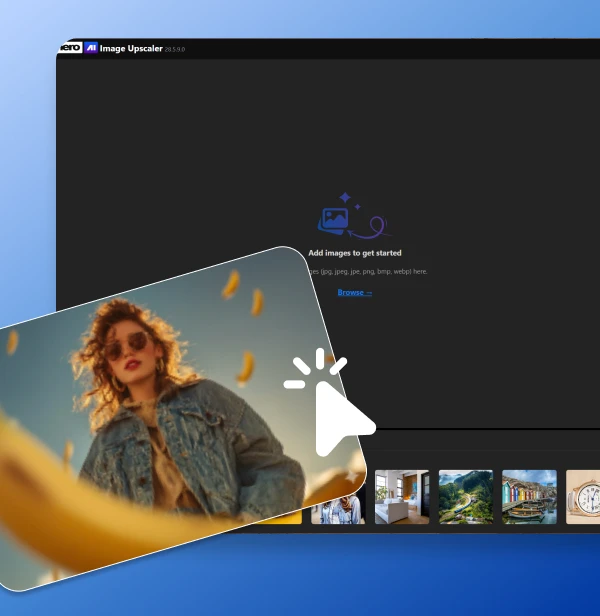
Upload your Nano Banana image
Generate your image with Nano Banana, then drag and drop it into Nero AI Image Upscaler or click Upload.
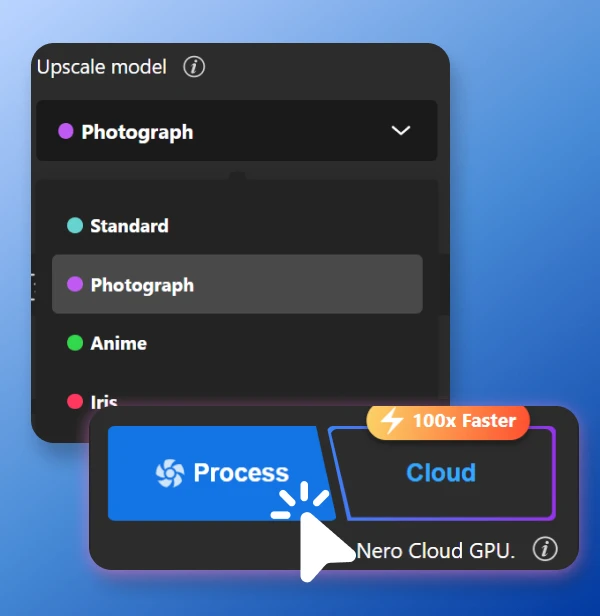
Pick an AI model and scale
Choose a model that fits your image (Photo, Art/Anime, Iris for fine detail, Face for portraits), or a custom size and preview the result.
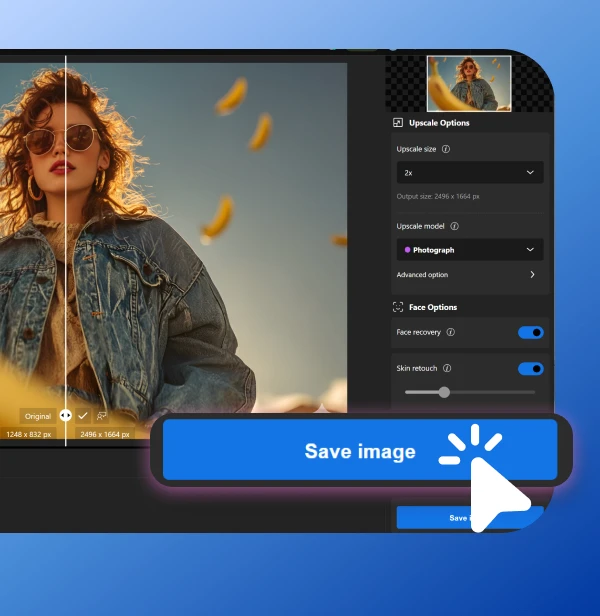
Export the enhanced version
When you’re happy with the preview, download your upscaled image and use it for print, web, slides, or any other high-resolution use case.
Upload your Nano Banana image
Generate your image with Nano Banana, then drag and drop it into Nero AI Image Upscaler or click Upload.
Pick an AI model and scale
Choose a model that fits your image (Photo, Art/Anime, Iris for fine detail, Face for portraits), or a custom size and preview the result.
Export the enhanced version
When you’re happy with the preview, download your upscaled image and use it for print, web, slides, or any other high-resolution use case.
Upload your Nano Banana image
Generate your image with Nano Banana, then drag and drop it into Nero AI Image Upscaler or click Upload.
Pick an AI model and scale
Choose a model that fits your image (Photo, Art/Anime, Iris for fine detail, Face for portraits), or a custom size and preview the result.
Export the enhanced version
When you’re happy with the preview, download your upscaled image and use it for print, web, slides, or any other high-resolution use case.
Loved by 75k+ customers
Loved by 75k+ customers
Loved by 75k+ customers



I sketch scenes in Nano Banana Pro, then run the best ones through Nero. The extra resolution and detail make them usable as in-game backgrounds and promo art.

I use Banana Pro for fast poster concepts, but the files are too small for big displays. Nero AI Image Upscaler takes them to 8K and they still look like my original design.

I generate characters with Nano Banana, upscale in Nero, then crop different angles for my blog and socials. The images stay sharp even when I zoom in.
We’ve got you covered
We’ve got you covered
We’ve got you covered
How do I use the Nero AI Image Upscaler?
To use the Nero AI Image Upscaler, you can download the app our official Nero Downloader. Import your image, select an AI model, and start processing. For more details, check our User Guide.
How does Nero AI Image Upscaler compare to Topaz Labs Gigapixel?
How does Nero AI Image Upscaler work?
Is there a free trial?
What types of images can your upscaler handle?
