

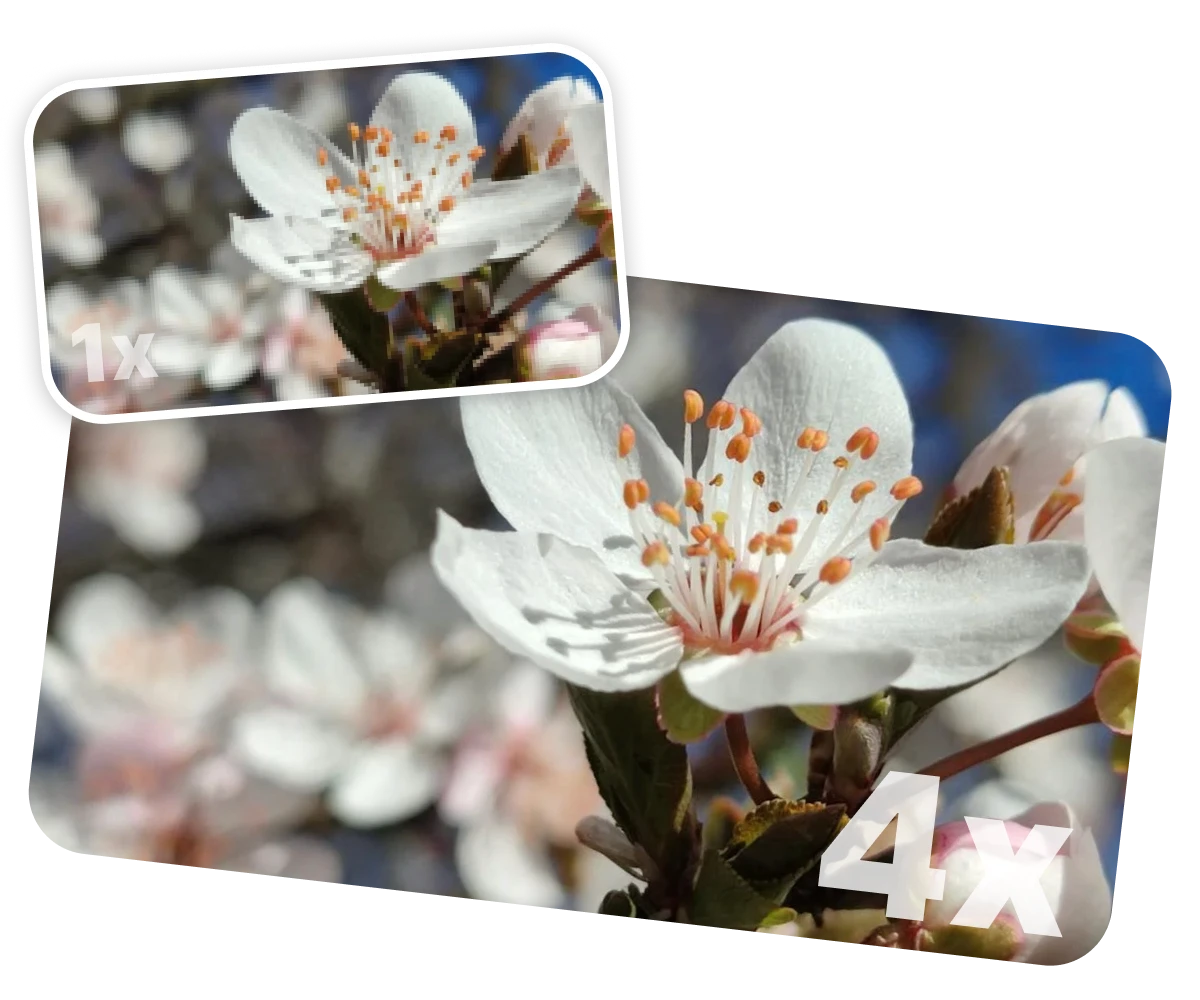
16K&32K, Flexible Upscale
Ultra-Large Output
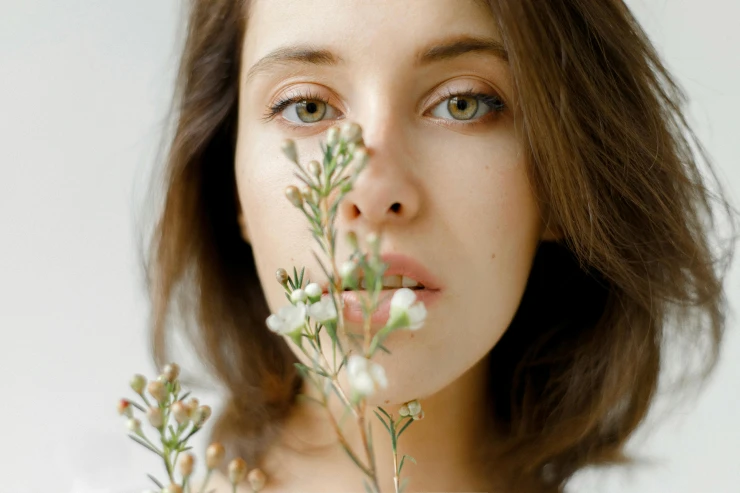
Portrait
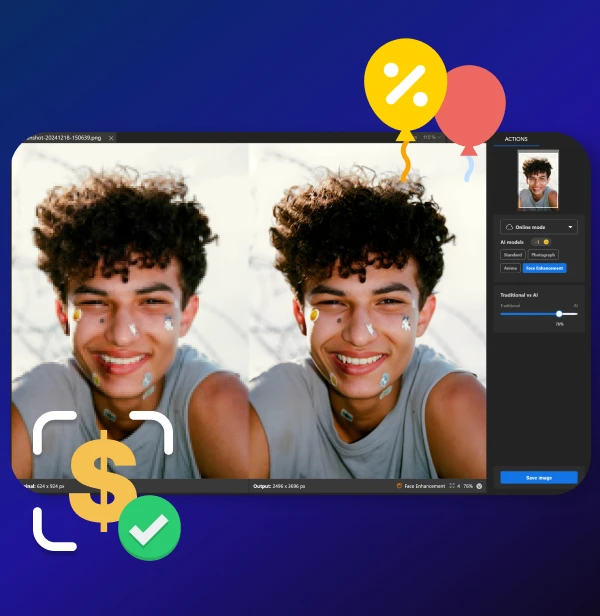
Enhance faces and headshots with clarity and realism.
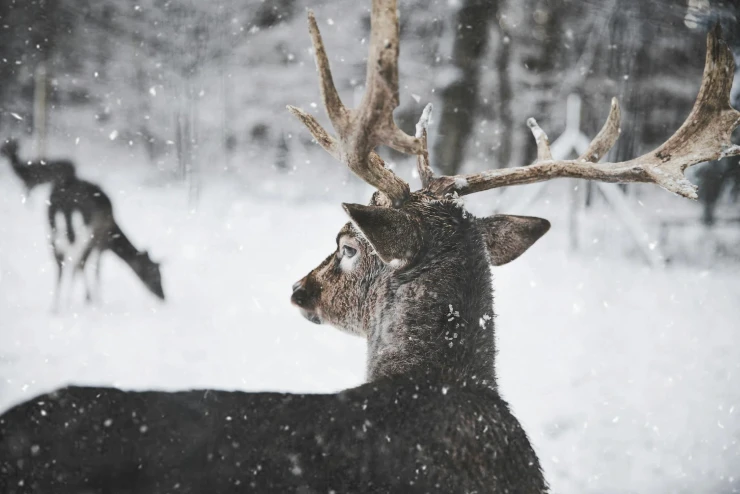
Wildlife
Sharpen fur, feathers, and distant wildlife with AI precision.
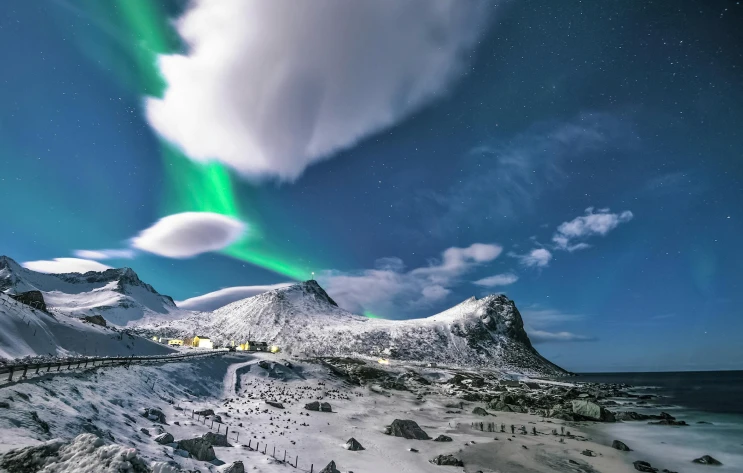
Landscape
Boost textures in nature shots, enhance for large-format printing.
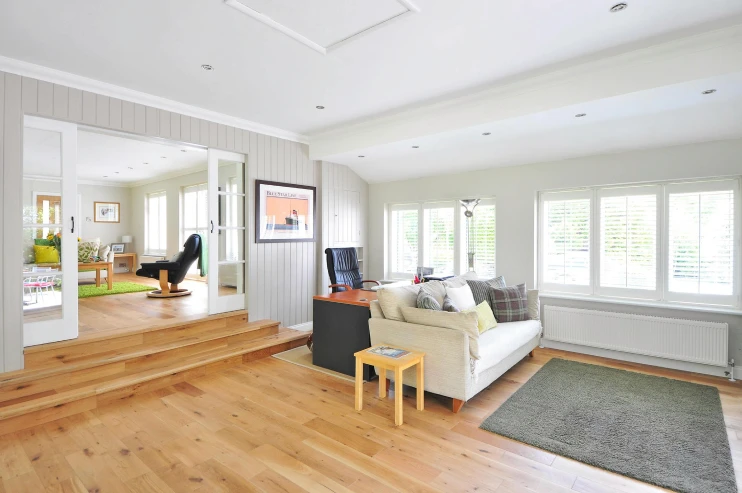
Architecture
Enhance interiors and building textures for listing photos.
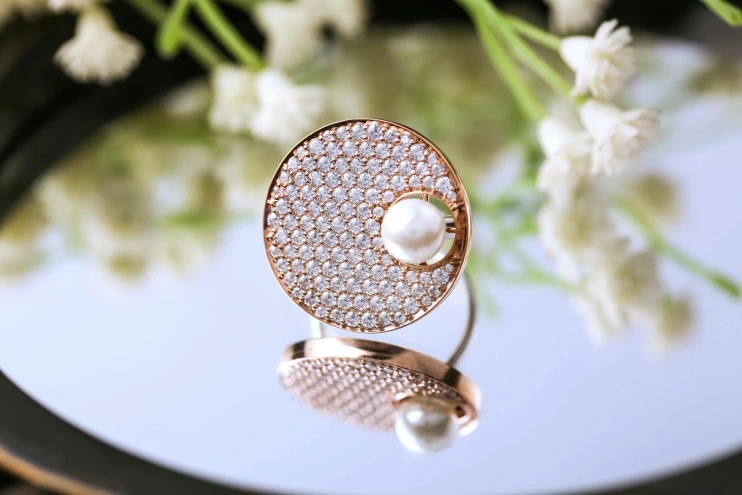
Product
Improve ecommerce visuals with sharp textures and clean surfaces.
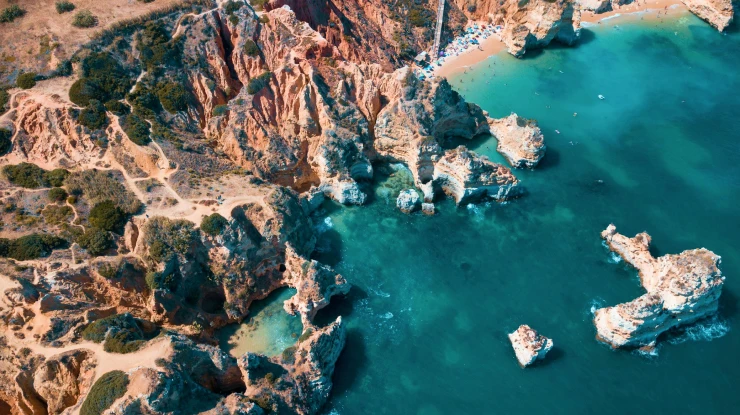
Drone
Preserve aerial detail, terrain, and horizon sharpness in high-res.





Shooting birds with a telephoto lens usually means dealing with noise and soft feathers. The Iris model sharpened every detail.

I upscale drone shots to 8K for gallery prints. Looks fantastic!

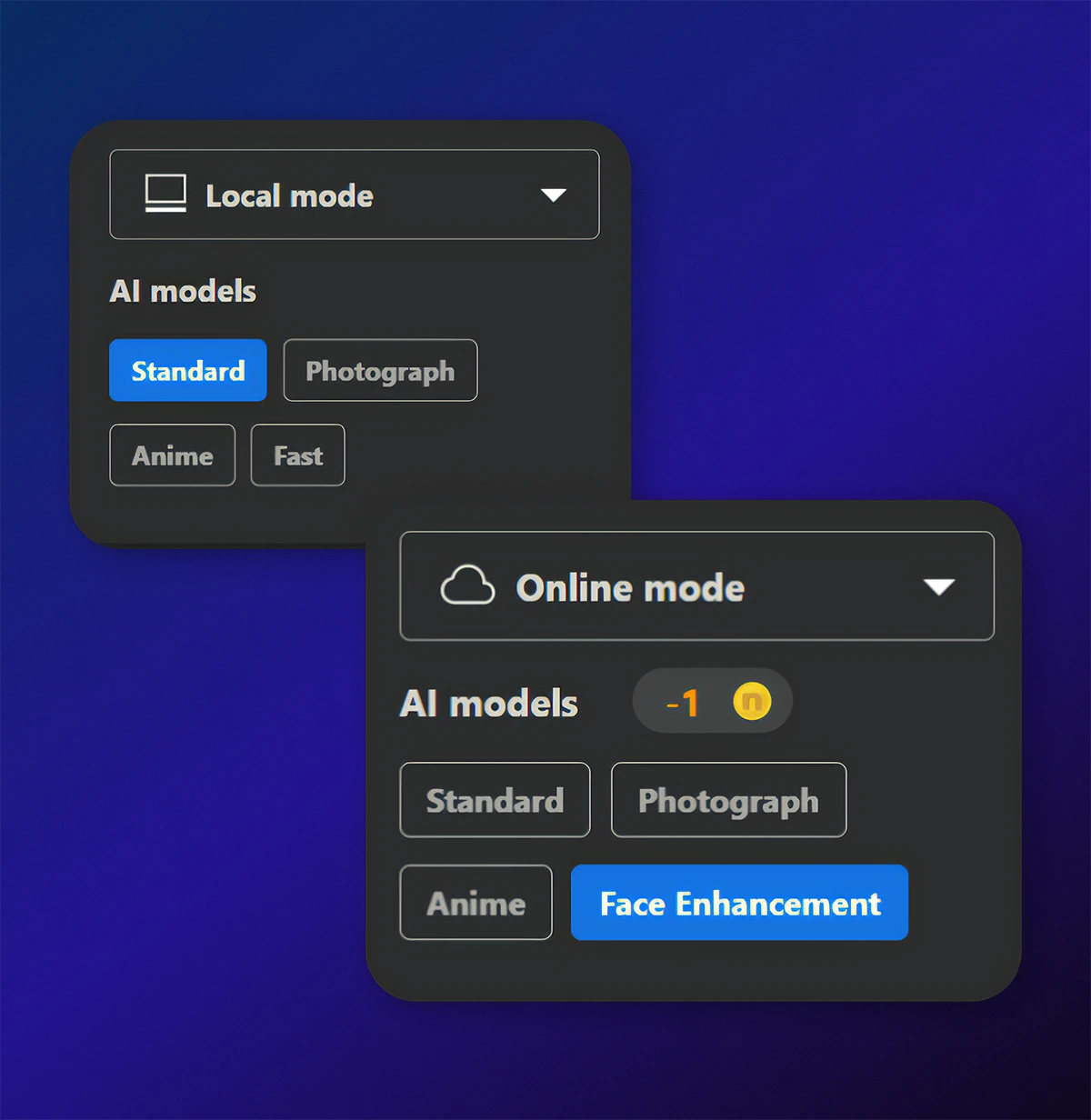
I used Nero AI to fix a series of low-light portraits — the Face Enhancement model brought out the eyes, skin texture, and natural tone beautifully.
How do I use the Nero AI Image Upscaler?
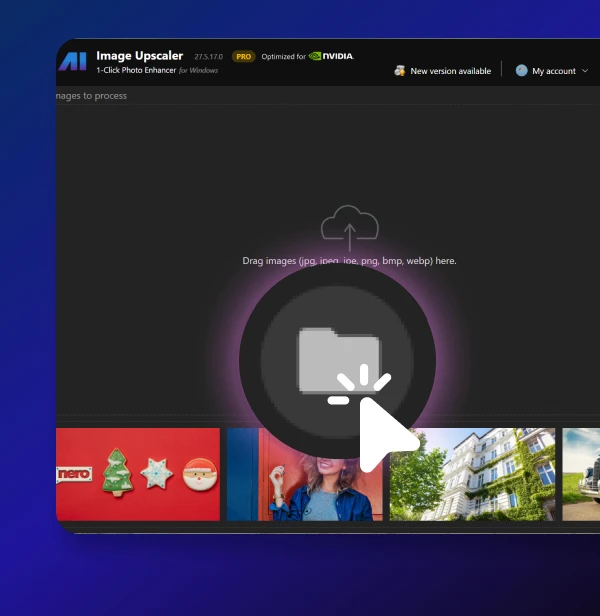
To use the Nero AI Image Upscaler, you can download the app our official Nero Downloader. Import your image, select an AI model, and start processing. For more details, check our User Guide.
